
RSS-Bridge
RSS feeds for websites and channels that don't have one.
No server needed to start: Cloudgate can provide one. What happens when you click Deploy




What is RSS-Bridge?
Self-hosted RSS-Bridge makes RSS feeds for websites, YouTube channels and social accounts that have none, ready for any feed reader.
RSS-Bridge is a free, open-source, self-hosted tool that makes RSS and Atom feeds for websites, channels and social accounts that don't offer one, in place of paid feed makers such as RSS.app and FetchRSS. You pick a site from its list of more than 400 bridges, type a channel name or page address, and get a feed link to follow in any feed reader.
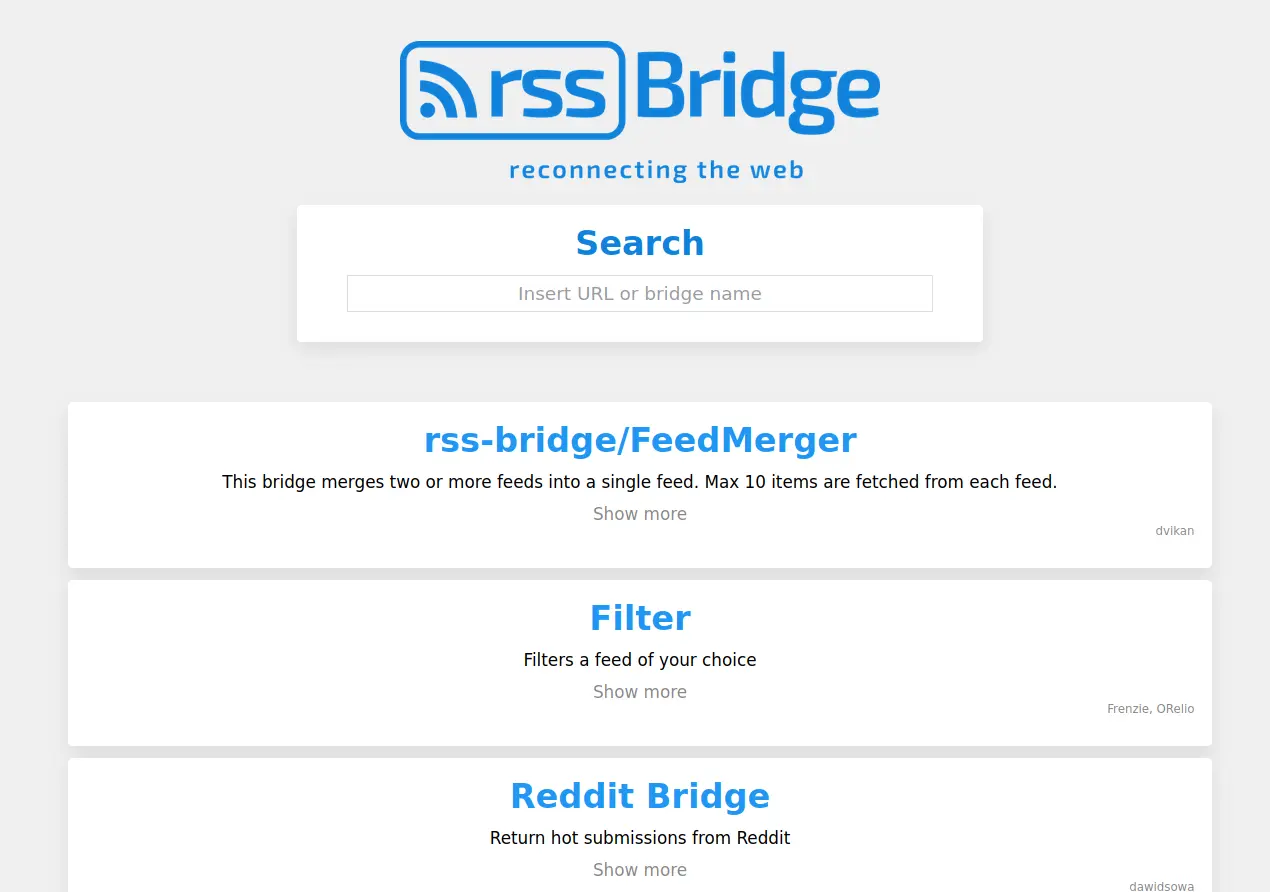
It covers YouTube, Reddit, Mastodon, public Telegram channels and many more, and it can make a feed from almost any other page when you name the parts to pick up. You can also filter a feed by keyword or merge several into one. A bike shop, for example, could follow its suppliers' news pages, which have no feed, and a filtered feed of a local forum that keeps only posts that mention the shop's town, all in the same reader as its usual blogs.
RSS-Bridge doesn't read feeds itself: pair it with a reader such as FreshRSS or Miniflux, or a reader app on your phone. Big social sites sometimes block it, so some bridges need an update now and then.
Cloudgate installs RSS-Bridge on a server Cloudgate provides or one you connect, gives it a secure web address and locks it with an access token, so only you can use it. There are no accounts to manage.
What you can do with RSS-Bridge
- Feeds for hundreds of sites More than 400 ready-made bridges turn YouTube channels, Reddit, Mastodon, Bluesky, public Telegram channels, Twitch and many more into feeds.
- A feed for any web page Point it at a page and name the parts to pick up, such as headlines and links, to make a feed from a site that has none.
- Find the right bridge fast Type a web address or a site's name in the search box to find the bridge that handles it.
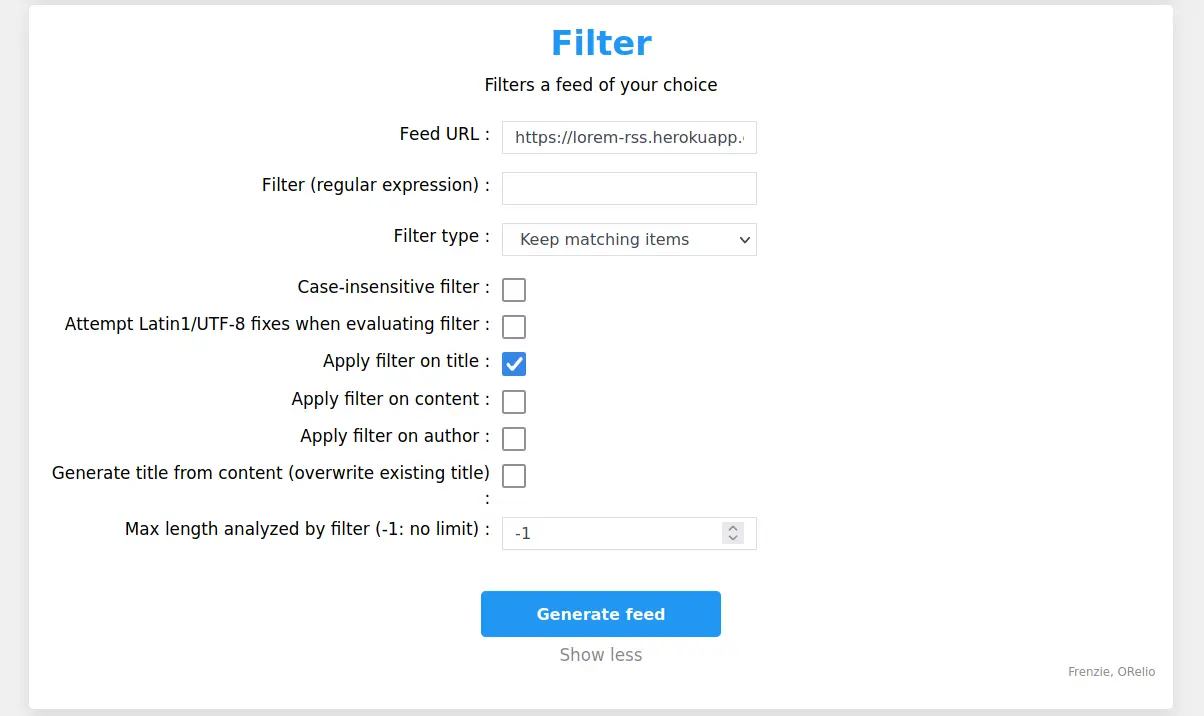
- Filter out the noise Keep or drop items that match a word or pattern in the title, text or author, or thin out a busy feed.
- Merge feeds into one Combine several feeds into a single one, so one subscription in your reader covers them all.
- Works with any feed reader Copy the feed link as Atom or RSS for FreshRSS, Miniflux or a phone app, or as JSON for other tools.
- Hear when a feed breaks If a site changes and a bridge stops working, the error arrives as an item in your reader.
Replaces RSS.app and FetchRSS
RSS-Bridge does the same job as RSS.app and FetchRSS. Here is what changes when you switch.
- No limit on how many feeds you make, and no subscription
- Hundreds of ready-made bridges for popular sites, not just page scraping
- The sites you follow are known only to your own server
- Filtering and merging feeds come built in
- No point-and-click picker; for a page without a bridge you name the parts to pick up yourself
- No widgets for embedding feeds on your website
- Big social sites sometimes block it, so some bridges stop working until the next update
- It makes feeds but doesn't read them; you need a feed reader as well
What happens when you click Deploy?
You do not need a server or any technical knowledge. Four steps, and RSS-Bridge is running at its own web address.
- Step 1 Click Deploy and create your account
Deploy takes you to Cloudgate. Create an account, or log in if you have one. RSS-Bridge itself is free.
- Step 2 Choose a server
No server? Get one from Cloudgate: pick a size and a country, and Cloudgate gets it ready. Already have one? Connect it instead.
- Step 3 Cloudgate sets up RSS-Bridge
It prepares the server, makes the passwords the app needs and starts it. There is nothing to install and nothing to write down.
- Step 4 Open your app and sign in
Your app gets a free web address to start, without https. Add your own domain, like app.yourshop.com, and Cloudgate secures it with https for you.
New to Cloudgate? See what Cloudgate is
Run Cloudgate yourself? Deploy from your own console
In your Cloudgate console, open Templates and choose RSS-Bridge.
Questions
Is RSS-Bridge free?
Yes, RSS-Bridge is free and open source, released into the public domain under the Unlicense. There is no paid edition and no limit on feeds; you pay only for your server.
Is RSS-Bridge a good alternative to RSS.app or FetchRSS?
Yes, if you want many feeds without a monthly plan. When we checked in November 2026, the free plans of RSS.app and FetchRSS allowed 2 and 5 feeds, refreshed once a day. RSS-Bridge has no such limits, but it has no point-and-click picker or website widgets.
Which websites does RSS-Bridge work with?
RSS-Bridge comes with more than 400 bridges, including YouTube, Reddit, Mastodon, Bluesky, public Telegram channels, Twitch and SoundCloud, and it can make a feed from almost any other page. Sites that block automated visits, such as some large social networks, may not work every time.
Do I need a feed reader as well?
Yes, RSS-Bridge only makes the feeds. You paste each feed link into a reader such as FreshRSS or Miniflux, or a reader app on your phone, and read the new posts there.
How do I sign in to RSS-Bridge the first time?
There are no user accounts. Cloudgate protects your RSS-Bridge with an access token that it shows you after setup; enter it once on the first page, and every feed link you make carries it, so your reader needs nothing else.
What server size do I need for RSS-Bridge?
The smallest server is enough. RSS-Bridge is one light app with no database, and its makers test it on a server with 512 MB of memory, so Cloudgate gives it the smallest size.
Do I need technical skills to run RSS-Bridge?
No. Click Deploy, create your Cloudgate account and choose a server, and Cloudgate sets up RSS-Bridge and gives it a web address. You use it in your browser like any other online tool.
Do I need my own server for RSS-Bridge?
No. When you deploy RSS-Bridge, hosted Cloudgate can provide a server. If you already rent one, you can connect it instead.
Can I move my data from RSS.app to RSS-Bridge?
Most people export from RSS.app and import into RSS-Bridge. The official guides at rss-bridge.github.io walk through it.
Related apps

RSS feeds for websites and accounts that have none.

A self-hosted library to read and listen, synced to Kobo and iPhone.

The calibre e-book manager, running in your browser tab.

A self-hosted e-book library to browse, read and send your books.