
Mini QR
Make branded QR codes with your logo, free and with no sign-up.
No server needed to start: Cloudgate can provide one. What happens when you click Deploy

What is Mini QR?
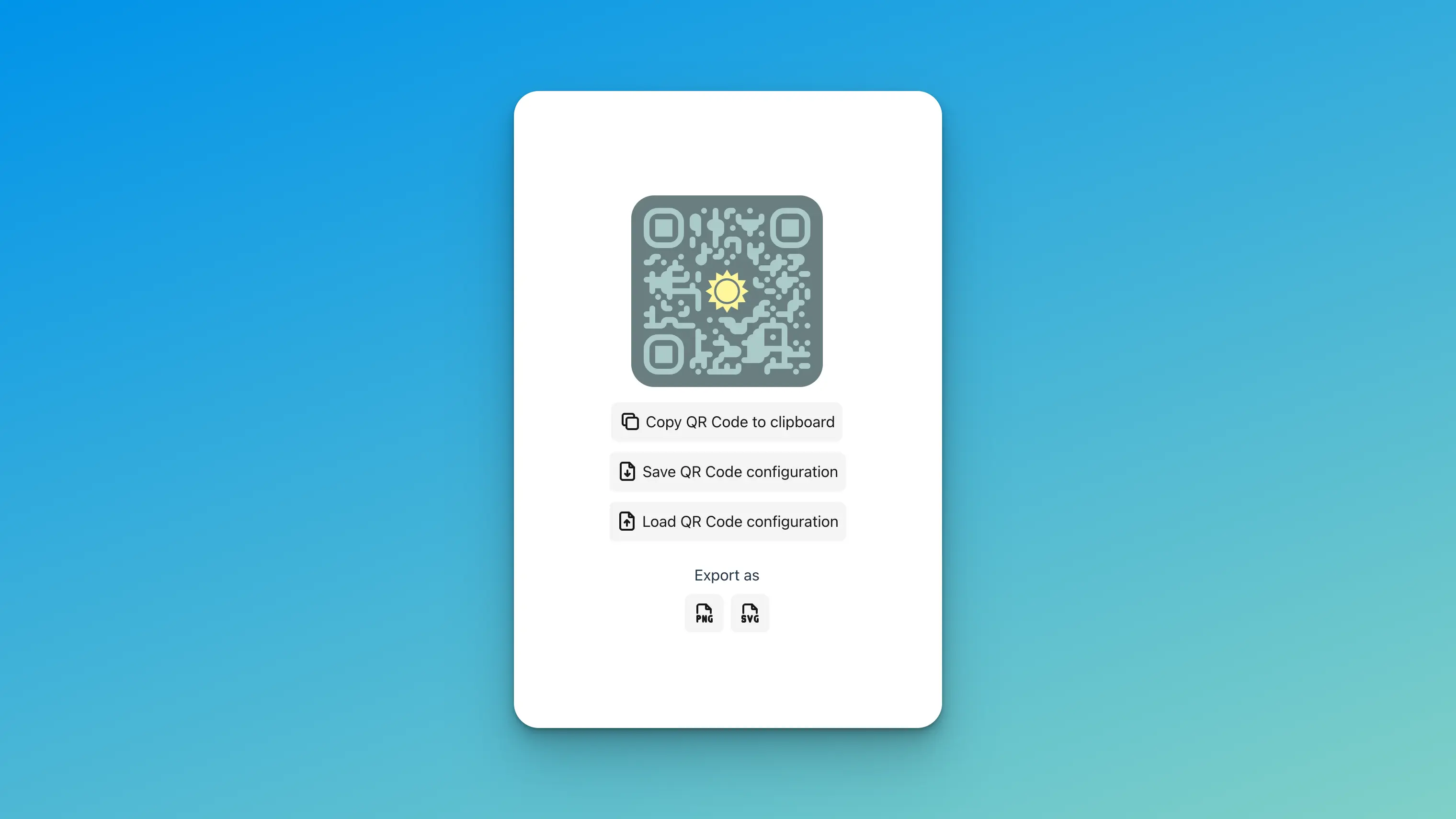
Mini QR is a self-hosted QR code generator and scanner: add your logo, colours and a frame, then download PNG, JPG or SVG, one at a time or in bulk.
Mini QR is a free, open-source, self-hosted QR code generator and scanner, and an alternative to paid tools such as QR Code Generator PRO and QR TIGER. You type a link or choose a code type, style the code with your colours, logo and a framed caption, and download it as PNG, JPG or SVG.
It covers the codes a small business prints most: a link to your menu or booking page, your Wi-Fi login for guests, a contact card, an email or text message, a place on the map, and a calendar event. A café could, for example, make one matching set of codes in its own colours for the menu, the guest Wi-Fi and its review page, then upload a spreadsheet to make a code for every table.
There are no accounts, the codes are made in your browser, and Mini QR stores nothing on the server. The codes are static: they keep working with no subscription, but you cannot change their link after printing or count scans. Mini QR works in any browser and can be installed like an app on a phone or computer.
Cloudgate installs Mini QR on a server Cloudgate provides or one you connect and gives it a secure web address; open it and start making codes.
What you can do with Mini QR
- Style codes to match your brand Choose colours, dot and corner shapes, or start from a ready-made style.
- Add your logo and a frame Put your logo in the middle and a frame with a short line such as "Scan for the menu".
- Ready-made code types Make codes for a web link, Wi-Fi login, contact card, email, text message, phone call, place or calendar event.
- Download in print quality Save each code as PNG, JPG or SVG, or copy it straight into a document.
- Make hundreds at once Upload a spreadsheet of links in CSV form and download a QR code for every row.
- Scan codes too Read a QR code with your camera or from a picture to check where it leads before you print.
- Reuse your settings Save a design to a file and load it again later, so every code you print matches.
Replaces QR Code Generator and QR TIGER
Mini QR does the same job as QR Code Generator and QR TIGER. Here is what changes when you switch.
- No subscription, and no limit on how many codes you make
- Codes that hold the link themselves, so they keep working if you stop paying anyone
- Logos, frames and bulk downloads without a paid plan
- No account, and nothing you type is stored on the server
- No dynamic codes, so you cannot change where a printed code points
- No scan counts or statistics
- No short links or hosted landing pages
What happens when you click Deploy?
You do not need a server or any technical knowledge. Four steps, and Mini QR is running at its own web address.
- Step 1 Click Deploy and create your account
Deploy takes you to Cloudgate. Create an account, or log in if you have one. Mini QR itself is free.
- Step 2 Choose a server
No server? Get one from Cloudgate: pick a size and a country, and Cloudgate gets it ready. Already have one? Connect it instead.
- Step 3 Cloudgate sets up Mini QR
It prepares the server, makes the passwords the app needs and starts it. There is nothing to install and nothing to write down.
- Step 4 Open your app and sign in
Your app gets a free web address to start, without https. Add your own domain, like app.yourshop.com, and Cloudgate secures it with https for you.
New to Cloudgate? See what Cloudgate is
Run Cloudgate yourself? Deploy from your own console
In your Cloudgate console, open Templates and choose Mini QR.
Questions
Is Mini QR free?
Yes. Mini QR is free, open-source software under the GPL-3.0 licence, with no paid plan and no limit on the number of codes. You pay only for the small server it runs on.
Is Mini QR a good alternative to QR Code Generator PRO?
Yes. Mini QR is a good alternative to QR Code Generator PRO for printed codes that point to a fixed link or hold Wi-Fi or contact details, with your logo, colours and a frame. Mini QR does not make dynamic codes or count scans, which are the main things QR Code Generator PRO and QR TIGER charge for.
Do QR codes made with Mini QR expire?
No. Mini QR makes static codes, which hold the link or text inside the code itself, so they work for as long as that link works, with no service in between.
Can I put my logo on a QR code?
Yes. Upload your logo and set its size and margin; Mini QR suggests an error-correction level so phones can still read the code with the logo in the middle.
Can I make many QR codes at once?
Yes. Upload a CSV file with one link or text per row, and Mini QR downloads a styled QR code for each row, with the frame text included if you use one.
Can I track scans or change the link after printing?
No. Mini QR has no scan statistics and no editable dynamic codes. If you need those, you could point the code at a short link from a link shortener you control.
Do I need an account to use Mini QR?
No. Mini QR has no accounts and no admin, and the codes are made in your browser. Anyone with the web address can use it, so share the address only with the people who need it.
Do I need my own server for Mini QR?
No. When you deploy Mini QR, hosted Cloudgate can provide a server. If you already rent one, you can connect it instead.
Can I move my data from QR Code Generator to Mini QR?
Most people export from QR Code Generator and import into Mini QR. The official guides at github.com walk through it.
Related apps

Let clients book time with you from a simple link.

A light, self-hosted booking link for consultants and small teams.

Answer website chat, email, WhatsApp and social in one inbox.

Lightweight self-hosted short links, with expiry and QR codes.