LedgerSMB
Double-entry accounting with orders, stock and invoices.
No server needed to start: Cloudgate can provide one. What happens when you click Deploy
What is LedgerSMB?
Self-hosted LedgerSMB: open-source double-entry accounting and ERP with quotes, orders, invoices, stock, and several currencies and companies.
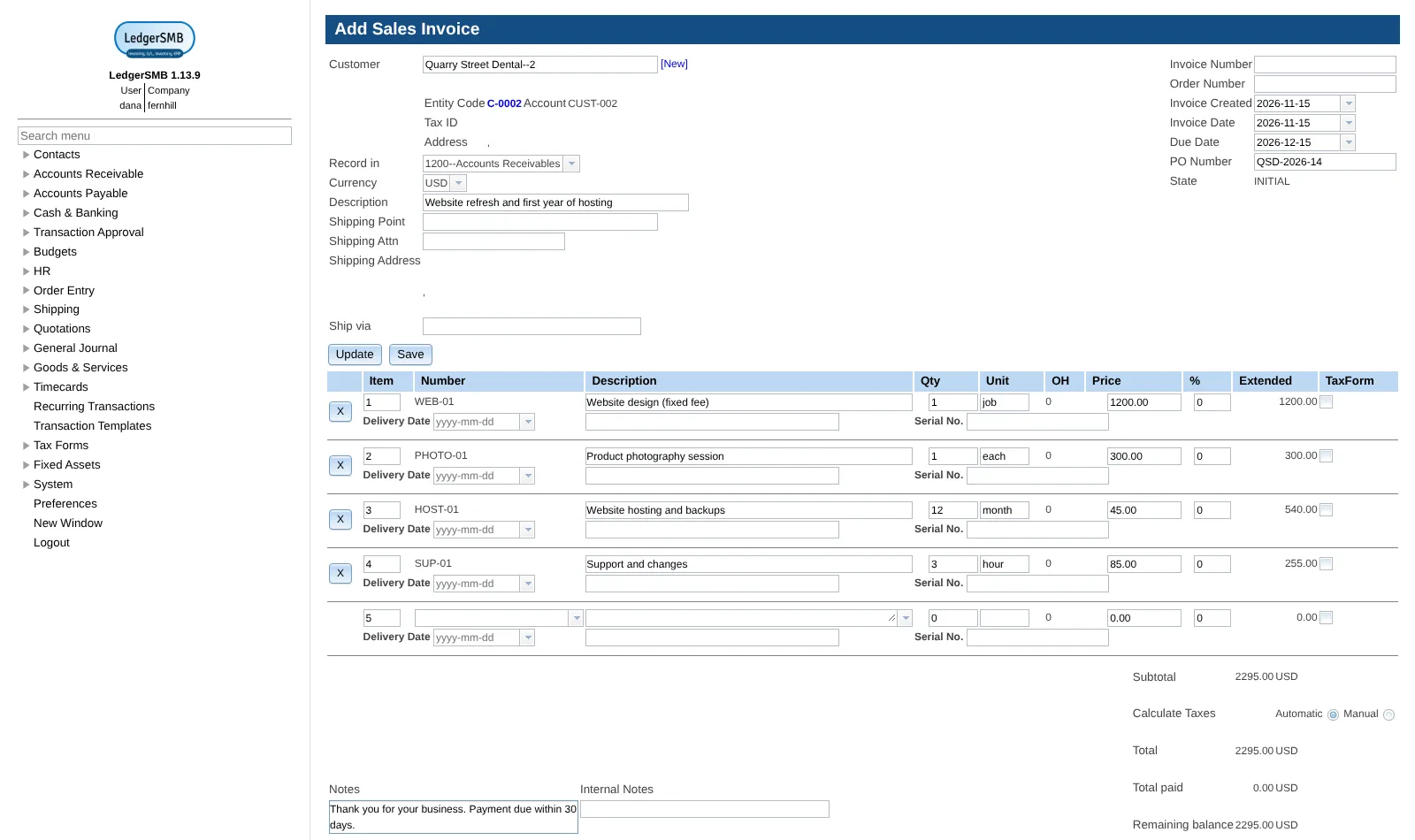
LedgerSMB is free, open-source, self-hosted accounting and ERP software that keeps strict double-entry books together with quotes, orders, invoices, payments and stock, as an alternative to QuickBooks, Xero or Zoho Books. A volunteer community has built it since 2006, and every invoice, payment and stock movement posts straight to the general ledger.
Next to the books it handles sales and purchase orders, shipping and receiving, assemblies, timecards, fixed assets, budgets and bank reconciliation from imported statements. A small web design studio, for example, could log its hours on client projects, turn them into invoices in dollars or euros, follow who is late paying in the aging report, and run a second company's books on the same install.
It suits a business with someone at home with accounting terms. Bigcapital is easier for everyday bookkeeping, and Dolibarr adds a CRM and point of sale; LedgerSMB goes deeper on orders, stock, approvals and several companies, but its interface is older and denser. There is no payroll, tax filing, bank feed, phone app or dashboard. It runs in any web browser, but emailing invoices is not set up in this template.
Cloudgate installs LedgerSMB on a server Cloudgate provides or one you connect and gives it a secure web address. Create your company in the setup page, then sign in.
What you can do with LedgerSMB
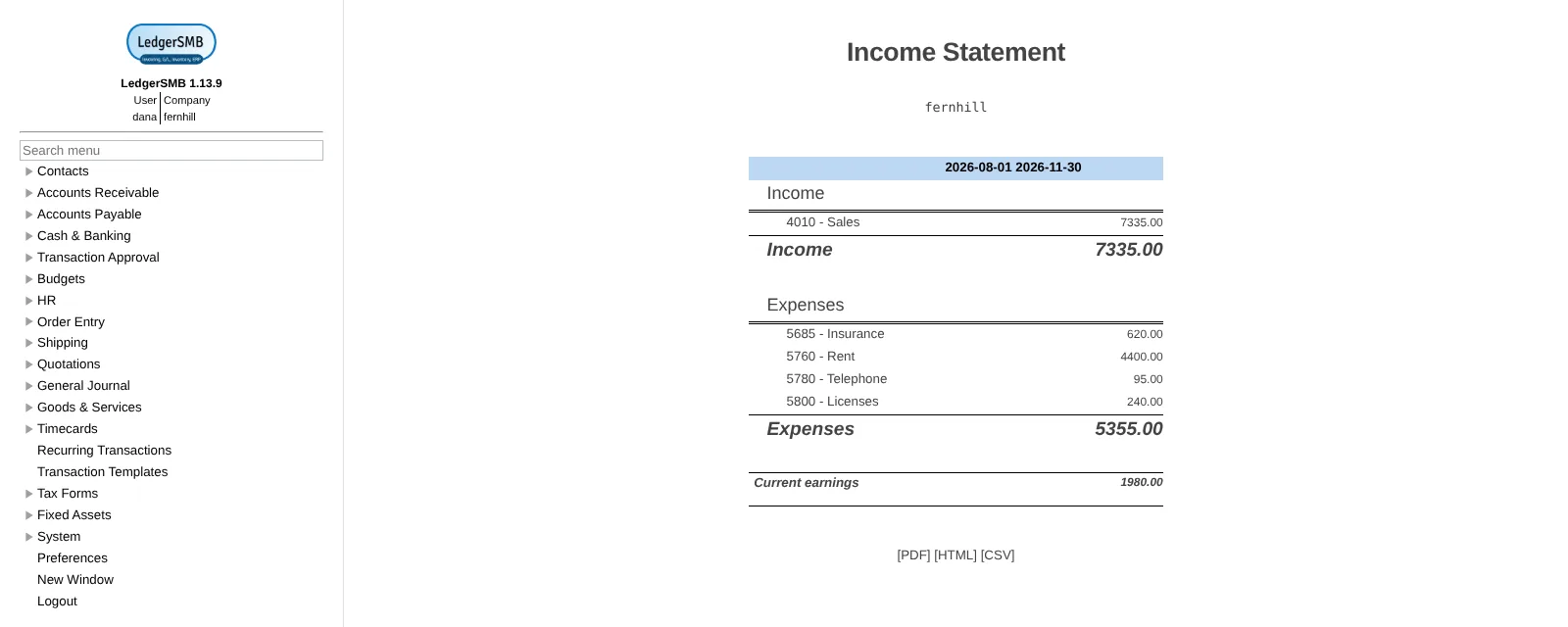
- Keep strict double-entry books A general ledger with a chart of accounts, journal entries, trial balance, income statement, balance sheet and year-end closing.
- Run sales and purchasing from quote to invoice Turn quotations into sales orders and invoices, handle credit notes and returns, and do the same for requests for quotation, purchase orders and supplier invoices.
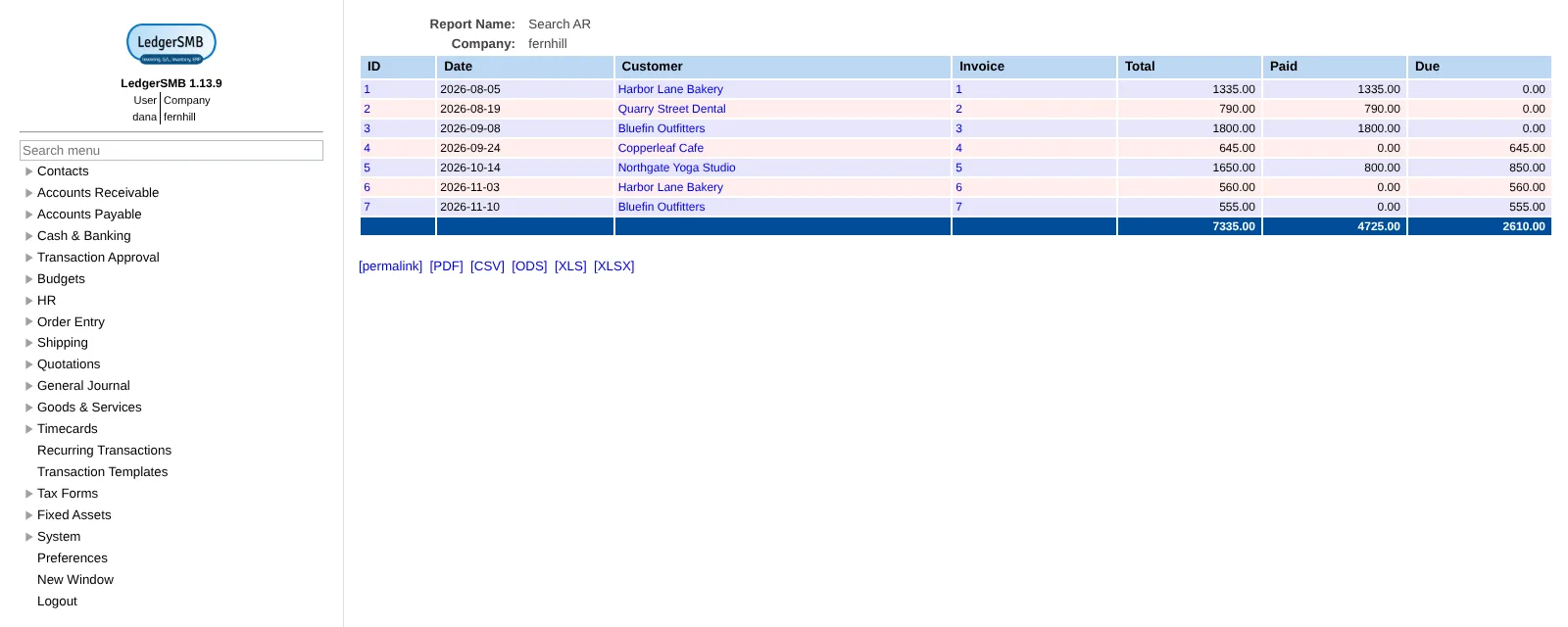
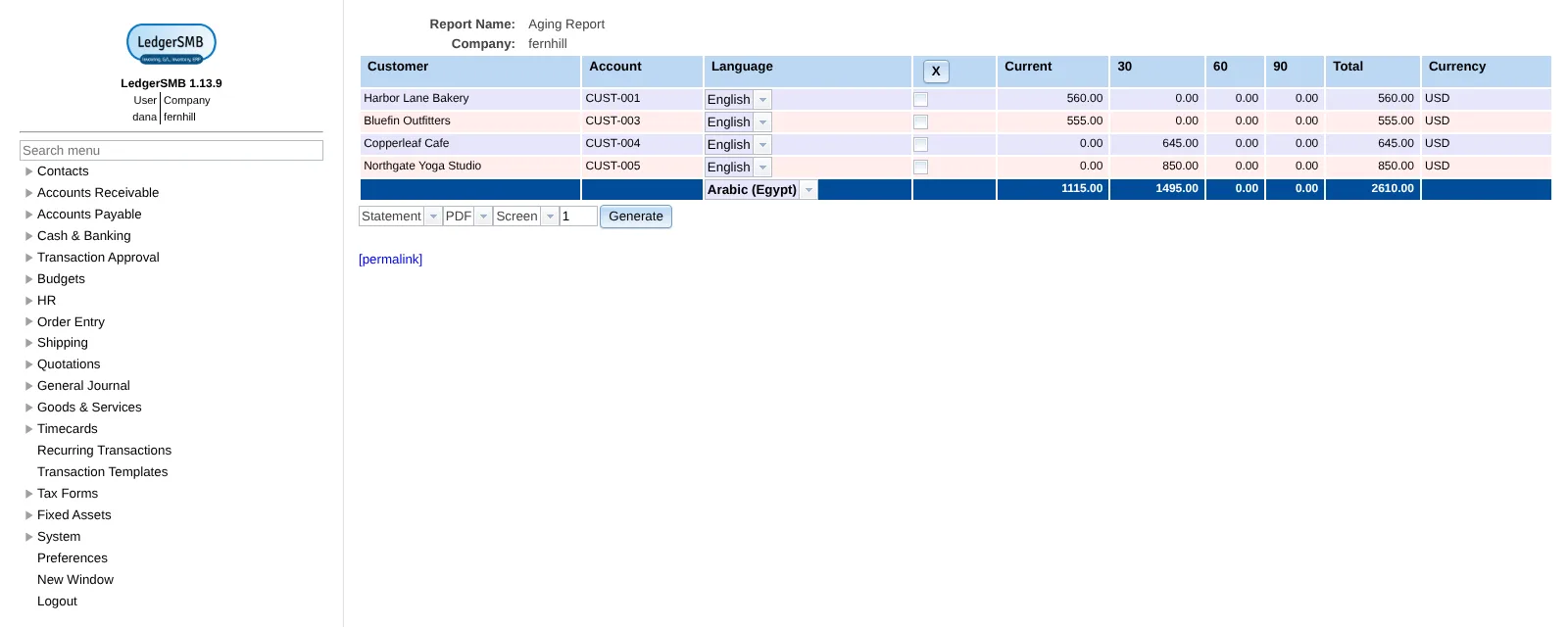
- Know who owes you and whom you owe Record receipts and payments, see aging reports and outstanding invoices, and send customer statements as PDFs.
- Reconcile with your bank statements Import bank statements as CSV, OFX or CAMT.053 files and match them against your books.
- Track stock, assemblies and shipping Keep parts, services and assemblies in several warehouses, ship and receive goods, and see the cost of what you sold.
- Bill your time and follow projects Log timecards, turn billable hours into invoices or orders, and compare projects and departments against their budgets.
- Work across companies, currencies and languages Each company keeps its own books, transactions can be in any currency, and the app comes in 45 languages with 29 national charts of accounts.
- Separate who enters and who approves Give each user only the permissions they need, and have transactions approved by a second person before they post.
Replaces QuickBooks Online, Xero and Zoho Books
LedgerSMB does the same job as QuickBooks Online, Xero and Zoho Books. Here is what changes when you switch.
- No subscription and no limit on users, companies or invoices
- Orders, shipping, assemblies, fixed assets and budgets are all included, not split across plans
- Several currencies and companies on every install
- Your books stay on your own server
- The interface is older and denser, and uses accounting terms such as AR, AP and GL
- No payroll, no tax filing and no automatic bank feeds; you import bank statements as files
- No phone app, no dashboard and no app marketplace
- No QuickBooks or Xero importer; some data moves across as CSV files
What happens when you click Deploy?
You do not need a server or any technical knowledge. Four steps, and LedgerSMB is running at its own web address.
- Step 1 Click Deploy and create your account
Deploy takes you to Cloudgate. Create an account, or log in if you have one. LedgerSMB itself is free.
- Step 2 Choose a server
No server? Get one from Cloudgate: pick a size and a country, and Cloudgate gets it ready. Already have one? Connect it instead.
- Step 3 Cloudgate sets up LedgerSMB
It prepares the server, makes the passwords the app needs and starts it. There is nothing to install and nothing to write down.
- Step 4 Open your app and sign in
Your app gets a free web address to start, without https. Add your own domain, like app.yourshop.com, and Cloudgate secures it with https for you.
New to Cloudgate? See what Cloudgate is
Run Cloudgate yourself? Deploy from your own console
In your Cloudgate console, open Templates and choose LedgerSMB.
Questions
Is LedgerSMB free?
Yes, LedgerSMB is free and open source under the GPL-2.0-or-later licence, and there is no paid edition, so every feature is in the one free release. You pay only for your server.
Is LedgerSMB a good alternative to QuickBooks?
Yes, if you want full accounting with orders and stock and are comfortable with accounting terms. LedgerSMB covers the books, invoices, bills, payments, bank reconciliation, inventory and reports, plus quotations, orders, shipping, fixed assets and several companies. It has no payroll, tax filing, automatic bank feeds or phone app, and its interface is older and denser than QuickBooks.
How do I sign in to LedgerSMB the first time?
There is no default account; you create the company and its first user yourself. Copy the database password from the app's variables page in Cloudgate, open your address with /setup.pl at the end, and sign in as postgres with that password. Create a company (the default name is lsmb), pick a chart of accounts and document templates, create the first user with full permissions, then sign in at /login.pl. When LedgerSMB warns that the password expires, set a new one under Preferences.
Can I import my data from QuickBooks or Xero?
Partly. LedgerSMB has no QuickBooks or Xero importer, but it imports CSV files for the chart of accounts, journal entries, receivable and payable batches, parts and services, inventory and timecards. Books kept in SQL-Ledger, up to version 3.0, can be migrated directly.
Does LedgerSMB do payroll or connect to my bank?
No, LedgerSMB has no payroll and no live bank feeds. You import bank statements as CSV, OFX or CAMT.053 files and reconcile them against your books.
Can LedgerSMB handle several companies and currencies?
Yes, one LedgerSMB holds as many companies as you need, each with its own books, and you can be signed in to several at once. Invoices, payments and transactions can be in different currencies with exchange rates.
What server size do I need for LedgerSMB?
A small server with 1 GB of memory is enough for a small business, because LedgerSMB is set up to run light. Choose a bigger server for many users working at once; you can move up later.
Do I need technical skills to run LedgerSMB?
No. Click Deploy, create your Cloudgate account and choose a server, and Cloudgate sets up LedgerSMB and gives it a web address. You use it in your browser like any other online tool.
Do I need my own server for LedgerSMB?
No. When you deploy LedgerSMB, hosted Cloudgate can provide a server. If you already rent one, you can connect it instead.
Related apps

Accounting with invoices, inventory and reports.

CRM, quotes, invoices and stock in one business app.

ERP for your books, stock, orders and production.
CRM, sales, stock and invoicing in one business app.