
Joomla
A self-hosted CMS for multilingual websites and members' areas.
No server needed to start: Cloudgate can provide one. What happens when you click Deploy
What is Joomla?
Self-hosted Joomla is a free, open-source CMS for company, club and community websites, with several languages and detailed user permissions built in.
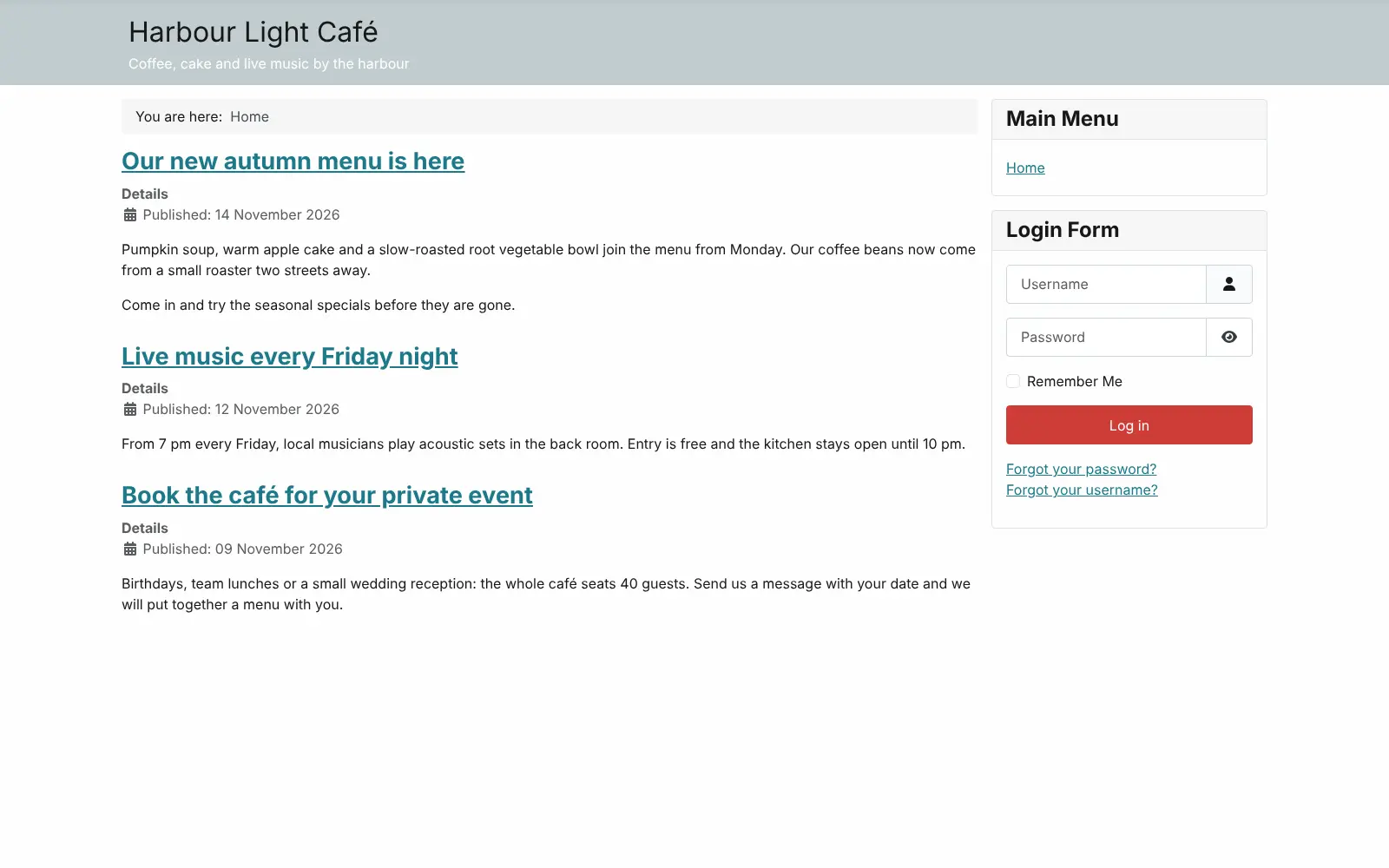
Self-hosted Joomla is a free, open-source content management system (CMS) for building company, club and community websites, and a self-hosted alternative to Wix and Squarespace. Editors write articles in a visual editor and sort them into categories, while templates set the look and menus decide what visitors see.
Joomla stands out for what is built in: sites in more than 70 languages, and detailed permissions that decide who can write, edit, publish or only read each part of the site. A hiking club with members on both sides of a border, for example, could publish its walks in English and German, keep route maps in a members-only area, and let walk leaders post news without being able to change the menus or design.
Thousands of extensions, most of them free, add features the core does not have. There is no official phone or desktop app; you work in the web browser.
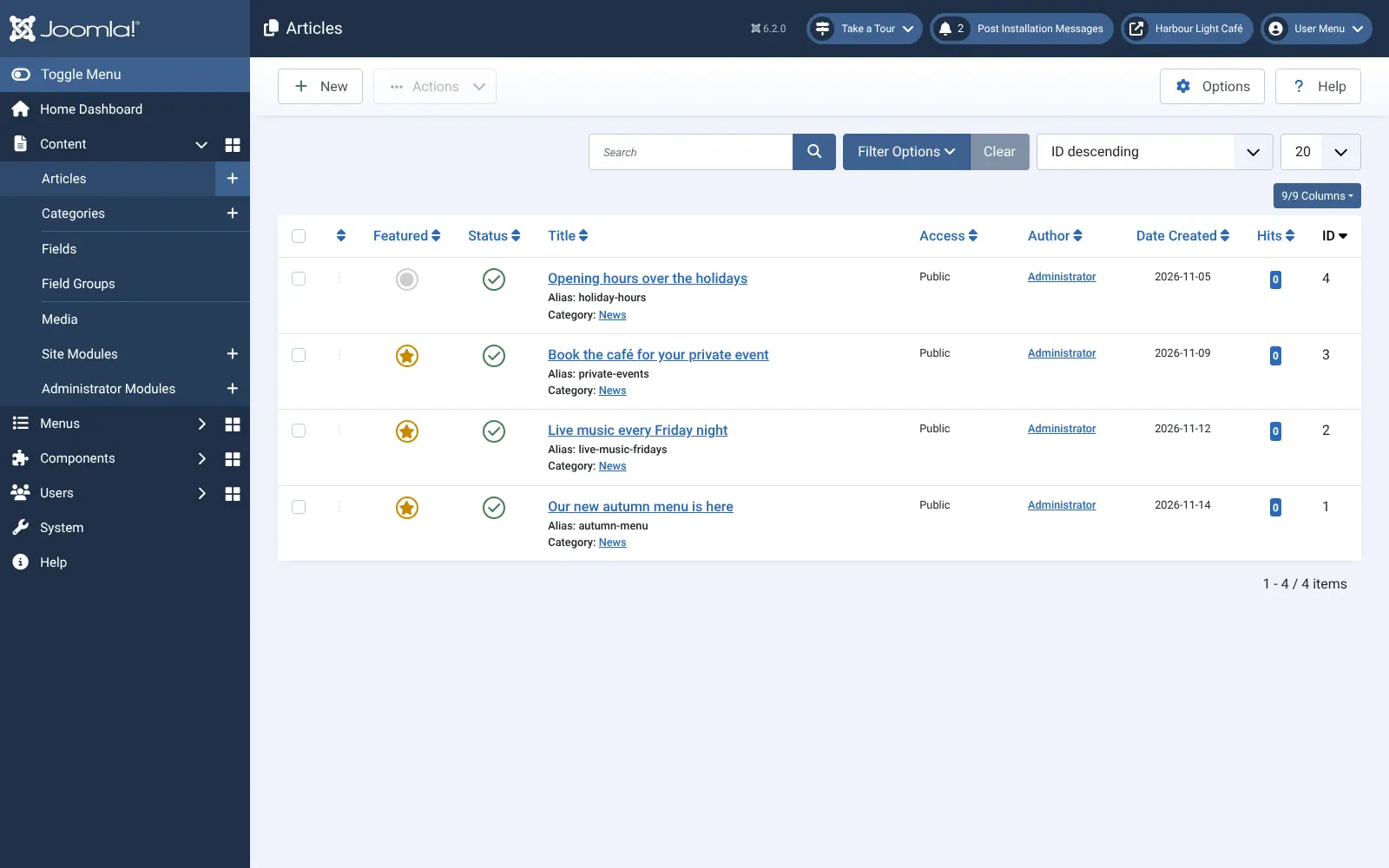
Cloudgate installs Joomla and its database on a server Cloudgate provides or one you connect, and gives it a secure web address. It asks for your site name and admin email, then Joomla sets itself up: sign in at /administrator as admin with the password shown in Cloudgate, and a guided tour shows you around. You can later point your own domain name at it.
What you can do with Joomla
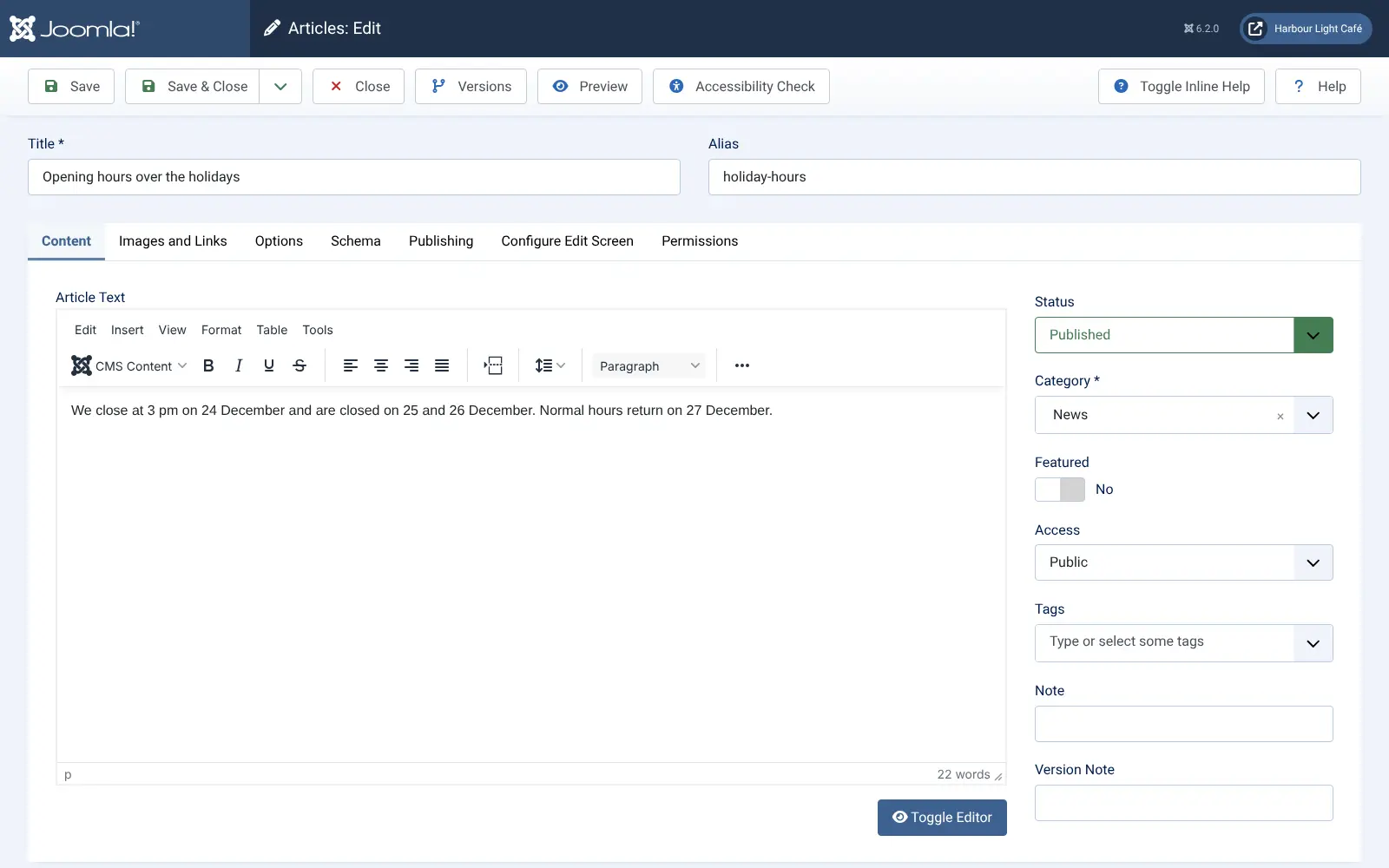
- Write and organise articles Write in a visual editor with images from the media manager, then sort articles into categories and tags.
- Run your site in several languages Run the site and its content in more than 70 languages, without an add-on.
- Decide who can do what Put users in groups, choose what each group may edit or publish, and keep some pages for signed-in members only.
- Change the look Pick a template, set its colours and fonts, and use a different template on particular pages.
- Review before you publish Send articles through an approval workflow, restore an earlier version, and run an accessibility check in the editor.
- Help search engines find you Readable web addresses, page descriptions and a Schema tab on each article for structured data are built in.
- Add features with extensions Choose from thousands of extensions, most of them free, when you need more than the core does.
Replaces Wix and Squarespace
Joomla does the same job as Wix and Squarespace. Here is what changes when you switch.
- No monthly plan to pay or upgrade
- Several languages and detailed user permissions built in, with no extra plan
- You can move your site to any host at any time
- Your pages, members and form entries stay on your own server
- No drag-and-drop page builder in Joomla itself; page builders are extensions, often paid
- More to learn, because articles, menus, modules and templates are set up separately
- There is no importer for Wix or Squarespace, so pages are rebuilt by hand
- You look after updates, and need an email sending service for reliable password-reset emails
What happens when you click Deploy?
You do not need a server or any technical knowledge. Four steps, and Joomla is running at its own web address.
- Step 1 Click Deploy and create your account
Deploy takes you to Cloudgate. Create an account, or log in if you have one. Joomla itself is free.
- Step 2 Choose a server
No server? Get one from Cloudgate: pick a size and a country, and Cloudgate gets it ready. Already have one? Connect it instead.
- Step 3 Cloudgate sets up Joomla
It prepares the server, makes the passwords the app needs and starts it. There is nothing to install and nothing to write down.
- Step 4 Open your app and sign in
Your app gets a free web address to start, without https. Add your own domain, like app.yourshop.com, and Cloudgate secures it with https for you.
New to Cloudgate? See what Cloudgate is
Run Cloudgate yourself? Deploy from your own console
In your Cloudgate console, open Templates and choose Joomla.
Questions
Is Joomla free?
Yes, Joomla is free and open source under the GNU GPL licence (version 2 or later), and there is no paid edition. Self-hosting it costs only your server; some third-party templates and extensions are paid.
Is Joomla a good alternative to Wix or Squarespace?
Yes, if you want a site you fully control, with no monthly plan, several languages and detailed user permissions built in. Joomla has no drag-and-drop page builder of its own and takes longer to learn than Wix or Squarespace, and you keep it updated yourself.
Should I choose Joomla or WordPress?
Choose Joomla if you need a site in several languages or detailed permissions for many editors and members, because both are built in. Choose WordPress if you want the widest choice of themes and plugins and the most people who can help; it has a larger ecosystem, and translations need a plugin.
How do I sign in to Joomla the first time?
Go to your Joomla site's address followed by /administrator and sign in with the username admin and the password Cloudgate created, which is shown in Cloudgate. A welcome tour then walks you through the back end, and you can change the password in your user profile.
Can I move my Wix or Squarespace site to Joomla?
No, Joomla has no built-in importer for Wix or Squarespace. You rebuild the pages in Joomla and copy the text and images across, usually with a template that looks similar.
Is my data private with Joomla?
Yes. Joomla stores your articles, user accounts and form entries on your own server. Extensions you add may connect to their own services, so check what each one does.
What server size do I need for Joomla?
A small server with 1 GB of memory runs a typical Joomla website and its database. Choose a larger one for a busy site or one with many extensions.
Do I need technical skills to run Joomla?
No. Click Deploy, create your Cloudgate account and choose a server, and Cloudgate sets up Joomla and gives it a web address. You use it in your browser like any other online tool.
Do I need my own server for Joomla?
No. When you deploy Joomla, hosted Cloudgate can provide a server. If you already rent one, you can connect it instead.
Related apps

A self-hosted website and blog builder with themes and plugins.

A simple self-hosted website and blog, with no database to run.

The familiar WordPress admin with the classic editor, no blocks.

A self-hosted flat-file CMS for fast websites and blogs.