
Bludit
A simple self-hosted website and blog, with no database to run.
No server needed to start: Cloudgate can provide one. What happens when you click Deploy
What is Bludit?
Self-hosted Bludit is a free flat-file CMS: build a simple website or blog in a visual editor, with themes, plugins and no database.
Self-hosted Bludit is a free, open-source flat-file CMS for simple websites and blogs, and a self-hosted alternative to Squarespace and Wix. Bludit keeps your pages as files on your own server instead of in a database, so the site stays light, quick to back up and easy to move.
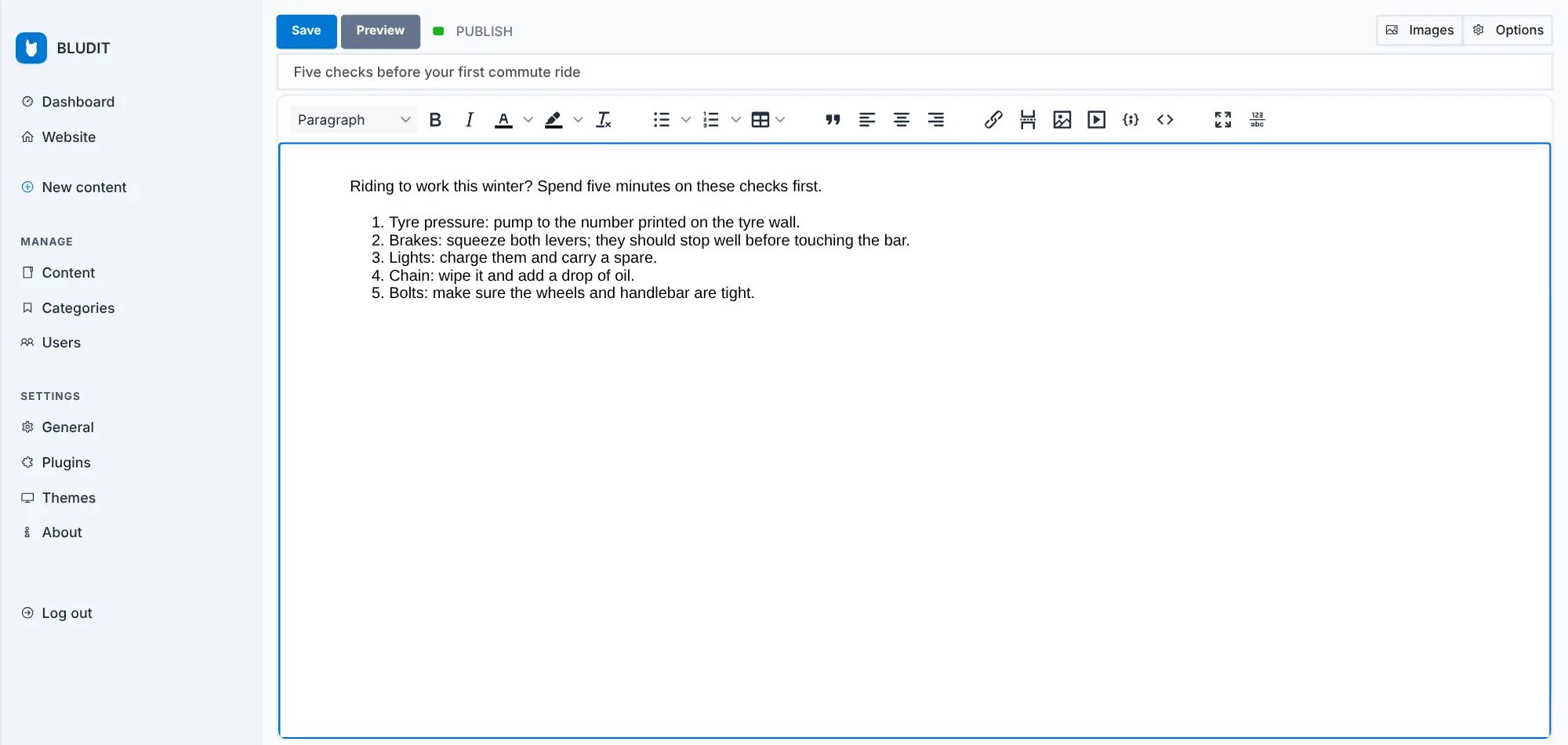
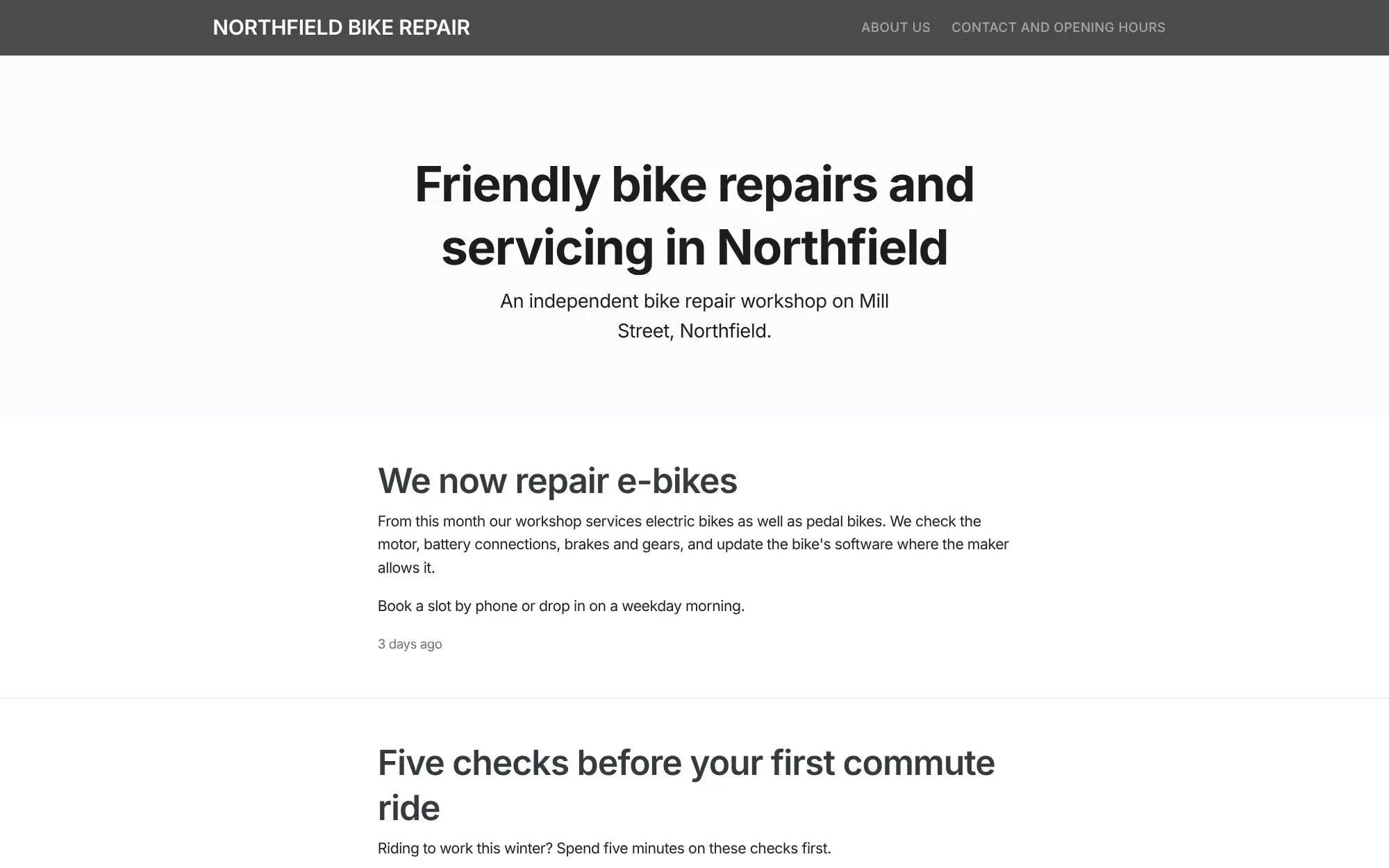
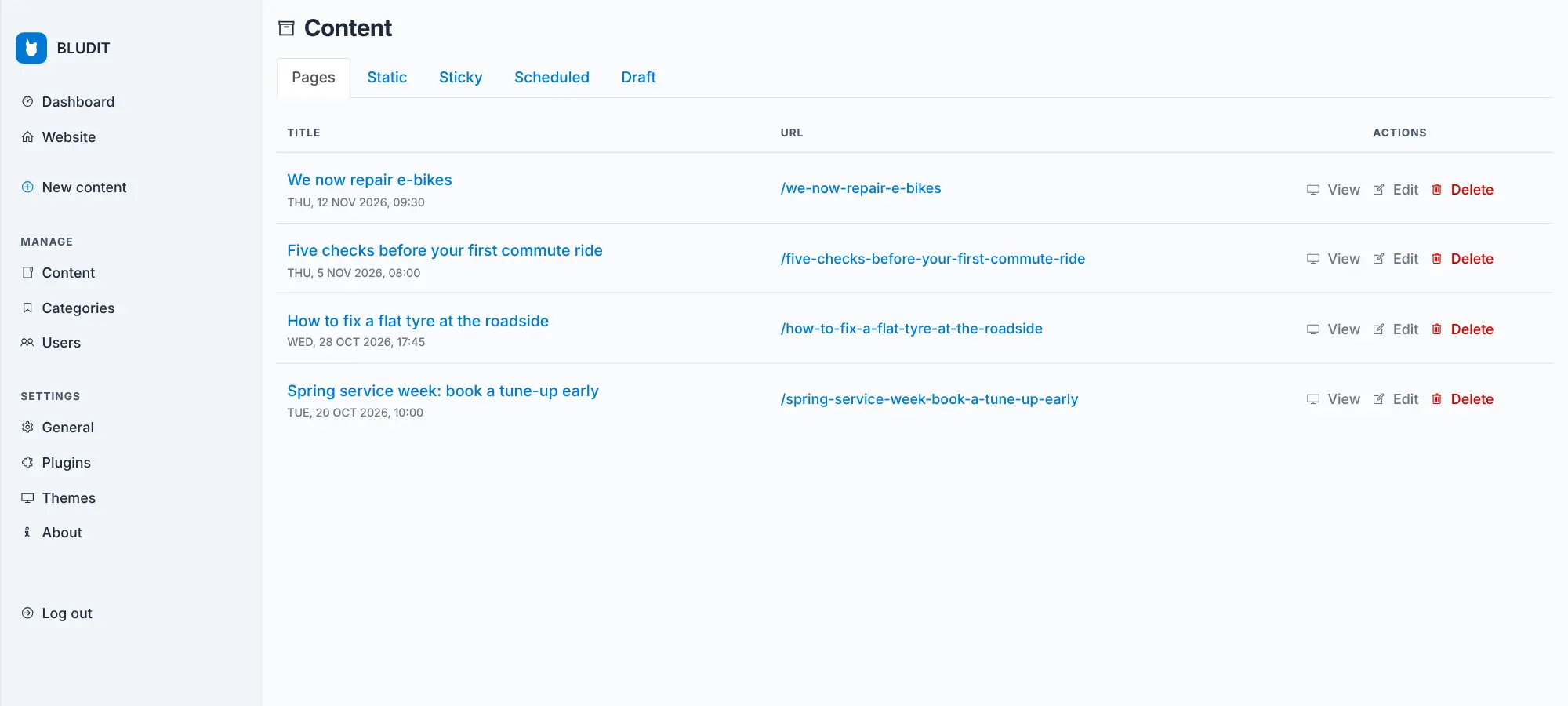
You manage everything in a web admin panel: write pages in a visual editor with a formatting toolbar, add fixed pages such as About and Contact to the menu, publish posts with categories and tags, and schedule them for later. A bike repair shop, for example, could keep its opening hours and services on fixed pages, post repair tips and seasonal offers on its blog, and give a mechanic an author account to write posts without changing the design.
Bludit has no drag-and-drop page builder; you choose one of its themes and add features from its plugins. There is no phone or desktop app; you work in the web browser.
Cloudgate installs Bludit on a server Cloudgate provides or one you connect, and gives it a secure web address. Open the address to create your administrator password, and later point your own domain name at it.
What you can do with Bludit
- Write in a visual editor Format text, lists, tables, links and images with a toolbar, much like a word processor, or switch to a Markdown editor.
- Keep your site as plain files Pages, users and settings are stored as files on your server with no database, so the site stays light and easy to copy.
- Run a blog and fixed pages Publish dated posts with categories, tags and cover images, and keep pages such as About and Contact in the menu.
- Plan your posts Save drafts, pin a post to the top of the home page, or schedule it to go live at a set date and time.
- Get found in search Set each page's description and web address, and turn on the bundled sitemap, RSS feed and social sharing plugins.
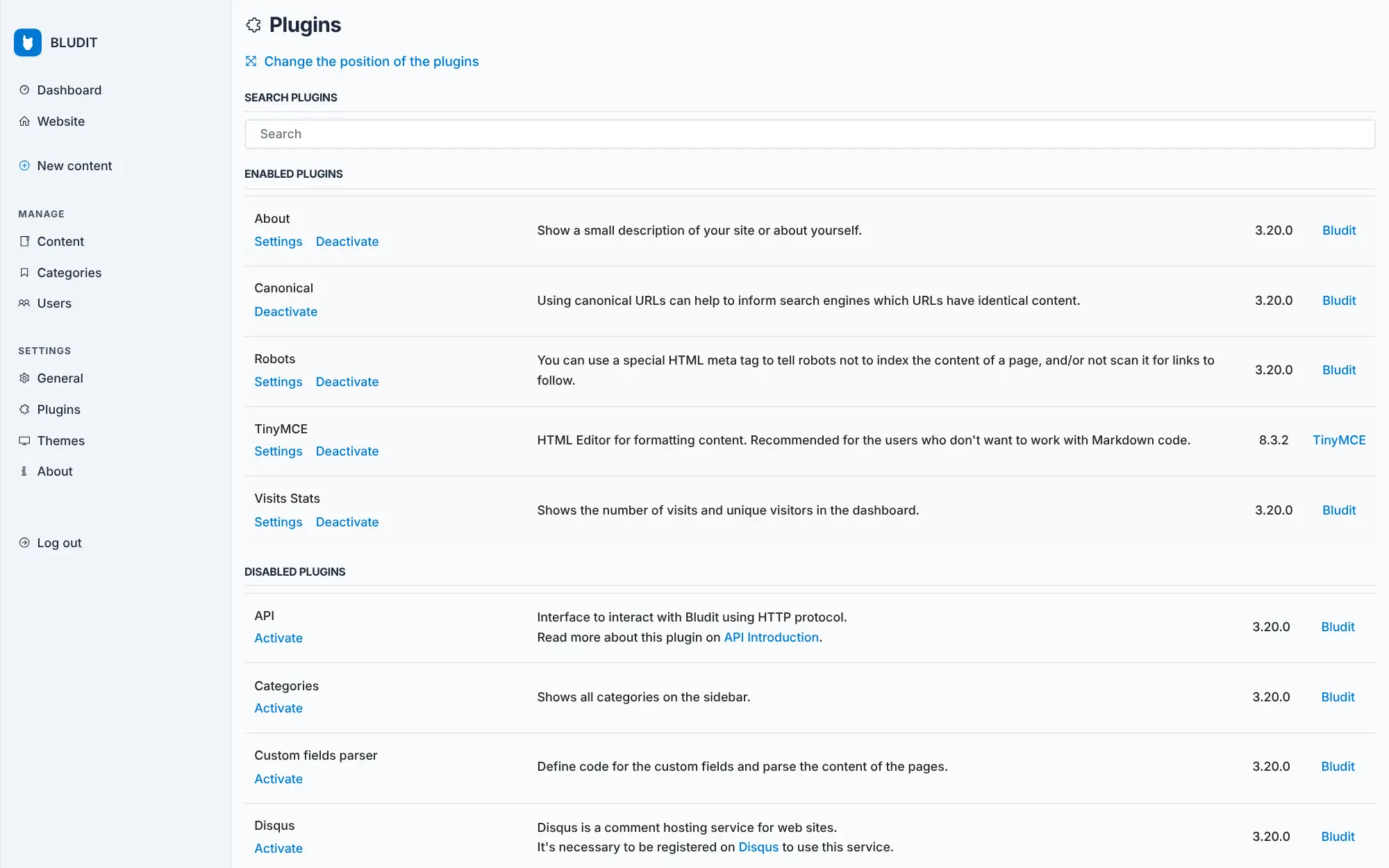
- Change the look and add features Choose from four bundled themes, and add search, comments, visitor counts and more from the plugins screen.
- Share the work Give each person their own account as an author, editor or administrator.
Replaces Squarespace and Wix
Bludit does the same job as Squarespace and Wix. Here is what changes when you switch.
- No monthly plan; Bludit is free and you pay only for the server
- Your pages are files on your own server that you can copy, back up or move
- A light site with no database to run or repair
- No visitor tracking by Bludit itself
- No drag-and-drop page builder; the layout comes from the theme you choose
- Far fewer ready-made themes and plugins than Squarespace, Wix or WordPress
- There is no importer for Wix or Squarespace, so pages are rebuilt by hand
- Page history, one-click backups and photo galleries are Bludit PRO extras for supporters
What happens when you click Deploy?
You do not need a server or any technical knowledge. Four steps, and Bludit is running at its own web address.
- Step 1 Click Deploy and create your account
Deploy takes you to Cloudgate. Create an account, or log in if you have one. Bludit itself is free.
- Step 2 Choose a server
No server? Get one from Cloudgate: pick a size and a country, and Cloudgate gets it ready. Already have one? Connect it instead.
- Step 3 Cloudgate sets up Bludit
It prepares the server, makes the passwords the app needs and starts it. There is nothing to install and nothing to write down.
- Step 4 Open your app and sign in
Your app gets a free web address to start, without https. Add your own domain, like app.yourshop.com, and Cloudgate secures it with https for you.
New to Cloudgate? See what Cloudgate is
Run Cloudgate yourself? Deploy from your own console
In your Cloudgate console, open Templates and choose Bludit.
Questions
Is Bludit free?
Yes, Bludit is free and open source under the MIT licence, including the editor, themes and bundled plugins. Self-hosting it costs only your server. Supporters of the project on Patreon also get Bludit PRO, a set of extra plugins for page history, backups, galleries and removing the Bludit branding.
Is Bludit a good alternative to Squarespace or Wix?
Yes, Bludit is a good Squarespace or Wix alternative for a small website or blog that you want to own with no monthly plan. Bludit has no drag-and-drop page builder, so it suits people who are happy to pick a theme and write their pages, and you keep it updated yourself.
Should I choose Bludit, Grav or WordPress?
Choose Bludit for a small site or blog with a visual editor and no database, and a short, simple admin panel. Grav is also database-free but you write pages in Markdown. Choose WordPress if you want the widest choice of themes and plugins, or an online shop.
How do I sign in to Bludit the first time?
Open your site's web address straight after setup; Bludit shows its installer, where you choose a language and set the password for the user named admin. There is no default password. After that you sign in at your site's /admin address.
Can I move my site from WordPress, Wix or Squarespace to Bludit?
Partly. Community plugins listed in Bludit's plugin directory can import posts from WordPress, but there is no importer for Wix or Squarespace, so those pages are rebuilt by hand by copying the text and images across.
Do I need to know how to code to use Bludit?
No. In Bludit you write pages in a visual editor with a formatting toolbar and choose a theme from the admin panel. Changing a theme's design beyond its settings does need some web design knowledge.
Is my data private with Bludit?
Yes. Your pages, images and user accounts are stored as files on your own server, and Bludit does not track your visitors. Plugins you add, such as comments, may connect to outside services, so check what each one does.
Do I need my own server for Bludit?
No. When you deploy Bludit, hosted Cloudgate can provide a server. If you already rent one, you can connect it instead.
Related apps

A self-hosted flat-file CMS for fast websites and blogs.

A self-hosted website and blog builder with themes and plugins.

A self-hosted CMS for multilingual websites and members' areas.

The familiar WordPress admin with the classic editor, no blocks.