
Hush Line
A self-hosted anonymous tip line that only you can read.
No server needed to start: Cloudgate can provide one. What happens when you click Deploy




What is Hush Line?
Hush Line is a self-hosted anonymous tip line: whistleblowers send you encrypted messages without an account, and you read and answer them in one inbox.
Hush Line is an open-source, self-hosted anonymous tip line: people send you encrypted messages from a web page without creating an account, and only you can read them. It does the core job of paid whistleblowing services such as NAVEX EthicsPoint and Whispli, on your own server.
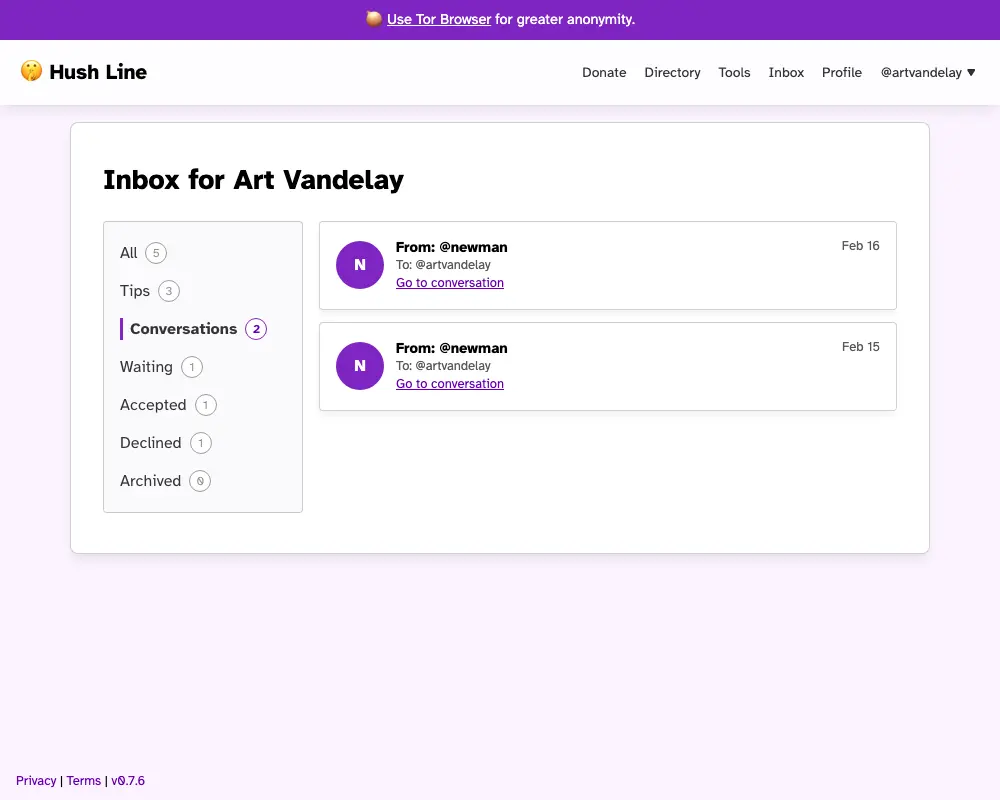
Each person on your Hush Line gets a public tip line page and a private inbox. Messages are encrypted with the recipient's PGP key, and you mark each one as waiting, accepted, declined or archived. Senders keep a private link where they can see that status and your reply. A small local newsroom, for example, could publish one tip line for readers' story leads, and a school board could run one for staff to raise concerns.
Hush Line works in any web browser, including on a phone, and suggests senders use Tor Browser for extra anonymity. It can email you when a tip arrives, encrypted for Proton Mail or Thunderbird, and lets you download your data as a file. Senders can write messages but cannot upload documents.
Cloudgate installs Hush Line on a server Cloudgate provides or one you connect, with the database it needs, and gives it a secure web address. Create the first account, which becomes the admin, add your PGP key, and share your tip line's address.
What you can do with Hush Line
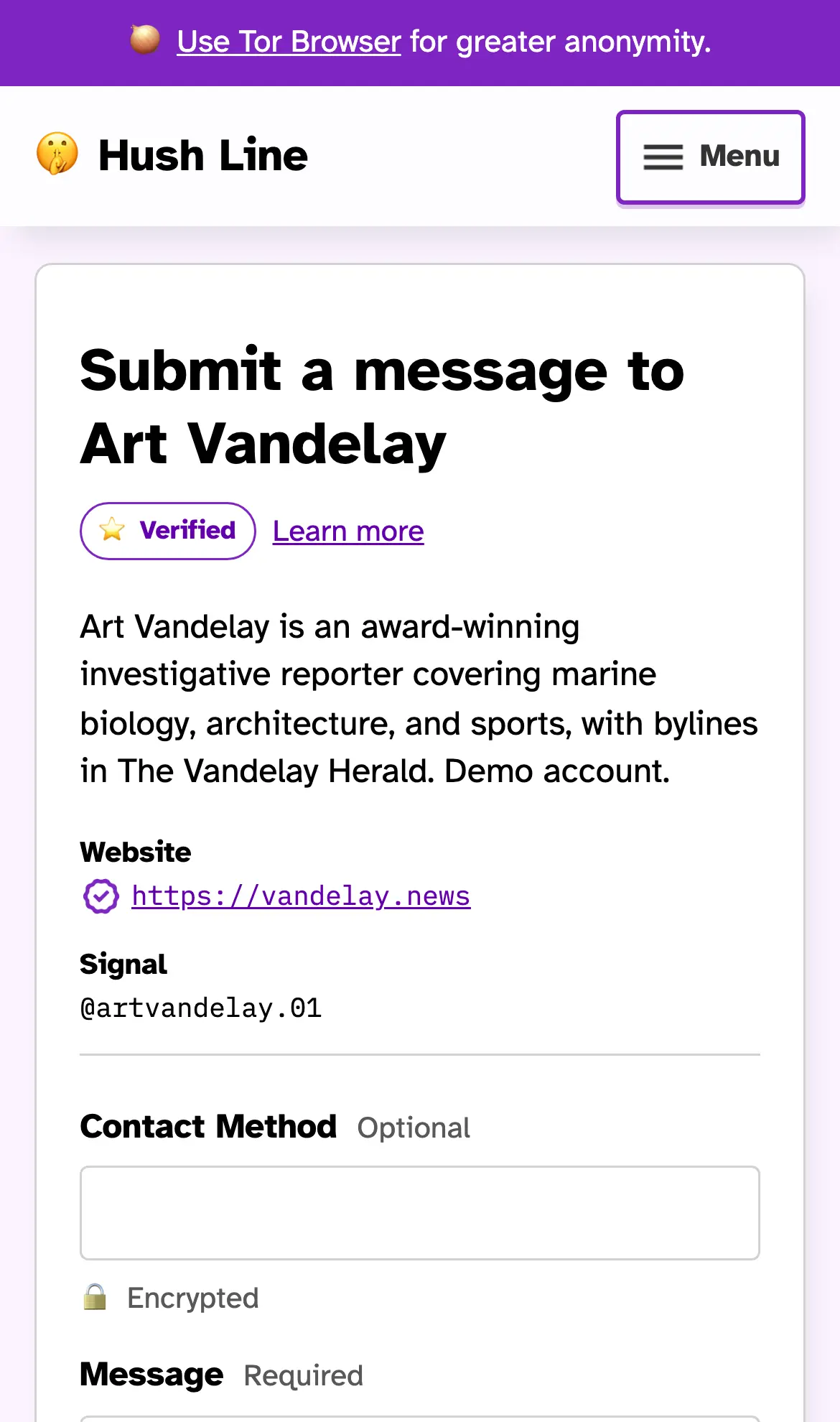
- Take tips without an account Anyone can open your tip line's page and send you a message without signing up or giving a name.
- Keep every message encrypted Messages are encrypted to your PGP key, which you can import from Proton Mail in a few clicks.
- Sort tips in one inbox Mark each tip as waiting, accepted, declined or archived, and filter your inbox by status.
- Tell senders where their tip stands Each sender gets a private reply link to check the status of their tip and your note on it.
- Get an email when a tip arrives Choose a plain alert, or have the whole message sent to you encrypted for Proton Mail or Thunderbird.
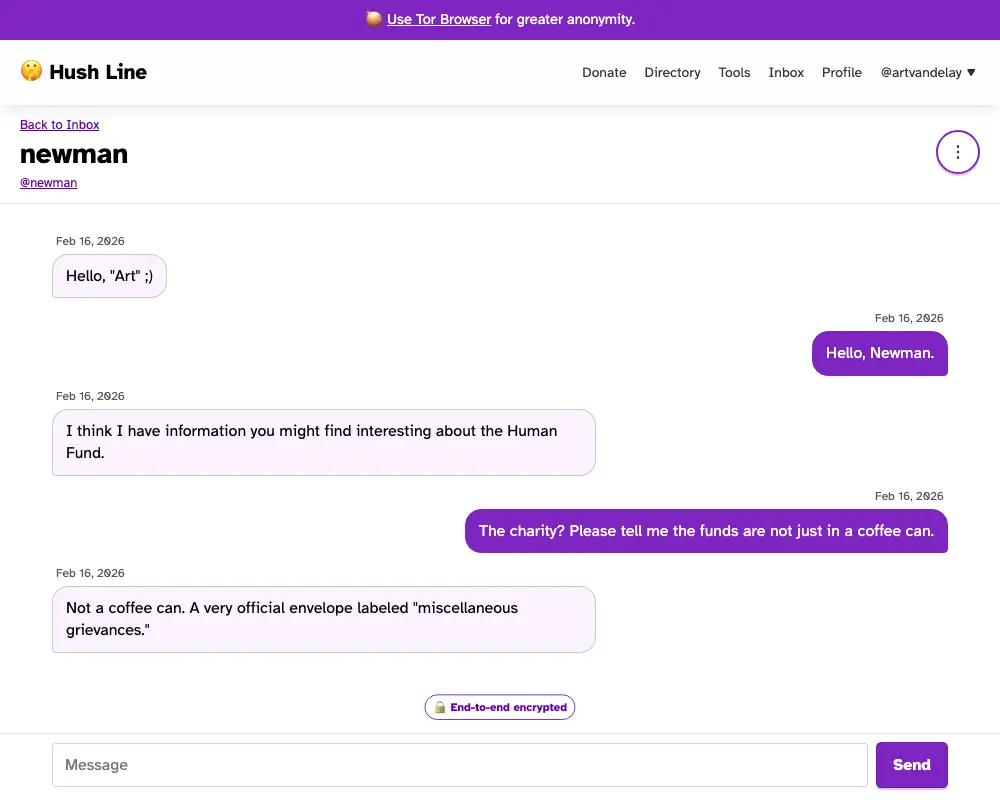
- Chat securely with account holders Hold an end-to-end encrypted conversation with anyone who writes to you from their own account.
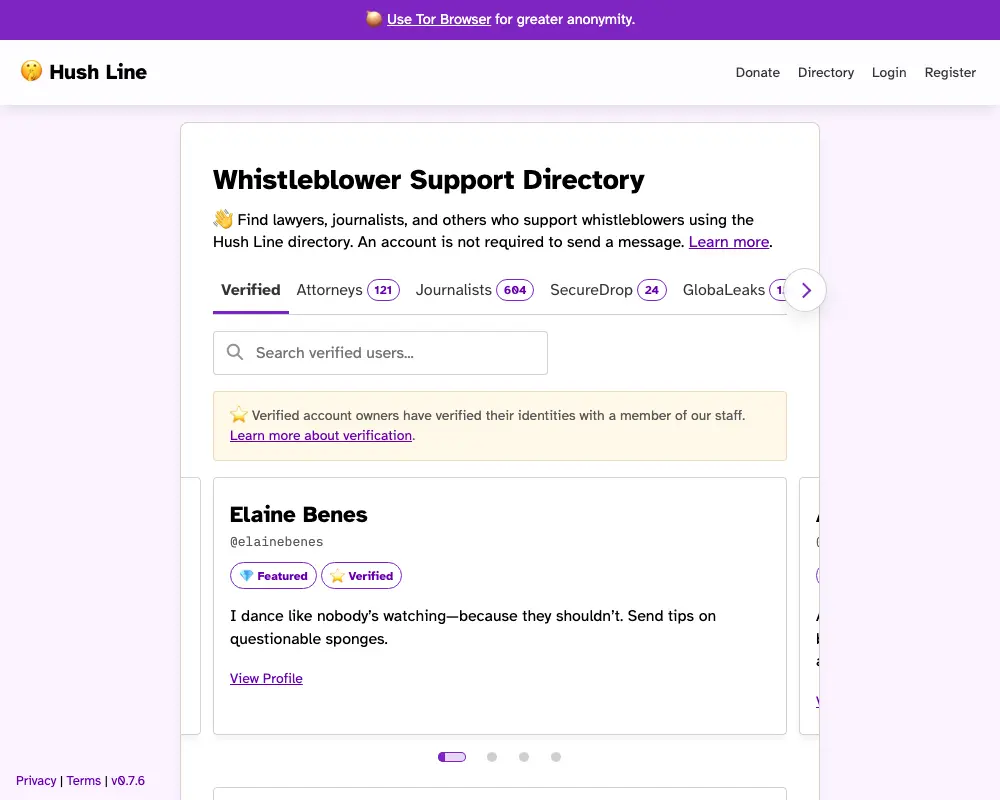
- Show people they have the right tip line A public directory lists your tip line with a verified badge that only your admin can grant.
- Lock down every account Add two-step sign-in with an authenticator app or a security key, with recovery codes as a backup.
Replaces NAVEX EthicsPoint
Hush Line does the same job as NAVEX EthicsPoint. Here is what changes when you switch.
- Tips are stored on your own server, not on a vendor's platform
- Messages are encrypted so that only the people holding the key can read them
- No subscription and no fee per employee or per report
- Senders need no account and no app, only a web browser
- Senders can send written messages but cannot upload files or documents
- No phone hotline and no case-management reports like NAVEX EthicsPoint
- Every recipient needs a PGP key before their tip line accepts messages
- Extra tip lines and custom form fields are premium features, switched off by default
What happens when you click Deploy?
You do not need a server or any technical knowledge. Four steps, and Hush Line is running at its own web address.
- Step 1 Click Deploy and create your account
Deploy takes you to Cloudgate. Create an account, or log in if you have one. Hush Line itself is free.
- Step 2 Choose a server
No server? Get one from Cloudgate: pick a size and a country, and Cloudgate gets it ready. Already have one? Connect it instead.
- Step 3 Cloudgate sets up Hush Line
It prepares the server, makes the passwords the app needs and starts it. There is nothing to install and nothing to write down.
- Step 4 Open your app and sign in
Your app gets a free web address to start, without https. Add your own domain, like app.yourshop.com, and Cloudgate secures it with https for you.
New to Cloudgate? See what Cloudgate is
Run Cloudgate yourself? Deploy from your own console
In your Cloudgate console, open Templates and choose Hush Line.
Questions
Is Hush Line free?
Yes, Hush Line is free, open-source software under the AGPL-3.0 licence, and you pay only for your server. Its makers also run a hosted service with a paid tier, but the self-hosted app needs no subscription.
Is Hush Line a good alternative to NAVEX EthicsPoint or Whispli?
Yes, if you need a secure, anonymous tip line rather than a full compliance suite. Hush Line gives you encrypted tips, an inbox with statuses and replies to senders, but it has no phone hotline, no file uploads and no case-management reports.
Do whistleblowers need an account to send a tip?
No, anyone can send a message from your tip line's page without an account, an app or a name. Hush Line suggests senders use Tor Browser for extra anonymity.
Can I reply to an anonymous tip in Hush Line?
Yes, in a limited way. Each sender gets a one-time reply link where they can see the status you set and your note on it; people who write from their own Hush Line account can also have an end-to-end encrypted conversation with you.
Are messages in Hush Line encrypted?
Yes, messages are encrypted with your PGP key, so they can be read only with your private key. Hush Line will not accept messages until you add a PGP key, and you can import one from Proton Mail.
Can whistleblowers upload files or documents to Hush Line?
No, Hush Line accepts written messages only. If you need sources to send documents, SecureDrop and GlobaLeaks are open-source tools built for file uploads.
How do I sign in to Hush Line the first time?
The first person to register on your Hush Line becomes the admin, so create that account straight after setup. Then add your PGP key and turn on two-step sign-in before you share your tip line's address.
Do I need technical skills to run Hush Line?
No. Click Deploy, create your Cloudgate account and choose a server, and Cloudgate sets up Hush Line and gives it a web address. You use it in your browser like any other online tool.
Do I need my own server for Hush Line?
No. When you deploy Hush Line, hosted Cloudgate can provide a server. If you already rent one, you can connect it instead.
Can I move my data from NAVEX EthicsPoint to Hush Line?
Most people export from NAVEX EthicsPoint and import into Hush Line. The official guides at hushline.app walk through it.
Related apps

A secure, anonymous whistleblowing channel on your own server.

One sign-in with two-step login for the apps you host yourself.

Single sign-on and one user list for all your apps, on your server.

Encrypted notes that self-destruct by views or by timer.