
Gancio
A self-hosted community calendar anyone can add events to and follow.
No server needed to start: Cloudgate can provide one. What happens when you click Deploy
What is Gancio?
Gancio is a self-hosted community event calendar, an alternative to Facebook Events, where anyone can post local events and others follow them.
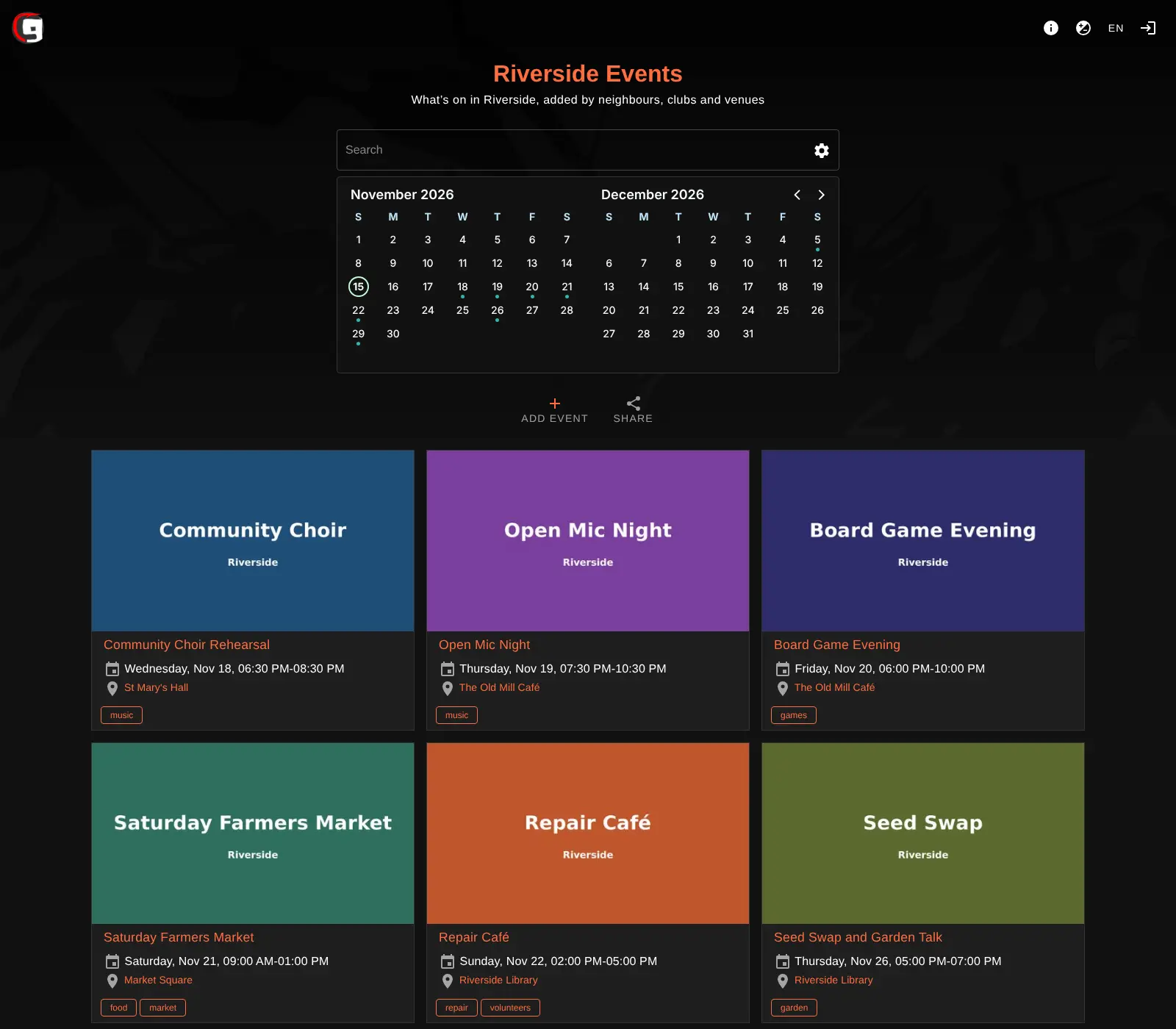
Gancio is a free, open-source, self-hosted community calendar: one shared website where neighbours, clubs and venues post local events, instead of scattering them across Facebook Events and Meetup groups. Everyone who visits sees the same calendar and list of what's on, with flyers, places and tags, and no personal feeds or ads.
Anyone can suggest an event, with or without an account; events from visitors without an account wait for an admin or editor to approve them. People who never visit the site can still keep up: they subscribe to the whole calendar, or just one venue or tag, in their phone's calendar app or a feed reader, or follow it from Mastodon. A town association, for example, can run one what's-on calendar where the library, the sports club and the café each post their own events, and show the latest ones on the town's website.
Gancio is built for one place or community, so it has no tickets, RSVPs or guest lists. It can import events from other calendars and pull in events from other Gancio or Mobilizon sites. Cloudgate installs Gancio on a server Cloudgate provides or one you connect and gives it a secure web address; you name your calendar on the setup page and copy the admin password it shows.
What you can do with Gancio
- One calendar for your whole community Every visitor sees the same calendar and list of upcoming events, with flyers, times, places and tags.
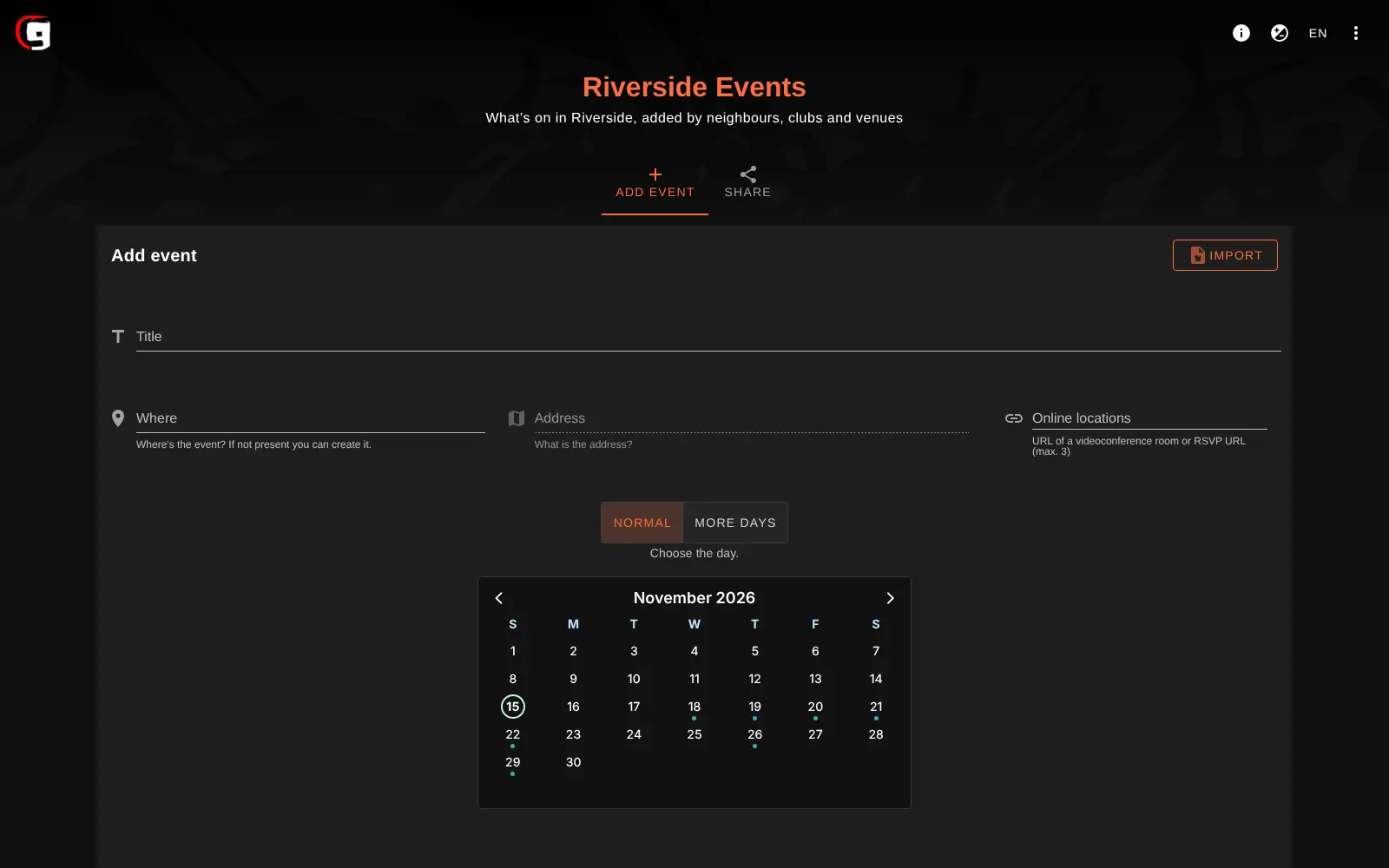
- Let anyone suggest an event People can post events with an account or without one, and anonymous events wait for an admin or editor to approve them.
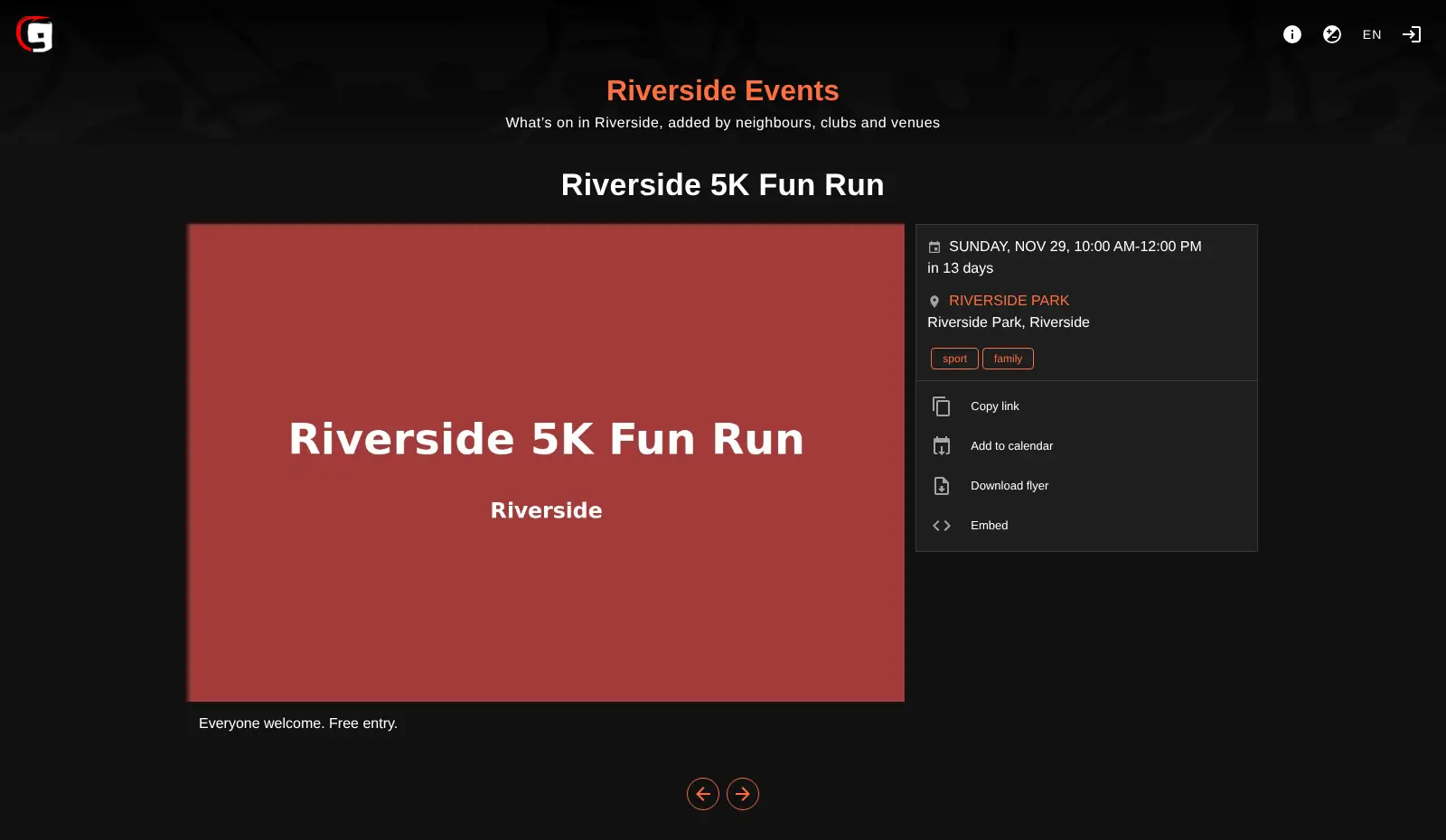
- Add the details that matter Each event has a place and address, a date and time, a flyer, tags and online links, and can span several days or repeat weekly or monthly.
- Follow it without visiting Anyone can subscribe to all events, or just one place or tag, in their calendar app or feed reader.
- Show events on your own website Embed the list or a single event on any website, or use the WordPress plugin.
- Connect to the fediverse People follow your calendar from Mastodon and similar apps, and you can pull in events from other Gancio or Mobilizon calendars.
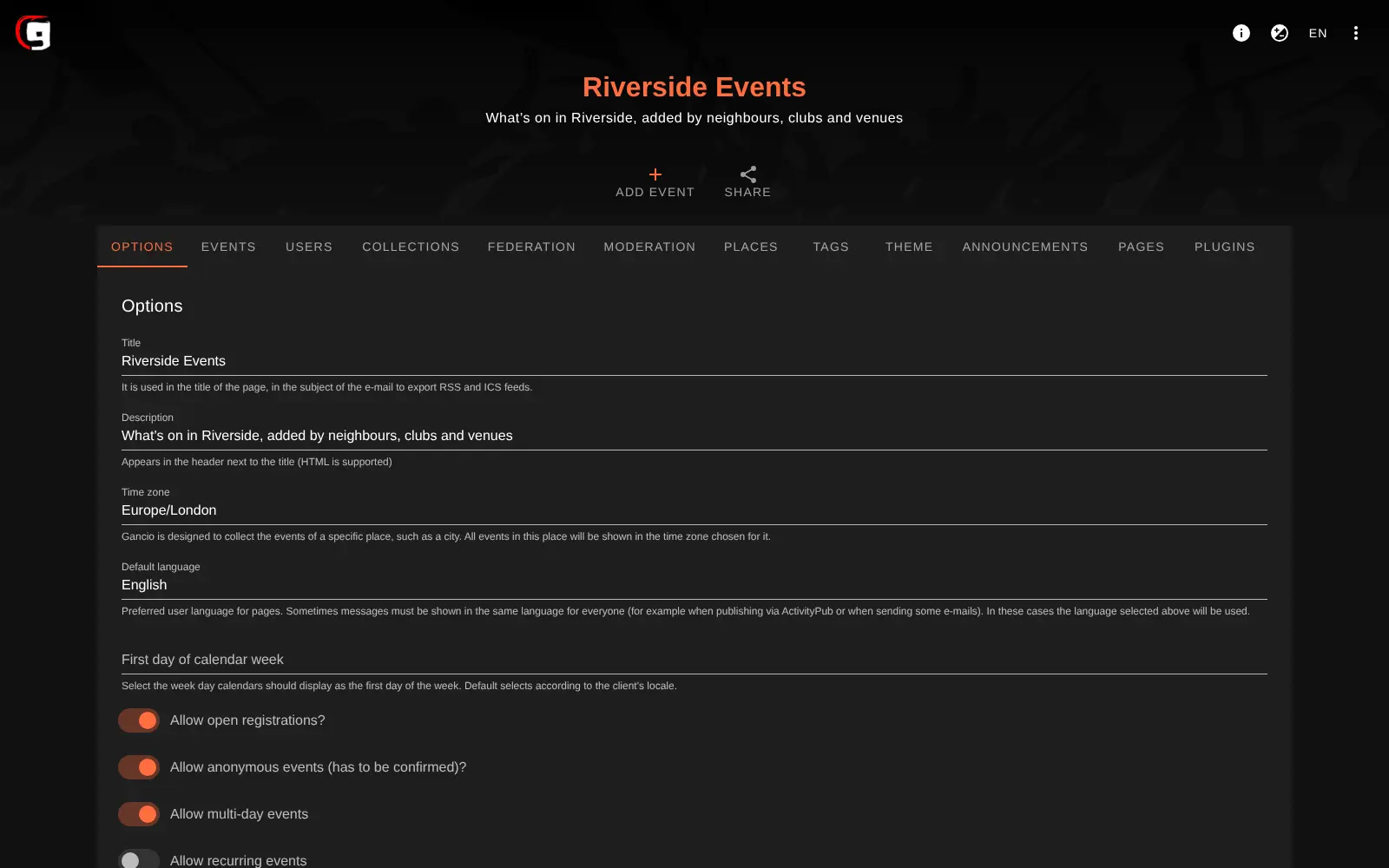
- Run it your way Give people user, editor or admin roles, turn on moderation and reports, add your own pages, logo and colours.
Replaces Facebook Events
Gancio does the same job as Facebook Events. Here is what changes when you switch.
- Nobody needs a Facebook or Meetup account to see or post an event
- Your event listings stay on your own website, with no ads or tracking
- People follow events in their own calendar app, feed reader or Mastodon
- Free to run, with no organiser fee
- No RSVPs, guest lists, tickets or payments
- No built-in audience, so you bring people to the calendar yourself
- No phone app, though it works in a phone's browser
- Your old Facebook or Meetup events do not move across
What happens when you click Deploy?
You do not need a server or any technical knowledge. Four steps, and Gancio is running at its own web address.
- Step 1 Click Deploy and create your account
Deploy takes you to Cloudgate. Create an account, or log in if you have one. Gancio itself is free.
- Step 2 Choose a server
No server? Get one from Cloudgate: pick a size and a country, and Cloudgate gets it ready. Already have one? Connect it instead.
- Step 3 Cloudgate sets up Gancio
It prepares the server, makes the passwords the app needs and starts it. There is nothing to install and nothing to write down.
- Step 4 Open your app and sign in
Your app gets a free web address to start, without https. Add your own domain, like app.yourshop.com, and Cloudgate secures it with https for you.
New to Cloudgate? See what Cloudgate is
Run Cloudgate yourself? Deploy from your own console
In your Cloudgate console, open Templates and choose Gancio.
Questions
Is Gancio free?
Yes, Gancio is free and open source under the AGPL-3.0 licence. There is no paid edition, so you pay only for your server.
Is Gancio a good alternative to Facebook Events?
Yes, if you want a public calendar of local events that anyone can read without a Facebook account. Gancio does not have RSVPs, invitations or a built-in audience, so it suits listing events more than gathering sign-ups.
Can people add events without an account?
Yes, Gancio lets visitors post events without an account by default. Those events stay hidden until an admin or editor approves them, and you can turn anonymous posting or open registration off in the settings.
How do I sign in to Gancio the first time?
Gancio's setup page creates the admin account the first time you open your Gancio address. It asks for your calendar's name, description and time zone, then shows the login, admin, with a random password only once, so copy it before you continue.
Can I show Gancio events on my own website?
Yes, Gancio lets you embed a list of events, filtered by place or tag, or a single event on any website. A WordPress plugin does the same with a shortcode.
Can people follow the events in their calendar app or on Mastodon?
Yes, Gancio publishes calendar (ICS) and RSS feeds for all events, each place and each tag. Its calendar also has a fediverse account, so people can follow new events from Mastodon.
What server size do I need for Gancio?
A small server is enough, because the Gancio project says 500 MB of memory and one processor will do. Gancio keeps its events in a built-in database, so there is no separate database server to run.
Do I need technical skills to run Gancio?
No. Click Deploy, create your Cloudgate account and choose a server, and Cloudgate sets up Gancio and gives it a web address. You use it in your browser like any other online tool.
Do I need my own server for Gancio?
No. When you deploy Gancio, hosted Cloudgate can provide a server. If you already rent one, you can connect it instead.
Can I move my data from Facebook Events to Gancio?
Most people export from Facebook Events and import into Gancio. The official guides at gancio.org walk through it.
Related apps

Simple event pages and RSVPs, with no account for hosts or guests.
Sell event tickets, register attendees and check them in, fee-free.

Sell tickets to your events without a platform fee per ticket.

Conference and meeting management, made at CERN.