
Chibisafe
Upload files and screenshots and share them by link from your server.
No server needed to start: Cloudgate can provide one. What happens when you click Deploy
What is Chibisafe?
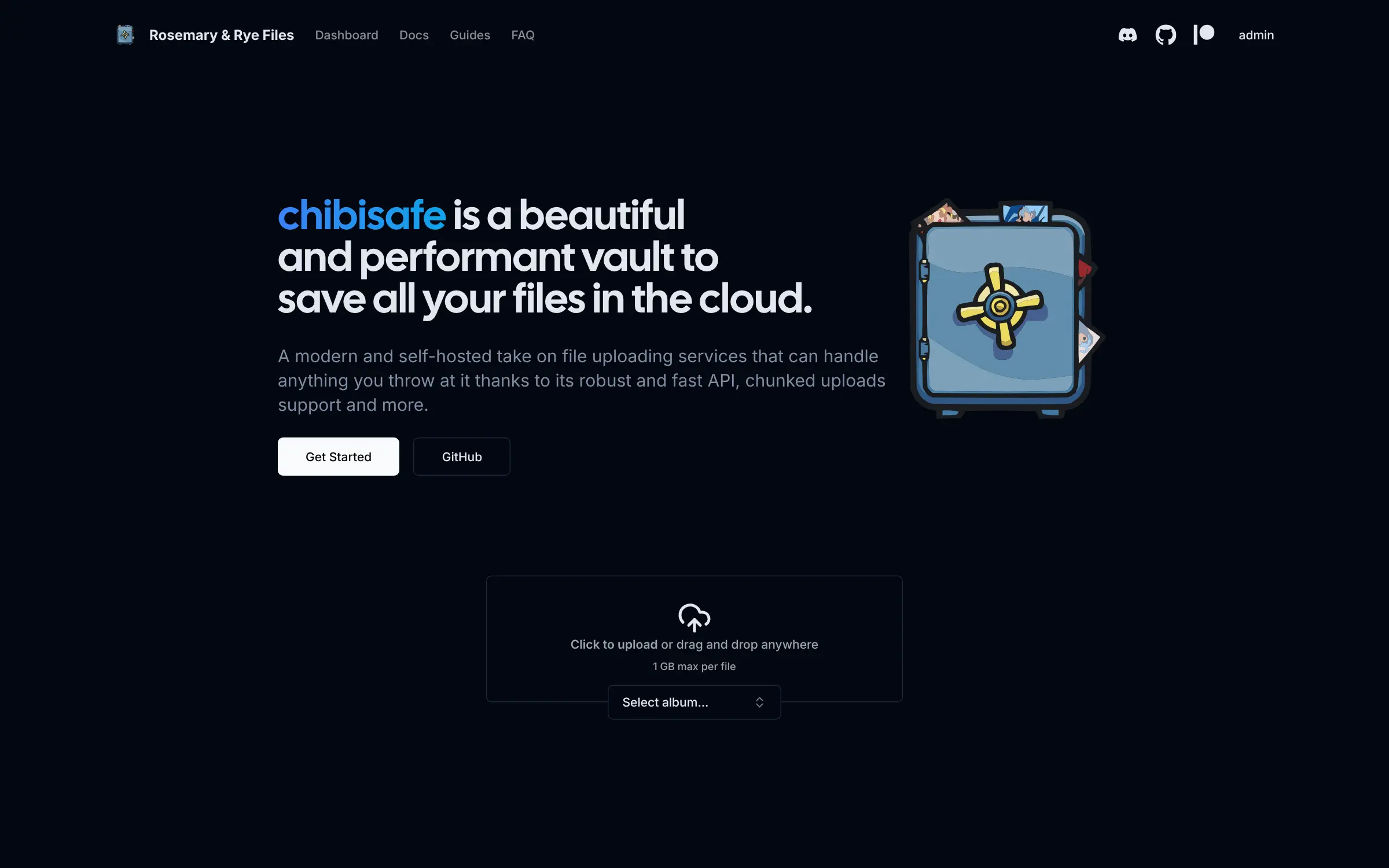
Chibisafe is a self-hosted file uploader: drop in screenshots and files, get share links, sort them into albums and upload straight from ShareX.
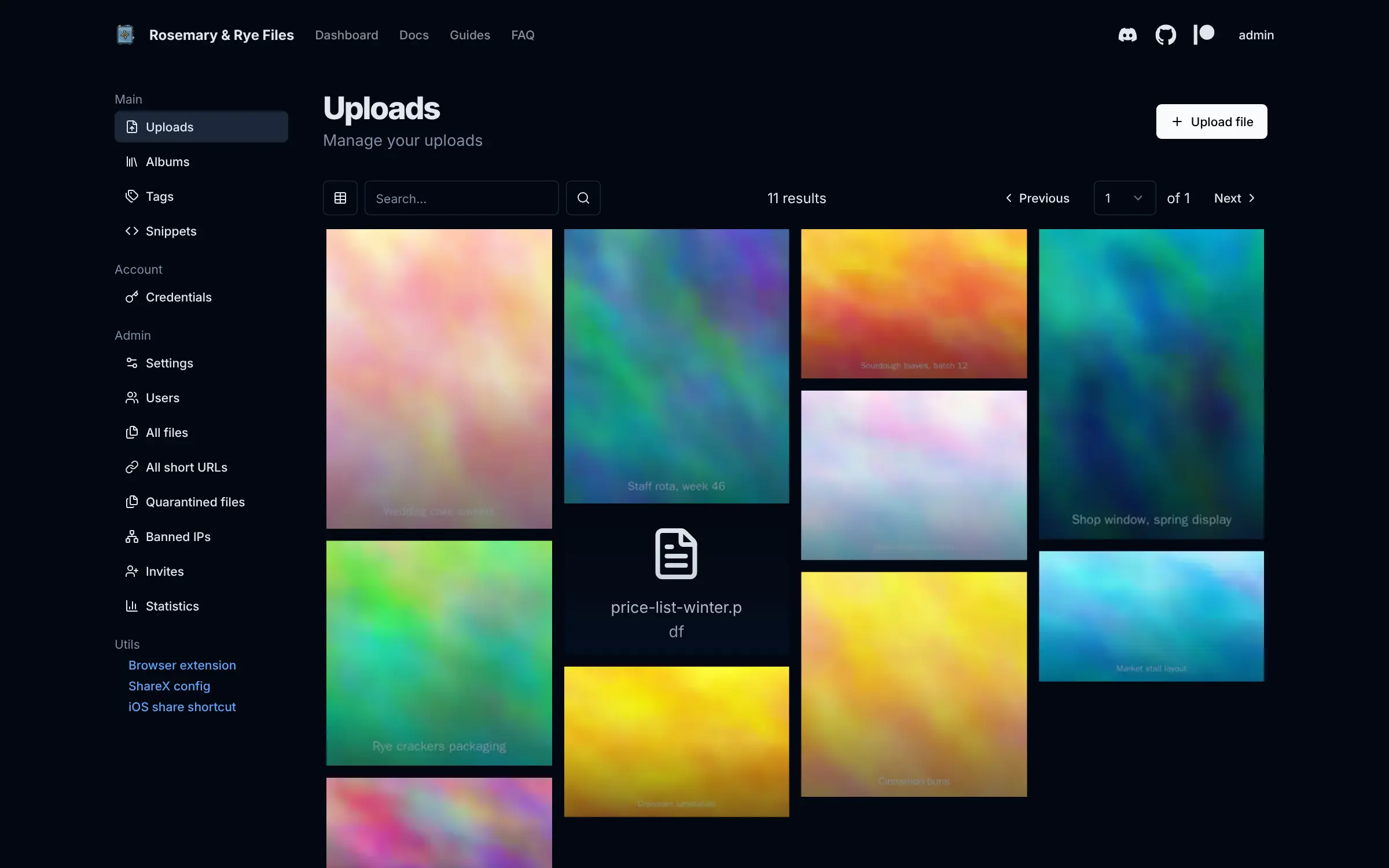
Chibisafe is a self-hosted file uploader: you drop in a screenshot, photo, video or document and get back a direct link to share, much like Zight (formerly CloudApp) or Droplr, but on your own server. Every upload lands in a dashboard where you can see thumbnails, search, tag files and sort them into albums that have their own share link.
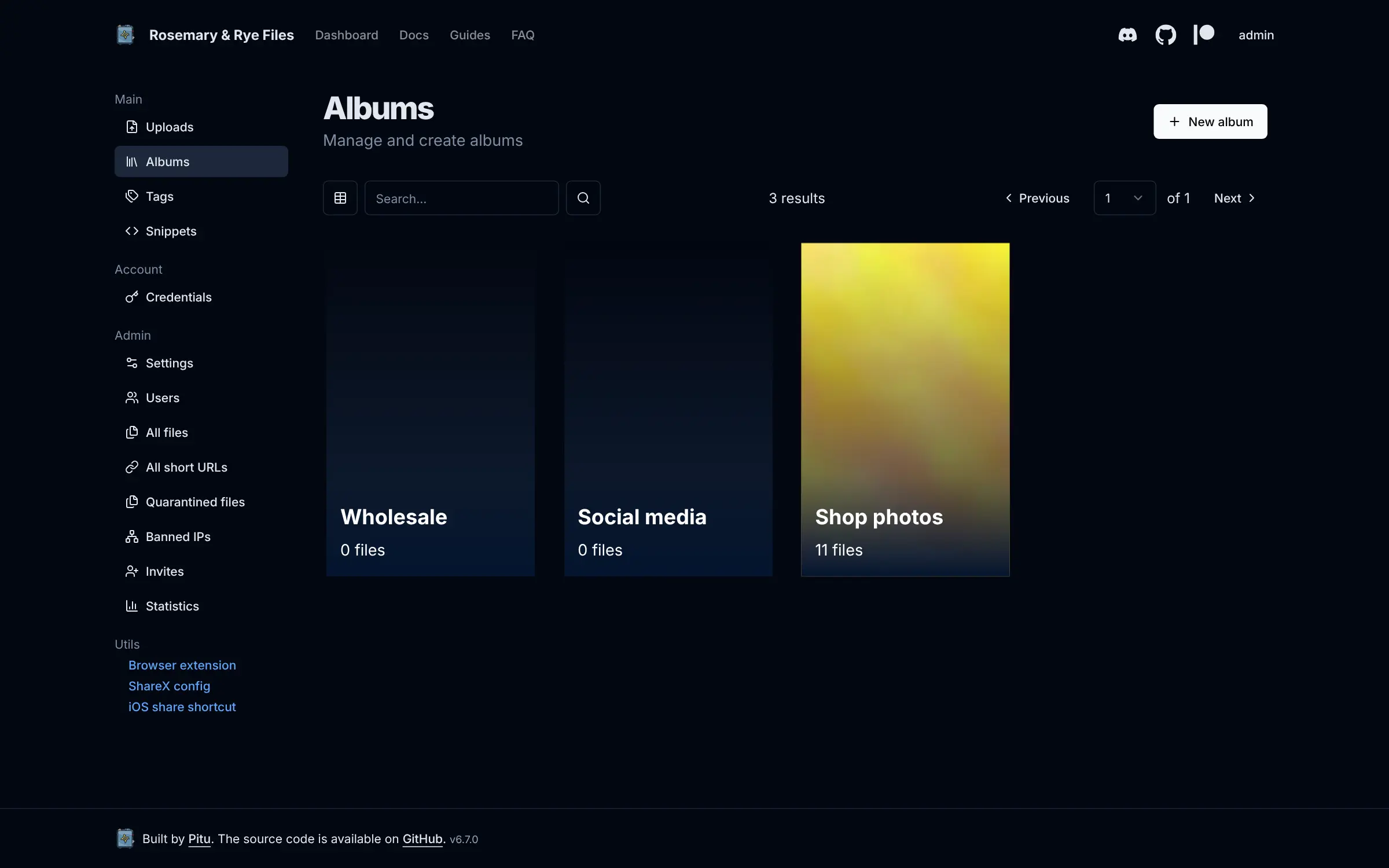
It suits anyone who sends files to customers or colleagues all day. A small bakery, for example, could keep its product photos and wholesale price list in Chibisafe and send a wholesale buyer one album link instead of attachments by email. Designers and support teams can upload screenshots straight from ShareX on Windows and paste the link into a chat.
Chibisafe also shortens long web addresses and shares text snippets. You choose whether only you can upload, anyone can, or people join by invite, with a storage quota for each person. It works in any browser, from the iPhone share menu and through a browser extension, and it can store files on S3-compatible storage.
Cloudgate installs Chibisafe on your server with a secure web address and creates the admin account with a strong password.
What you can do with Chibisafe
- Share any file by link Drop in a photo, video or document and get a direct link to send; large files upload in chunks so a shaky connection doesn't stop them.
- Browse uploads as a picture wall See every upload as a grid of thumbnails, then search, tag and tidy them from one dashboard.
- Group files into albums Put files into albums and share a whole album with one link.
- Upload straight from ShareX Send screenshots and screen recordings from ShareX on Windows, the iPhone share menu or the browser extension.
- Shorten links and share snippets Turn long web addresses into short links, and share notes or code as text snippets.
- Decide who can upload Run it just for you, open it to anyone, or let people in by invite only, with storage quotas per person.
Replaces Zight (CloudApp) and Droplr
Chibisafe does the same job as Zight (CloudApp) and Droplr. Here is what changes when you switch.
- No per-user subscription; storage is limited only by your server or your own S3 bucket
- Your files and links stay on your own web address
- Albums, tags, snippets and a link shortener are all included
- No ads in your sharing pages or files
- There is no capture or screen-recording app of its own; you use ShareX, the iPhone shortcut or the browser
- Files you already shared on Zight or Droplr don't move across
- Anyone with a link can open that file, so share links with care
What happens when you click Deploy?
You do not need a server or any technical knowledge. Four steps, and Chibisafe is running at its own web address.
- Step 1 Click Deploy and create your account
Deploy takes you to Cloudgate. Create an account, or log in if you have one. Chibisafe itself is free.
- Step 2 Choose a server
No server? Get one from Cloudgate: pick a size and a country, and Cloudgate gets it ready. Already have one? Connect it instead.
- Step 3 Cloudgate sets up Chibisafe
It prepares the server, makes the passwords the app needs and starts it. There is nothing to install and nothing to write down.
- Step 4 Open your app and sign in
Your app gets a free web address to start, without https. Add your own domain, like app.yourshop.com, and Cloudgate secures it with https for you.
New to Cloudgate? See what Cloudgate is
Run Cloudgate yourself? Deploy from your own console
In your Cloudgate console, open Templates and choose Chibisafe.
Questions
Is Chibisafe free?
Yes. Chibisafe is free and open source under the MIT licence, with no paid plan or locked features. You pay only for your server and its storage.
Is Chibisafe a good alternative to Zight or Droplr?
Yes, Chibisafe is a good Zight or Droplr alternative if you mainly share screenshots and files by link. Chibisafe gives you share links, albums, a link shortener and ShareX uploads on your own server with no per-user fee, but it has no capture or screen-recording app of its own.
How do I sign in to Chibisafe the first time?
Chibisafe creates one account called admin on its first start. Sign in as admin with the password Cloudgate shows in the app's settings, then change it in Chibisafe.
Does Chibisafe work with ShareX?
Yes. Chibisafe supports ShareX out of the box, so screenshots and screen recordings from ShareX on Windows upload straight to your server and come back as a link. The dashboard links to the ShareX setup, an iPhone share shortcut and a browser extension.
Can other people upload to my Chibisafe?
Yes, if you allow it. In Chibisafe you can keep uploads to yourself, let anyone upload, or let people sign up with an invite, and each account can have its own storage quota.
What server size do I need for Chibisafe?
A small server is enough, because Chibisafe keeps its data in a built-in database and needs no separate database server. Plan the disk for the files you expect to store, or connect S3-compatible storage.
Do I need technical skills to run Chibisafe?
No. Click Deploy, create your Cloudgate account and choose a server, and Cloudgate sets up Chibisafe and gives it a web address. You use it in your browser like any other online tool.
Do I need my own server for Chibisafe?
No. When you deploy Chibisafe, hosted Cloudgate can provide a server. If you already rent one, you can connect it instead.
Can I move my data from Zight (CloudApp) to Chibisafe?
Most people export from Zight (CloudApp) and import into Chibisafe. The official guides at chibisafe.app walk through it.
Related apps

Share screenshots, files and short links from your own domain.

Image sharing with private links, like Imgur.

Image hosting to upload pictures and share them by link.

A two-panel web file manager for your server, in any browser.