Bonfire
Your own fediverse network, with privacy set post by post.
No server needed to start: Cloudgate can provide one. What happens when you click Deploy



What is Bonfire?
Self-hosted Bonfire is a federated social network where you choose who can see, reply to or quote each post, linked to Mastodon and the fediverse.
Bonfire is free, open-source software for running your own social network, a self-hosted alternative to X (Twitter) where members post, follow each other and choose, post by post, who can see and reply. It is part of the fediverse, so your members can also follow and talk with people on Mastodon and other fediverse servers. This template installs Bonfire Social, the project's 1.0 release.
A housing co-op, for example, could give its residents a social space of its own: the committee posts public updates that anyone can read, keeps replies to a "Residents" circle, and shares meeting notes only with a "Members" circle. Sign-up is by invite only at first, and you open it when you're ready.
Bonfire works in any browser and can be added to a phone's home screen. Members can export their follows, circles and posts, and bring their follows and post history from a Mastodon account. Sign-up confirmations need an email service you add.
Cloudgate installs Bonfire on a server Cloudgate provides or one you connect and gives it a secure web address. Choose that address carefully: it becomes part of every member's handle.
What you can do with Bonfire
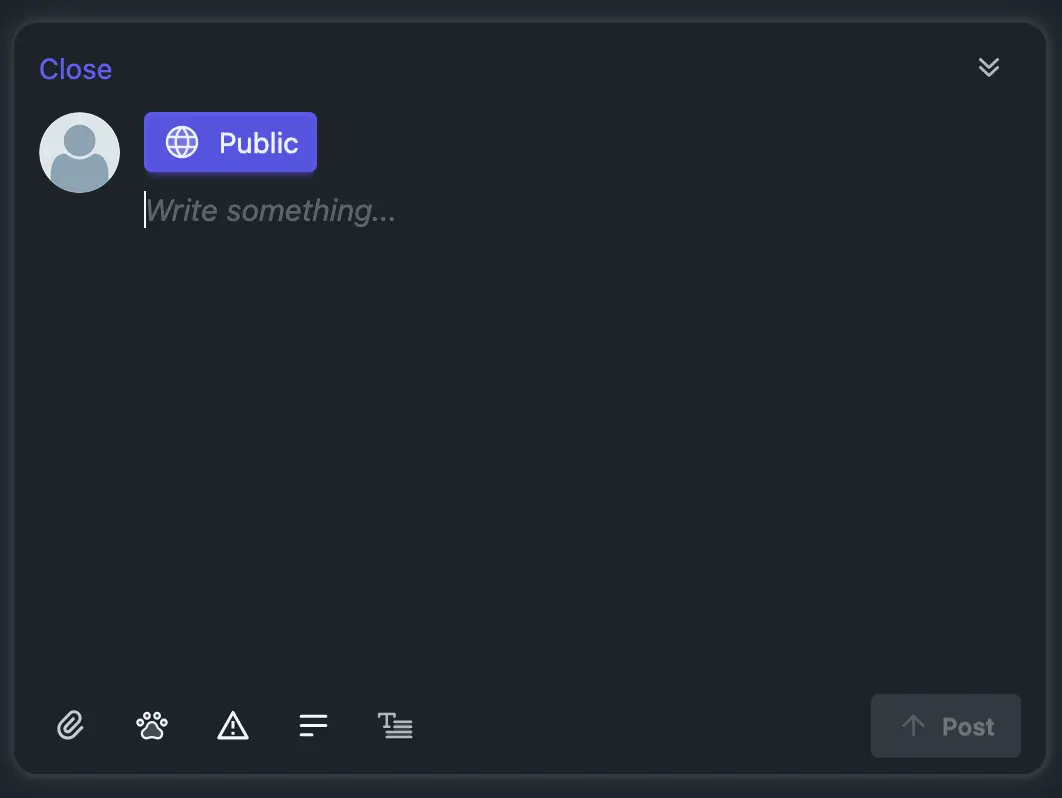
- Post and talk in threads Write short updates or longer posts, add content warnings, and follow replies in threaded discussions.
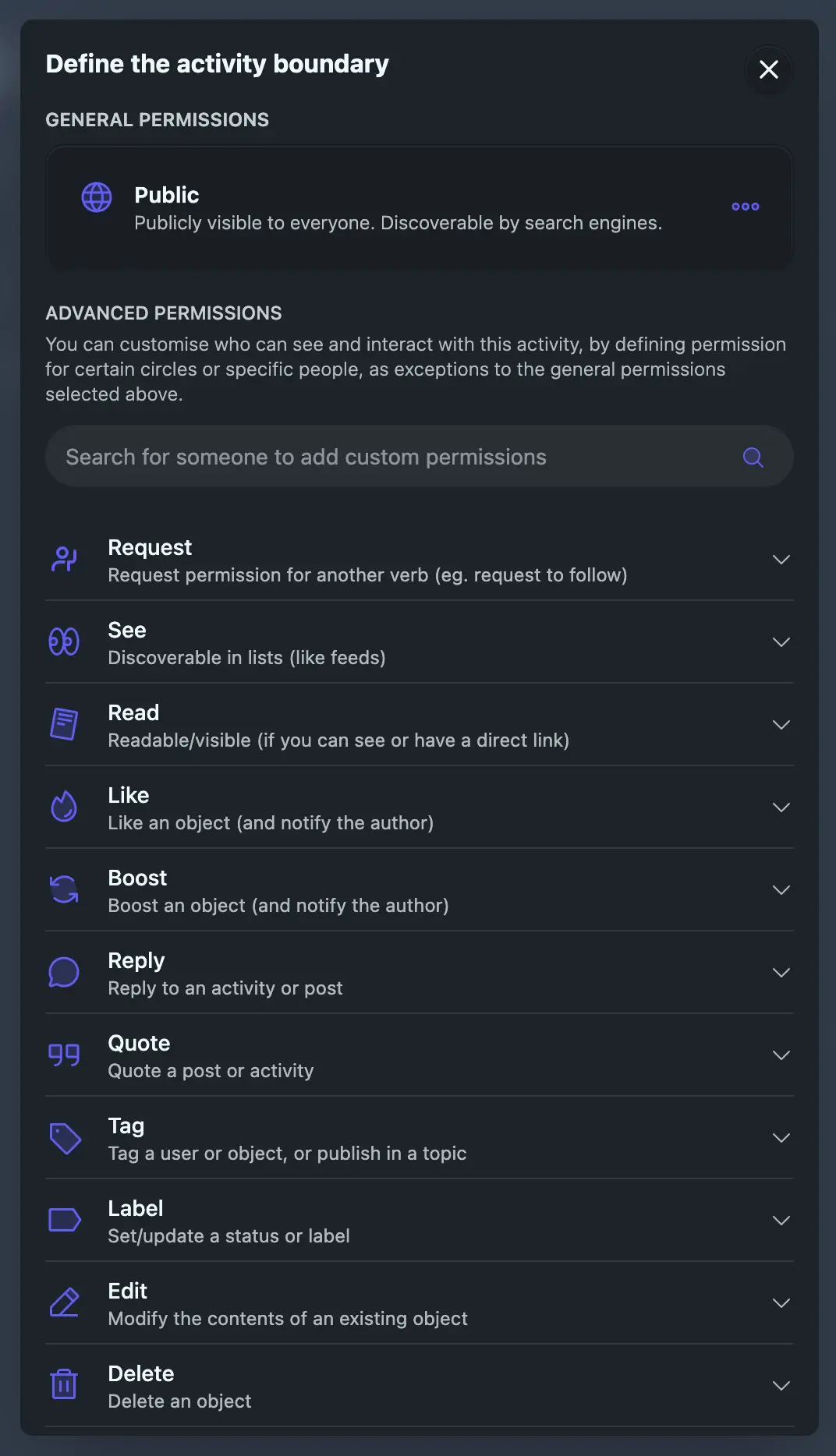
- Choose who sees and replies to each post For every post, set who can see it, reply, quote or boost it, such as public to all but replies only from one circle.
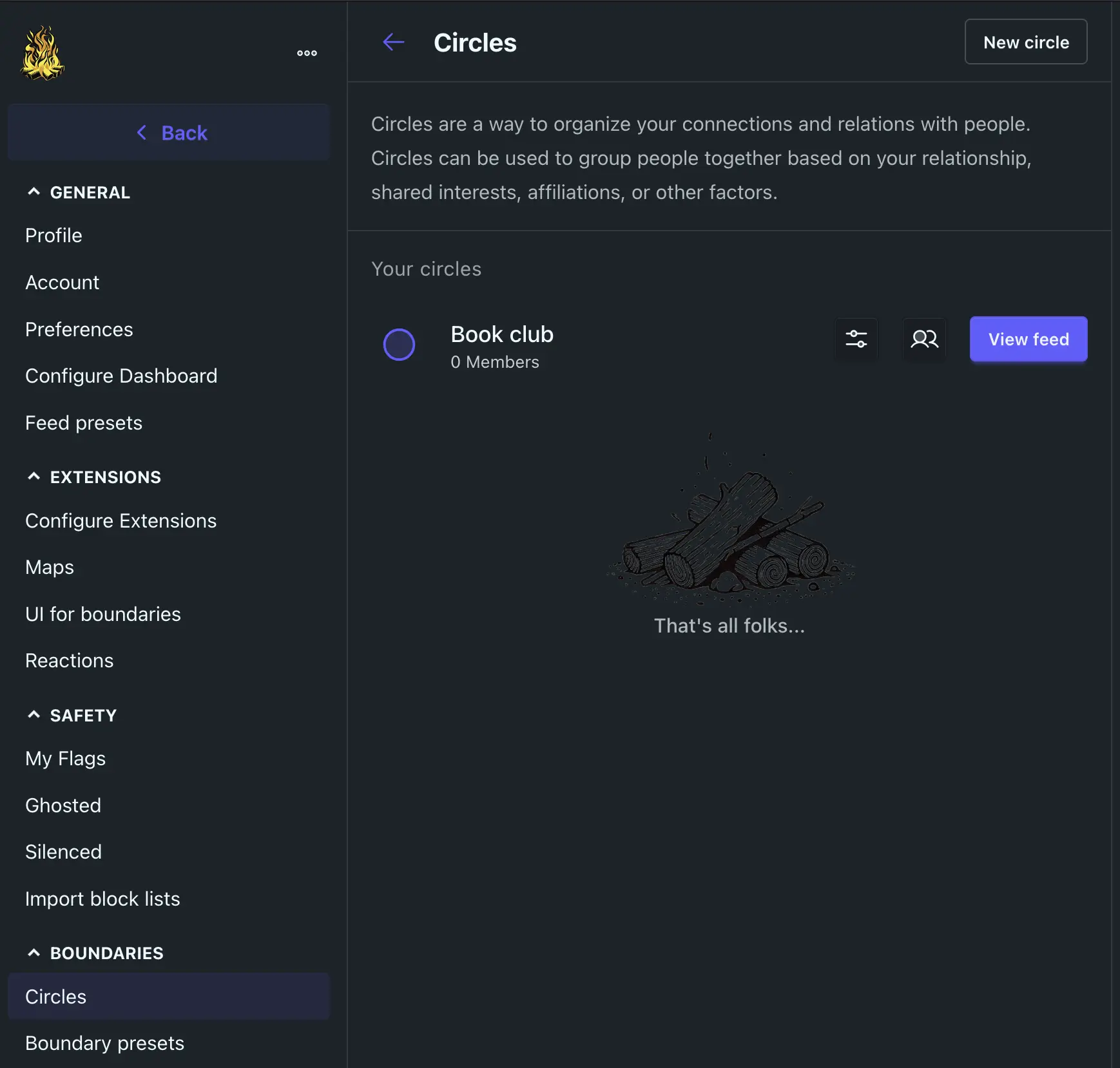
- Sort people into circles Make your own lists of people, like "Book club" or "Colleagues", each with its own feed and usable as a post's audience.
- Build your own feeds Filter and sort by type of post, circle, date, engagement or server, and save the feeds you like, with no hidden algorithm.
- Talk to Mastodon and the wider fediverse Members can follow and be followed by people on Mastodon, PeerTube, Mobilizon and other fediverse servers, or you can keep the network closed.
- Keep several profiles on one account Run a personal and a work or project profile from the same login, shown as separate identities by default.
- Moderate together Members flag posts, and admins and members can silence, ghost or block accounts and import shared block lists.
- Take your data with you Export follows, circles, posts and bookmarks, and import follows, blocks, bookmarks and post history from a Mastodon-style export.
Replaces X (Twitter) and Facebook
Bonfire does the same job as X (Twitter) and Facebook. Here is what changes when you switch.
- A social space on your own address, under rules your community sets
- Per-post control over who can see, reply to and quote what you share
- No ads, and feeds you shape yourself instead of an algorithm
- Members can follow and be followed across Mastodon and the fediverse
- Your X or Facebook posts and followers do not move across
- The audience is far smaller, and friends need a fediverse account to follow you
- Bonfire is younger than Mastodon, and only some Mastodon apps work with it so far
- You run moderation and updates, and add an email service for sign-ups
What happens when you click Deploy?
You do not need a server or any technical knowledge. Four steps, and Bonfire is running at its own web address.
- Step 1 Click Deploy and create your account
Deploy takes you to Cloudgate. Create an account, or log in if you have one. Bonfire itself is free.
- Step 2 Choose a server
No server? Get one from Cloudgate: pick a size and a country, and Cloudgate gets it ready. Already have one? Connect it instead.
- Step 3 Cloudgate sets up Bonfire
It prepares the server, makes the passwords the app needs and starts it. There is nothing to install and nothing to write down.
- Step 4 Open your app and sign in
Your app gets a free web address to start, without https. Add your own domain, like app.yourshop.com, and Cloudgate secures it with https for you.
New to Cloudgate? See what Cloudgate is
Run Cloudgate yourself? Deploy from your own console
In your Cloudgate console, open Templates and choose Bonfire.
Questions
Is Bonfire free?
Yes. Bonfire is free, open-source software under the AGPL-3.0 licence, made by a not-for-profit with no ads and no paid edition. You pay only for your server and, if you want one, an email service.
Is Bonfire a good alternative to X (Twitter)?
Yes, Bonfire is a good X (Twitter) alternative if you want a short-post social network that you run yourself, with no ads and per-post control over who sees and replies. The audience starts small, and your posts and followers on X do not move across.
How is Bonfire different from Mastodon?
Bonfire lets you set, post by post, who can see, reply to or quote it, sort people into circles with their own feeds, and build custom feeds. Mastodon is older, has official phone apps and works with many more apps. Both use the fediverse, so their members can follow each other.
How do I sign in to Bonfire the first time?
Open your Bonfire address and sign up; the first account becomes the admin and needs no email confirmation. There is no default login. After that, sign-up is by invite only until you open it, and everyone else confirms their address by email.
Can I move my account from Mastodon to Bonfire?
Yes, mostly. Bonfire imports the follows, blocks, bookmarks, lists and post history from a Mastodon export, and followers can move with the fediverse's account move. Private messages and media files do not come across.
Does Bonfire have phone apps?
Not official ones. Bonfire works in the phone's browser and can be added to the home screen like an app. It has a Mastodon-compatible connection, but it is only partly built, so many Mastodon apps won't work fully yet.
What server size do I need for Bonfire?
Cloudgate starts Bonfire on a large server with about 4 GB of memory; a fresh install uses about 1 GB. The Bonfire team recommends 8 GB or more, so choose a bigger server as your community grows.
Do I need technical skills to run Bonfire?
No. Click Deploy, create your Cloudgate account and choose a server, and Cloudgate sets up Bonfire and gives it a web address. You use it in your browser like any other online tool.
Do I need my own server for Bonfire?
No. When you deploy Bonfire, hosted Cloudgate can provide a server. If you already rent one, you can connect it instead.
Related apps

Your own social network in the fediverse.

A Misskey-based social network that works with Mastodon apps.

A Facebook-style social network of your own, linked to the fediverse.
Post short updates to your own public timeline on your own domain.