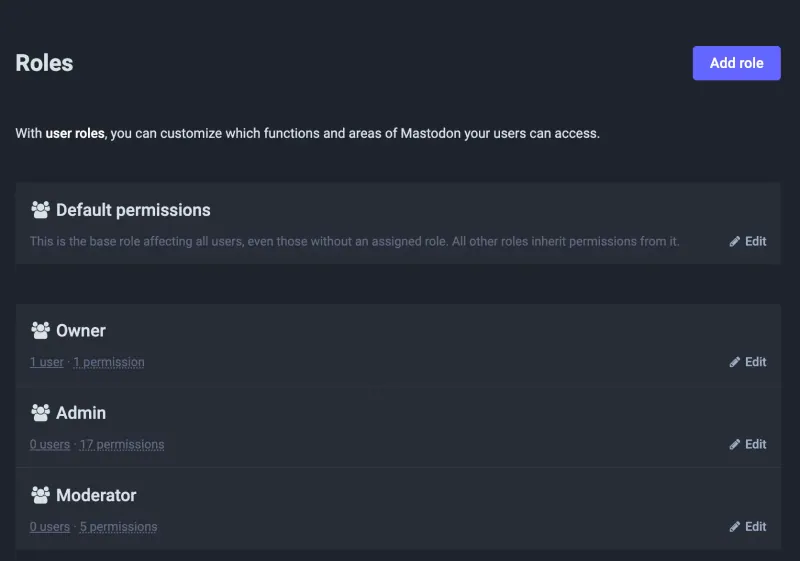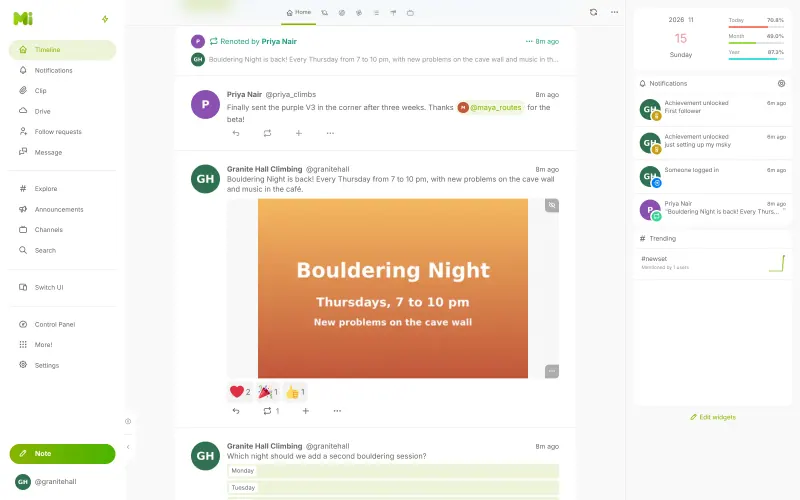



Followers on X do not move to any of these apps, and Mastodon cannot import your X posts or media. Choose your server's domain first, because it is part of every handle and cannot change once people join. Write your server's rules, create accounts for your staff or members, or send invite links, and add your website to each profile; the link shows a checkmark once your website links back to the profile. Then post your new handle on X and on your website so followers can find you. Misskey works the same way: it can't import X posts, and its address can't change after the first start, so choose it carefully. Enter the setup password Cloudgate shows to create the admin account, then choose open, invite-only or approved sign-ups in the Control Panel.
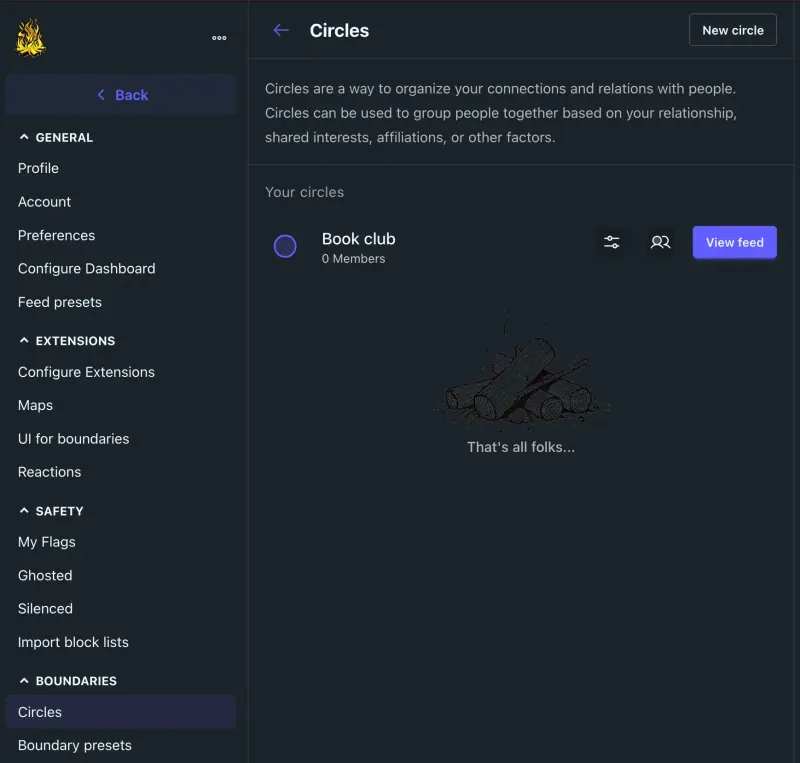
Bonfire can't import X posts either. The first person to sign up becomes the admin, so do that first, add an email service so others can confirm their accounts, then send invite links or open sign-ups. Set up circles for the groups of people you post to, and choose a default for who can see and reply to your posts.
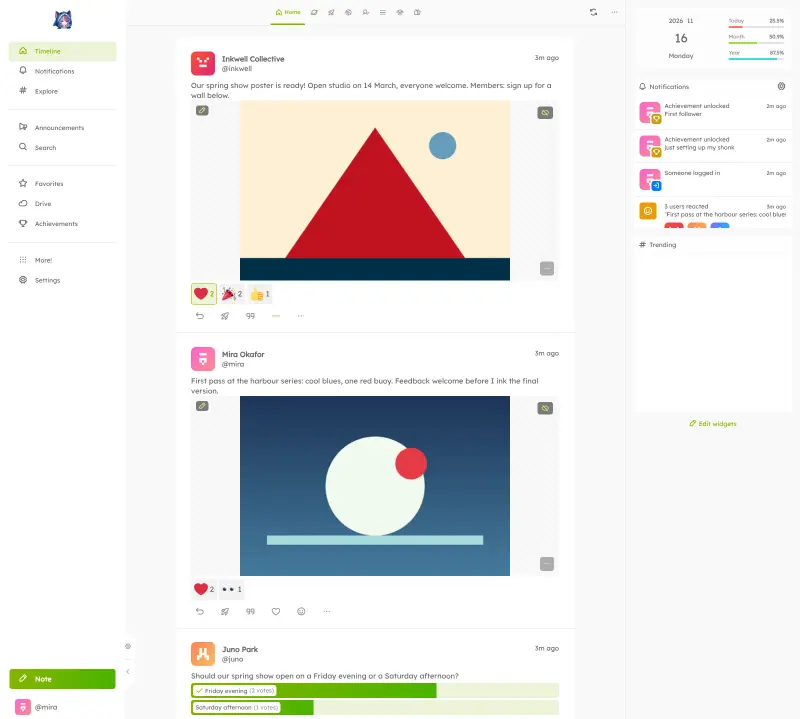
Sharkey is the one that brings your X posts along. Request your archive in X's settings; once your account is set up, import the archive from your Sharkey account settings, and your posts arrive with their pictures, though threads may not join up perfectly and other people's replies don't come across. Each member can do the same with their own archive. Turn on sign-up approval if you want to check who joins.
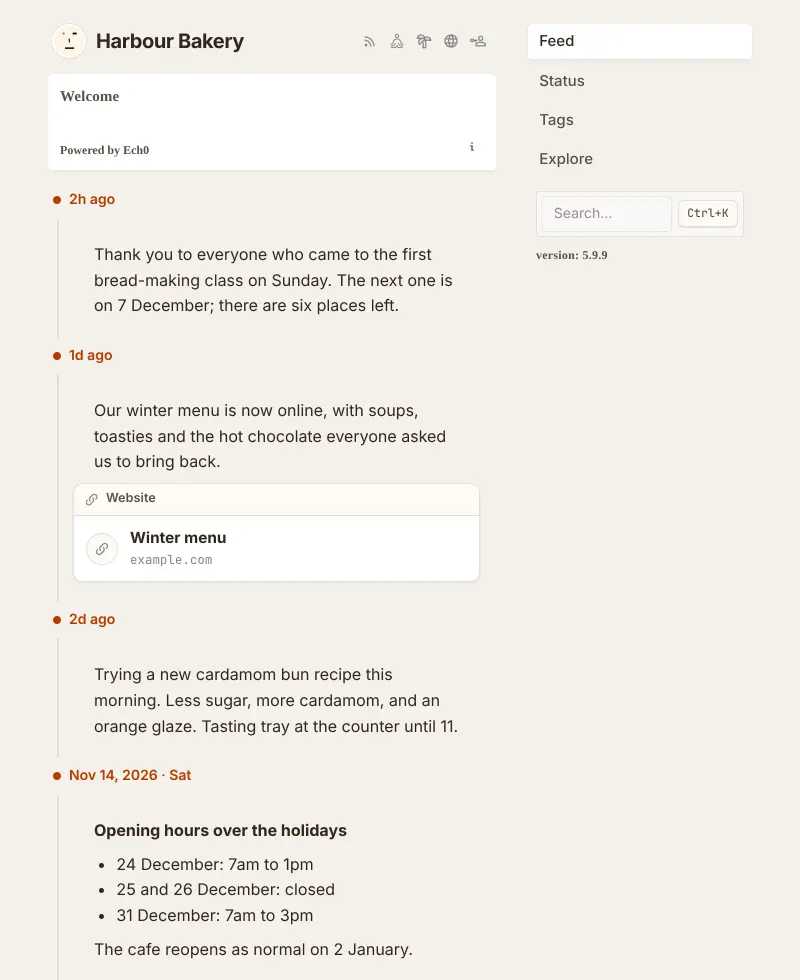
Ech0 can't import X posts either. Open its address straight away and create the owner account, then turn off sign-ups if nobody else should have an account, since they are open by default. Post your new timeline's address and its RSS feed on X so readers can follow it there.