
Typecho
A small, fast self-hosted blog you write in Markdown.
No server needed to start: Cloudgate can provide one. What happens when you click Deploy
What is Typecho?
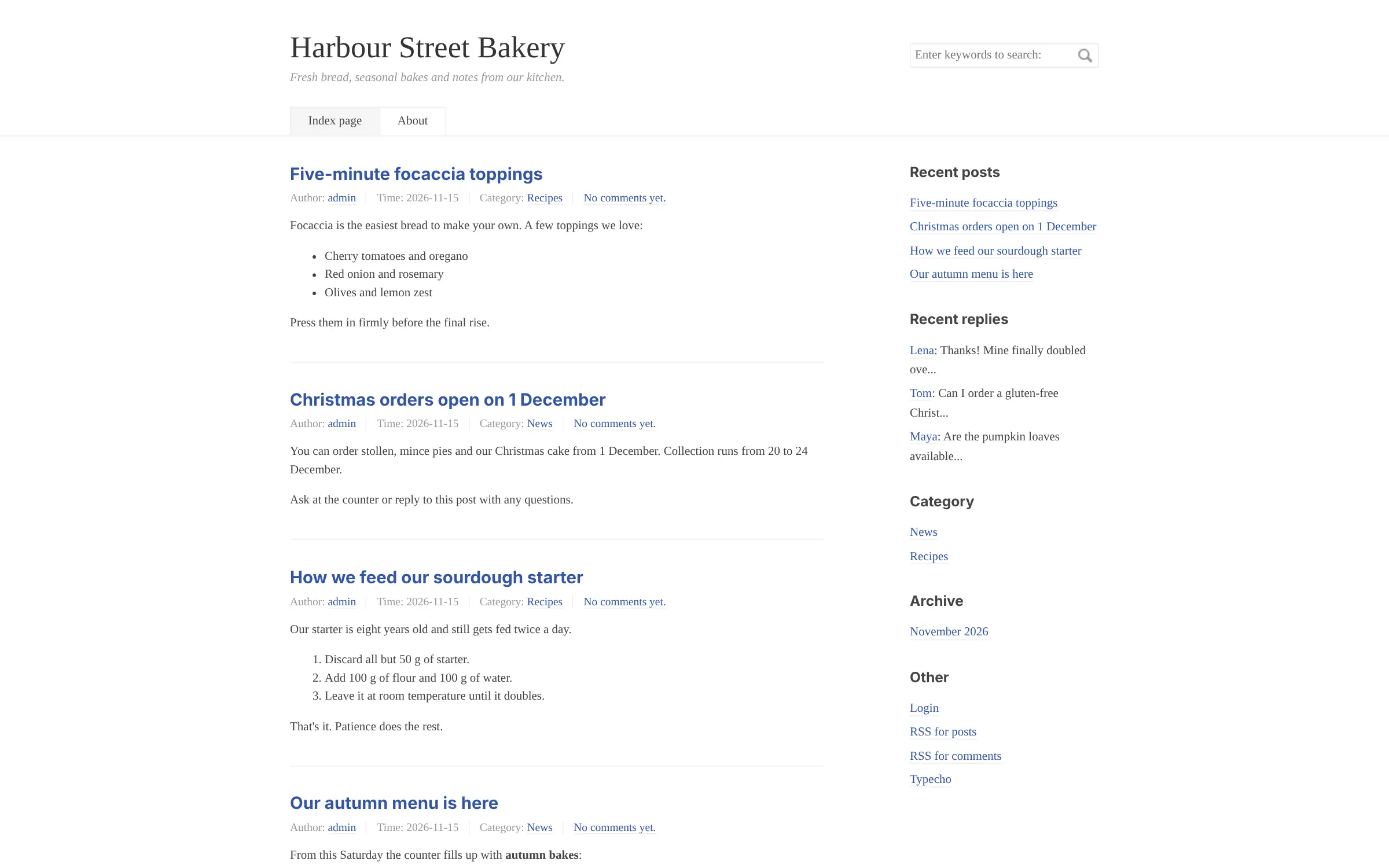
Self-hosted Typecho: a small, fast blog you write in Markdown, with categories, comments, themes and plugins, on your own web address.
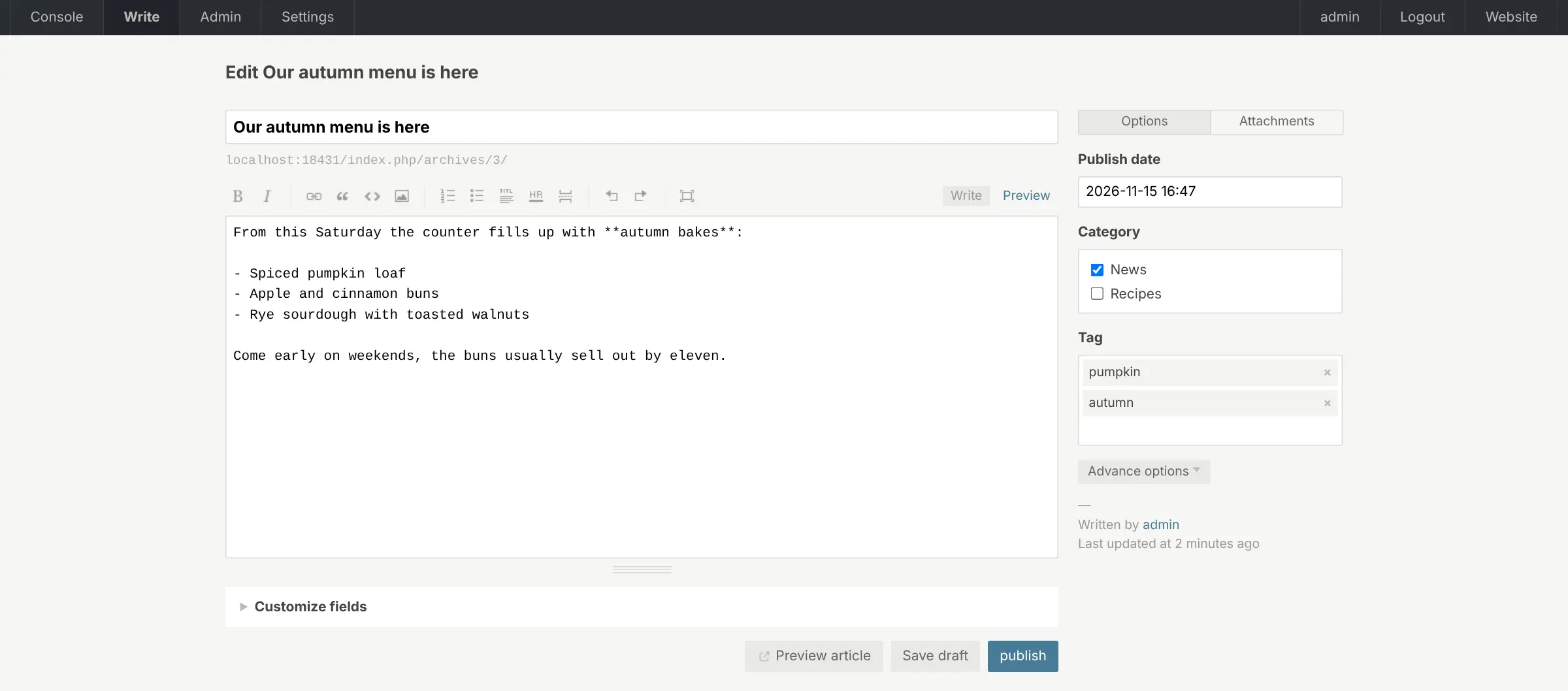
Typecho is a free, self-hosted blogging platform that gives you a fast, simple blog on your own web address, as an alternative to Medium and a lighter option than WordPress. You write posts in Markdown, sort them into categories and tags, add a few pages and let readers comment.
It does one job and keeps it small, so it runs well on a modest server and the admin has only a handful of screens. A bakery, for example, can post its seasonal menu, opening hours and the odd recipe, and answer customers' questions in the comments, without learning a full website builder.
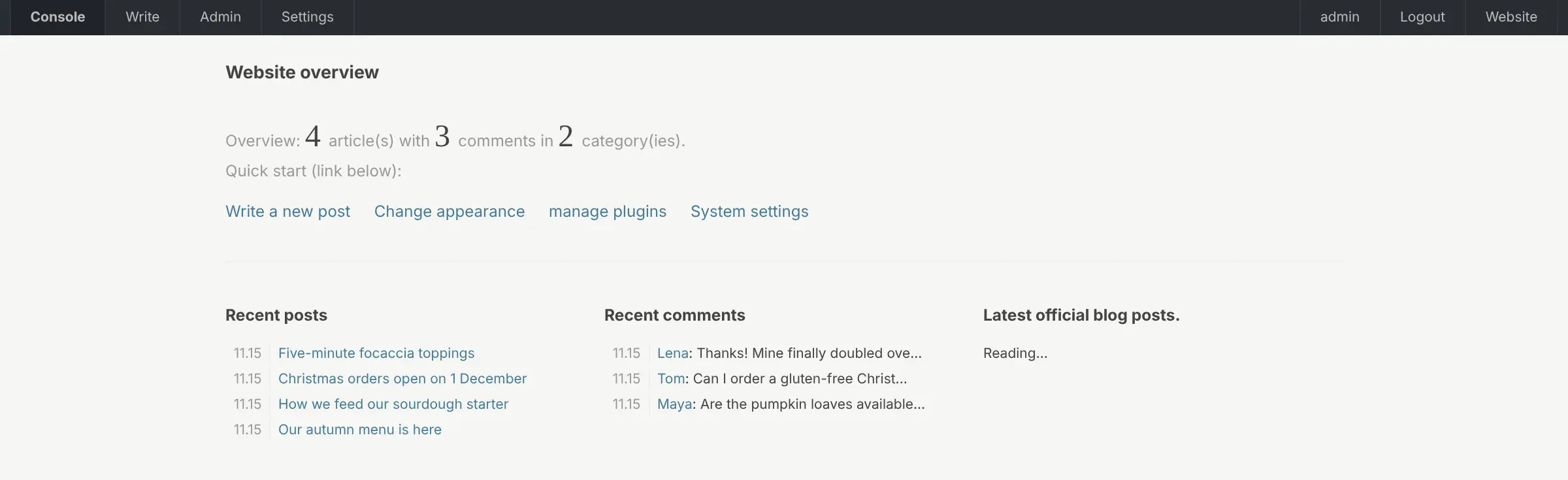
Themes and plugins change the design and add features, and RSS feeds let readers follow new posts. You can give other people their own login as editor or contributor, and with XML-RPC turned on you can post from blogging apps that support it. Much of Typecho's community, and many themes and plugins, are in Chinese, and the admin starts in Chinese until you switch it to English.
Cloudgate installs Typecho on your server with the database it needs and gives it a secure web address. Sign in at your blog's address followed by /admin with the admin password Cloudgate created, switch the language to English, and write your first post.
What you can do with Typecho
- Write in Markdown Type posts in plain Markdown with a formatting toolbar and a preview of how the post will look.
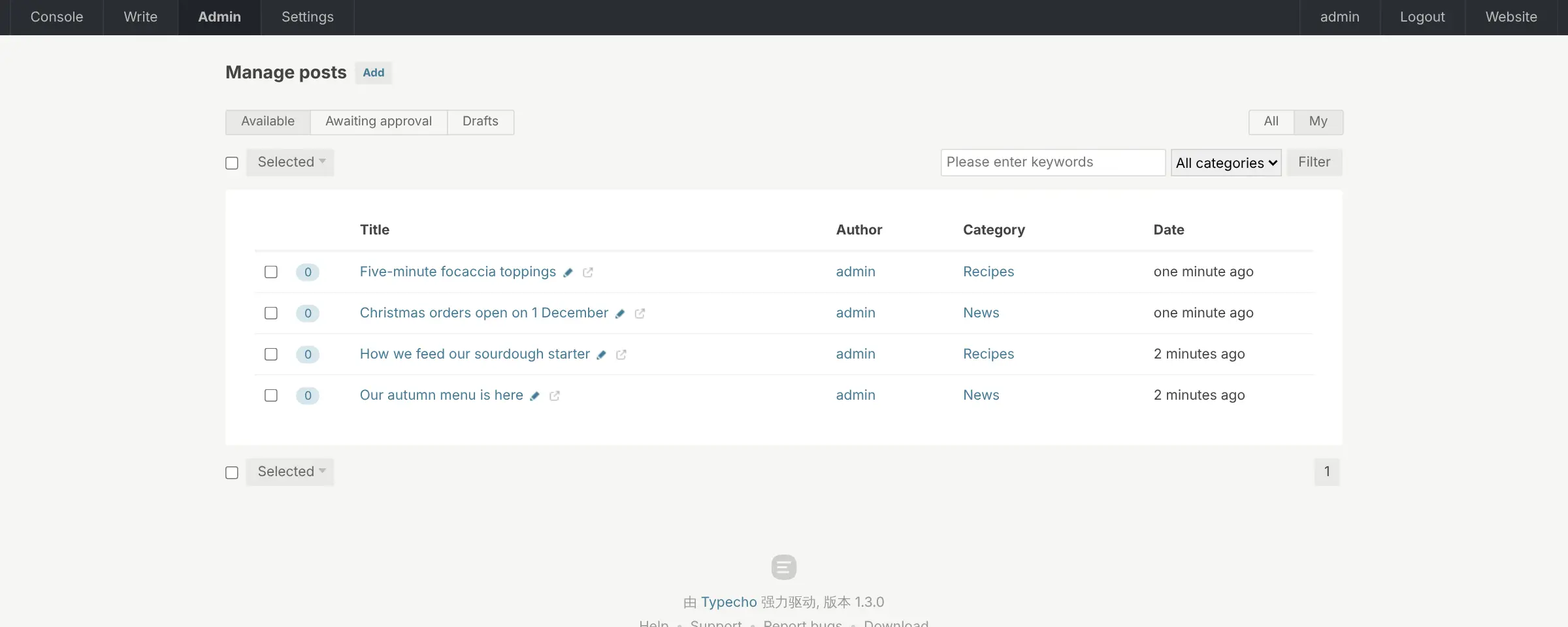
- Organise posts your way Sort posts into categories and tags, and add pages such as About or Opening hours.
- Moderate comments Readers can comment, and you approve, reply to or mark comments as spam from one list.
- Change the look Install themes and plugins to change your blog's design and add features.
- Write as a team Give people the role of editor, contributor or subscriber, so they only see what they need.
- Post from other apps Turn on XML-RPC to publish from desktop or phone blogging apps that support it.
- Feeds for your readers Every blog gets RSS feeds for posts and for comments.
Replaces Medium
Typecho does the same job as Medium. Here is what changes when you switch.
- No monthly plan, and your posts and comments stay on your own server
- A light blog that loads quickly and needs only a small server
- Your own address, design and plugins without plan limits
- The admin starts in Chinese, and a few words stay untranslated after you switch to English
- Far fewer themes and plugins than WordPress, and many are documented only in Chinese
- It is a blog only, with no page builder, shop or newsletter
- There is no built-in import from WordPress or Medium
What happens when you click Deploy?
You do not need a server or any technical knowledge. Four steps, and Typecho is running at its own web address.
- Step 1 Click Deploy and create your account
Deploy takes you to Cloudgate. Create an account, or log in if you have one. Typecho itself is free.
- Step 2 Choose a server
No server? Get one from Cloudgate: pick a size and a country, and Cloudgate gets it ready. Already have one? Connect it instead.
- Step 3 Cloudgate sets up Typecho
It prepares the server, makes the passwords the app needs and starts it. There is nothing to install and nothing to write down.
- Step 4 Open your app and sign in
Your app gets a free web address to start, without https. Add your own domain, like app.yourshop.com, and Cloudgate secures it with https for you.
New to Cloudgate? See what Cloudgate is
Run Cloudgate yourself? Deploy from your own console
In your Cloudgate console, open Templates and choose Typecho.
Questions
Is Typecho free?
Yes, Typecho is free and open source under the GPL-2.0 licence, with no paid edition. You pay only for the server it runs on.
Is Typecho a good alternative to Medium?
Yes, Typecho suits you if you want your own blog on your own address. Your posts, comments and design stay yours, with no monthly plan, but there is no newsletter, paid memberships or Medium readership; new readers find you through search, RSS and social media.
How is Typecho different from WordPress?
Typecho is much smaller and simpler than WordPress, which keeps it fast on a small server. It is a blog only, with far fewer themes and plugins and no page builder or shop.
Is Typecho available in English?
Yes, the Typecho admin includes an English translation, but a new blog starts in Chinese. Switch it on the general settings page, where the language is chosen, and expect a few small labels to stay in Chinese.
How do I sign in to Typecho the first time?
Go to your Typecho blog's address followed by /admin and sign in with the username admin and the password Cloudgate created for it. The blog is already installed, so there is no setup wizard.
Can I move my WordPress blog to Typecho?
Not easily. Typecho has no built-in WordPress import; a community plugin exists, but users have reported incomplete imports, so test it on a copy first or copy your main posts by hand.
What server size do I need for Typecho?
A small server is enough, because Typecho is a light PHP app with a MariaDB database. Cloudgate sets up both.
Do I need technical skills to run Typecho?
No. Click Deploy, create your Cloudgate account and choose a server, and Cloudgate sets up Typecho and gives it a web address. You use it in your browser like any other online tool.
Do I need my own server for Typecho?
No. When you deploy Typecho, hosted Cloudgate can provide a server. If you already rent one, you can connect it instead.
Related apps
A self-hosted multilingual blog, with each post in many languages.

Publish a blog and paid newsletter on a site that you own.

A self-hosted website and blog builder with themes and plugins.

Build a website, blog or shop with themes and thousands of add-ons.