
SearXNG
A self-hosted private search engine that asks many engines at once.
No server needed to start: Cloudgate can provide one. What happens when you click Deploy
What is SearXNG?
Self-hosted SearXNG is a private search engine that searches Google, DuckDuckGo, Brave and many more at once, with no account, ad profile or tracking.
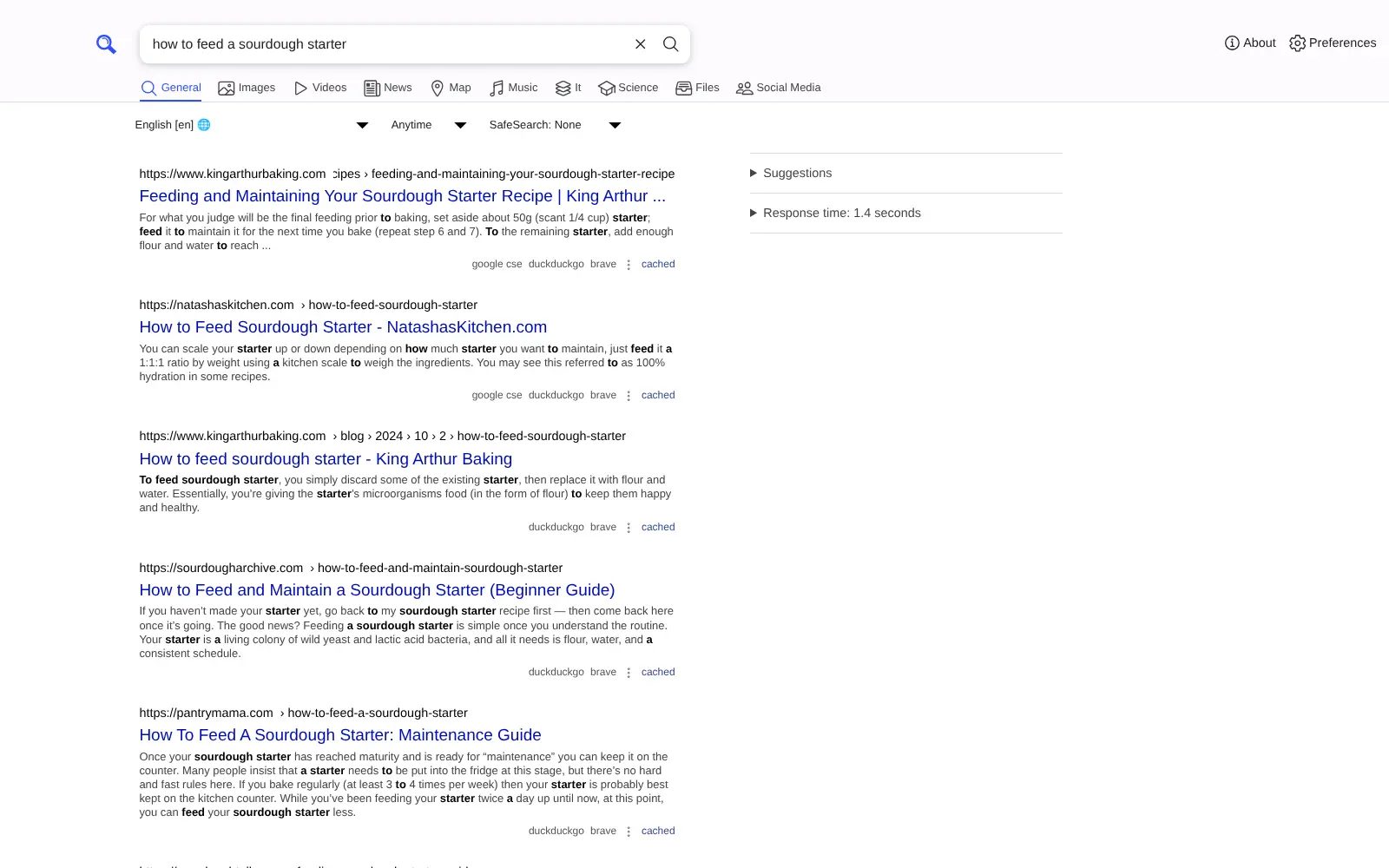
Self-hosted SearXNG is a free, open-source private search engine that you run yourself in place of Google Search or a paid service like Kagi. You type a search once and SearXNG asks many search engines at the same time, including DuckDuckGo, Brave, Google, Wikipedia and YouTube, then shows the results together on one page without tracking or profiling you.
There are no accounts, no ads and no search history. Each person sets their language, safe search and favourite engines in their own browser, and can make SearXNG the browser's default search engine. A small design studio, for example, could give everyone one search page that doesn't tie their client research to a personal Google account.
SearXNG also works as the web search behind self-hosted AI chat apps such as Open WebUI. Its results come from other engines, so they can be a little slower, and a busy server may see some engines refuse searches for a while. Anyone with the address can use it, so keep it within your team.
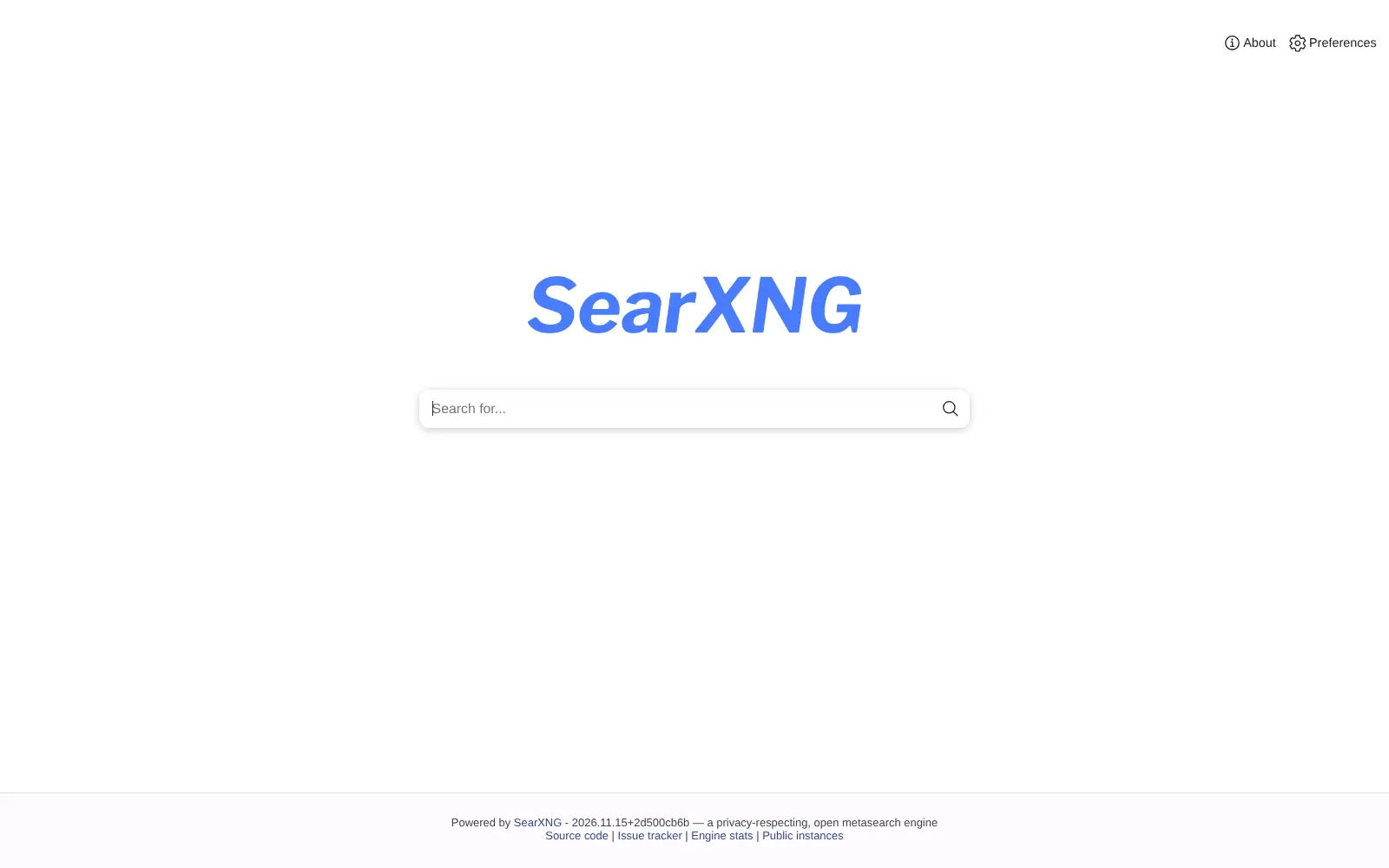
Cloudgate installs SearXNG on your server and gives it a secure web address. Open the address and search; there is nothing to set up first.
What you can do with SearXNG
- Search many engines at once One search asks DuckDuckGo, Brave, Google, Wikipedia and many other services, and shows the combined results with the engines that found each one.
- Search without being tracked SearXNG keeps no profile of you and shares nothing with third parties, and preview pictures load through your own server.
- Use tabs for every kind of result Switch between general results, images, videos, news, maps, music, IT, science, files and social media.
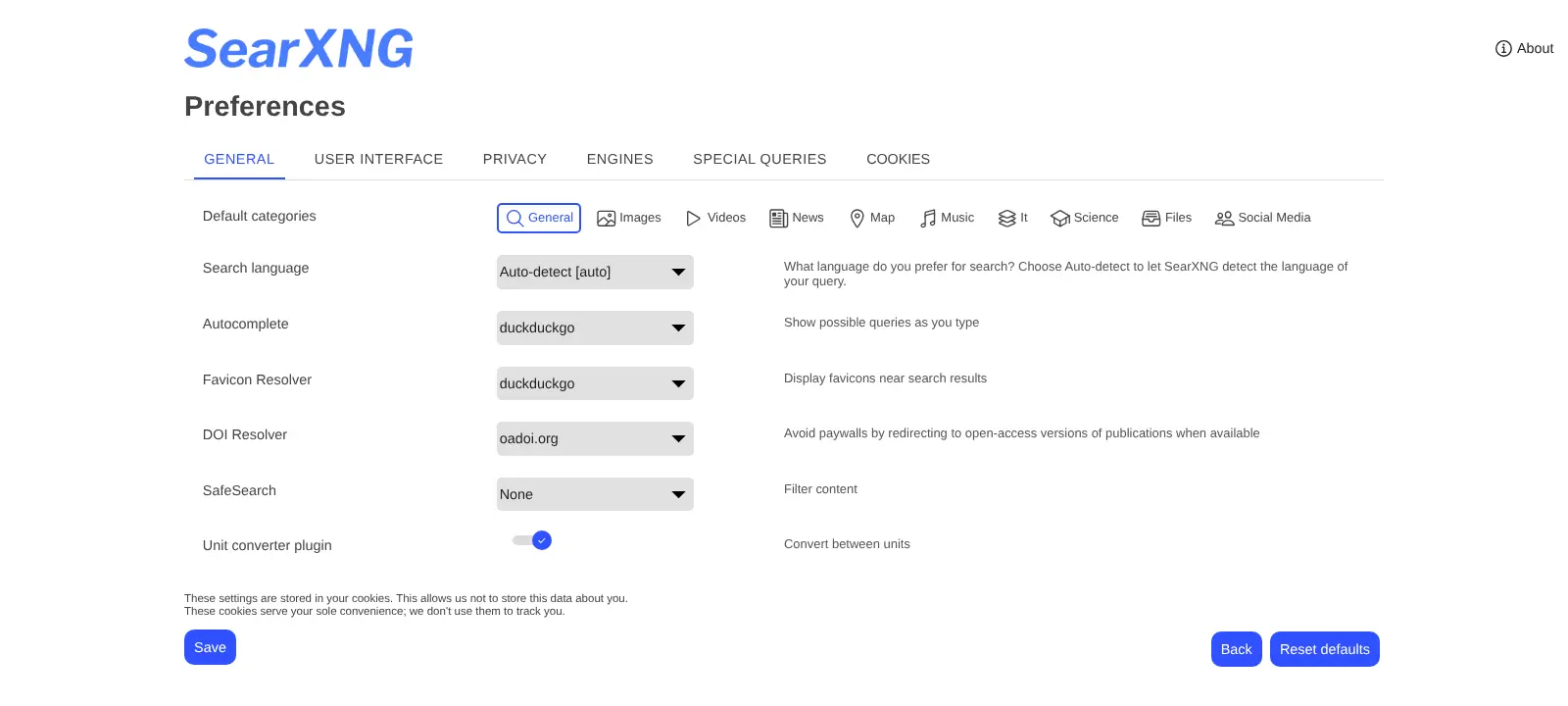
- Set your preferences without an account Choose your language, safe search, theme and engines; they are saved in your own browser, not on the server.
- Jump with search shortcuts Type a shortcut such as !wp to search only Wikipedia, or :fr to get results in French.
- Make it your browser's search engine Add SearXNG to your browser's address bar and use it as your default search engine.
- Give your AI chat app web search Self-hosted AI chat apps such as Open WebUI can use SearXNG as a free web search, once its JSON output is switched on in the settings.
Replaces Kagi
SearXNG does the same job as Kagi. Here is what changes when you switch.
- No account, no search history and no ad profile tied to you
- No subscription and no monthly search limit
- Results from many engines on one page, with the source engines shown
- You choose which engines it asks and how it behaves
- Results come from other search engines, so they are only as good as those engines and often a little slower
- Engines can show a captcha to a busy server or refuse its searches for a while, and they still see searches come from your server's address
- No personalized results, AI summaries or phone app; it works in the browser
- Engine and output changes are made in a settings file, not in the web page
What happens when you click Deploy?
You do not need a server or any technical knowledge. Four steps, and SearXNG is running at its own web address.
- Step 1 Click Deploy and create your account
Deploy takes you to Cloudgate. Create an account, or log in if you have one. SearXNG itself is free.
- Step 2 Choose a server
No server? Get one from Cloudgate: pick a size and a country, and Cloudgate gets it ready. Already have one? Connect it instead.
- Step 3 Cloudgate sets up SearXNG
It prepares the server, makes the passwords the app needs and starts it. There is nothing to install and nothing to write down.
- Step 4 Open your app and sign in
Your app gets a free web address to start, without https. Add your own domain, like app.yourshop.com, and Cloudgate secures it with https for you.
New to Cloudgate? See what Cloudgate is
Run Cloudgate yourself? Deploy from your own console
In your Cloudgate console, open Templates and choose SearXNG.
Questions
Is SearXNG free?
Yes, SearXNG is free and open source under the AGPL-3.0 licence, with no paid edition and no search limit. You pay only for your server.
Is SearXNG a good alternative to Kagi?
Yes, if you want private, ad-free search without a subscription. Kagi has its own ranking and AI tools; SearXNG combines results from other engines such as DuckDuckGo, Brave and Google, so results can be less tuned and a little slower.
Is SearXNG really private?
Yes, SearXNG does not track or profile you and keeps no search history, and the engines it asks see your server instead of your browser. They do still see the searches themselves and your server's address, so it hides who is searching rather than what is searched.
How do I sign in to SearXNG the first time?
No sign-in is needed. SearXNG has no accounts or admin login; open the app's web address and search. Anyone who has the address can use it too, so share it only with people you trust.
Can I make SearXNG my browser's default search engine?
Yes. SearXNG supports the standard that browsers use to add a search engine, so you can add it in Firefox, Chrome, Edge or Safari and search from the address bar.
Can my AI chat app use SearXNG for web search?
Yes. Apps such as Open WebUI can use SearXNG as their web search, at no cost per search. Its JSON output is off by default and is switched on in SearXNG's settings file.
What server size do I need for SearXNG?
SearXNG is light, and Cloudgate's smallest server size is enough. It runs one small app and a small cache, and keeps no search history.
Do I need technical skills to run SearXNG?
No. Click Deploy, create your Cloudgate account and choose a server, and Cloudgate sets up SearXNG and gives it a web address. You use it in your browser like any other online tool.
Do I need my own server for SearXNG?
No. When you deploy SearXNG, hosted Cloudgate can provide a server. If you already rent one, you can connect it instead.
Can I move my data from Kagi to SearXNG?
Most people export from Kagi and import into SearXNG. The official guides at docs.searxng.org walk through it.
Related apps

A self-hosted AI agent with its own computer that does tasks for you.

Private AI chat over your own documents, for staff and your website.

One private AI chat for many models, using your own API keys.

Build Coze-style AI agents, chatbots and workflows on your server.