
Paperless-AI
AI that files and searches your Paperless-ngx documents.
No server needed to start: Cloudgate can provide one. What happens when you click Deploy
What is Paperless-AI?
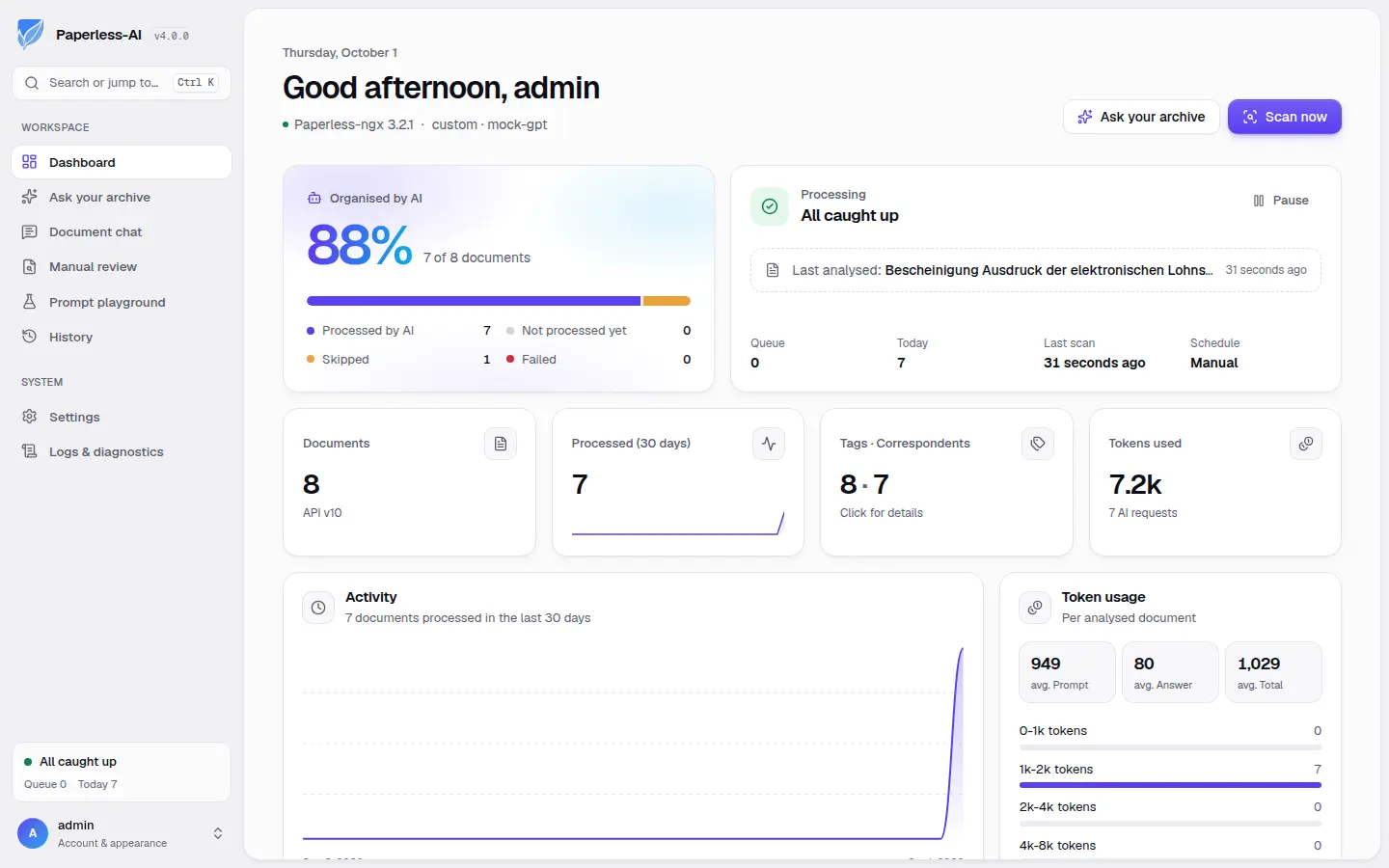
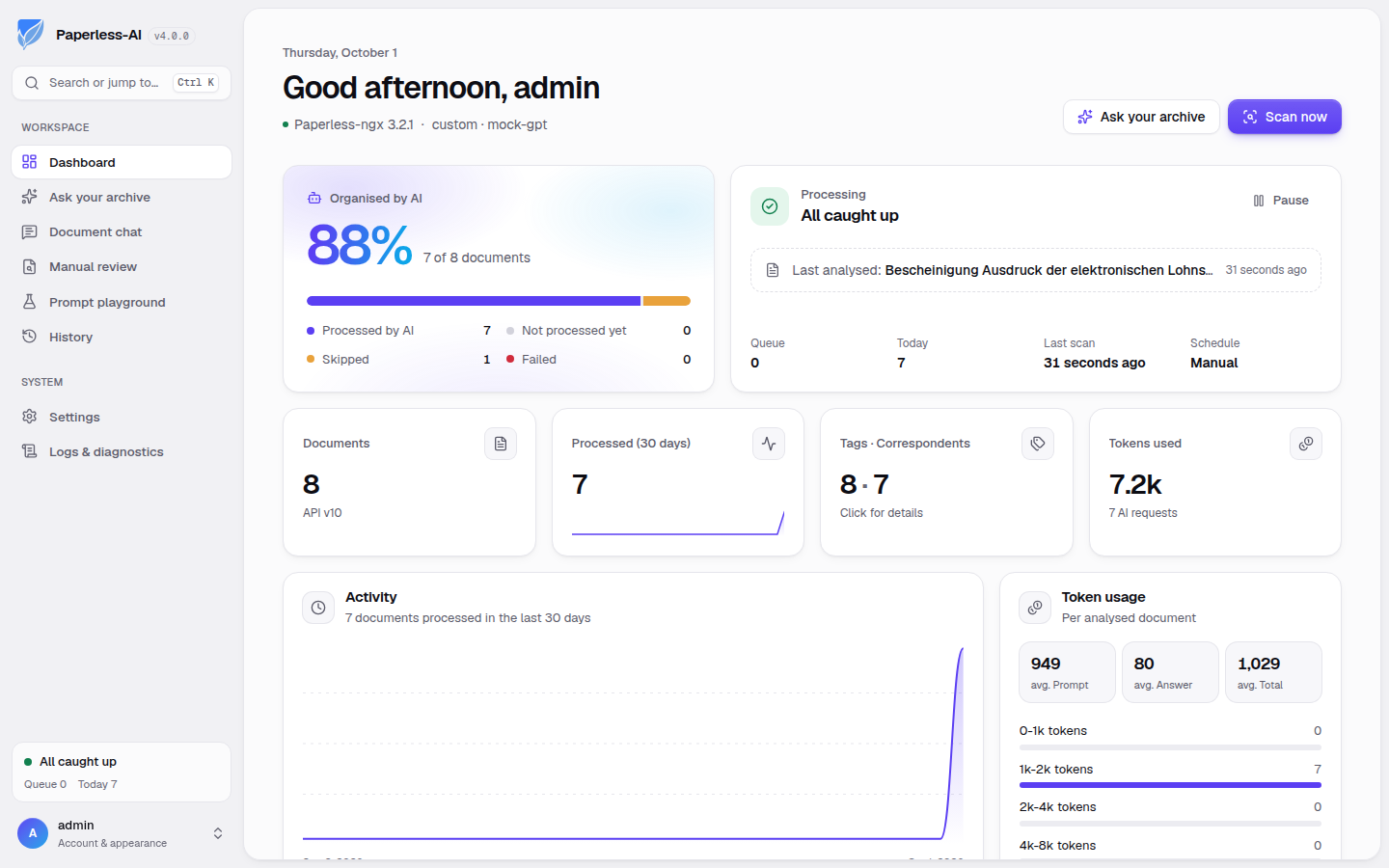
Self-hosted Paperless-AI titles, tags and dates new Paperless-ngx documents with the AI you choose and answers questions about your archive.
Paperless-AI is a free, open-source, self-hosted add-on for Paperless-ngx that uses the AI of your choice to title, tag and date new documents and answer questions about your archive, a do-it-yourself alternative to paid document AI services such as Nanonets. It needs two things to work: a running Paperless-ngx, which you can install from this catalogue, and an AI provider such as OpenAI, Anthropic's Claude or your own Ollama server.
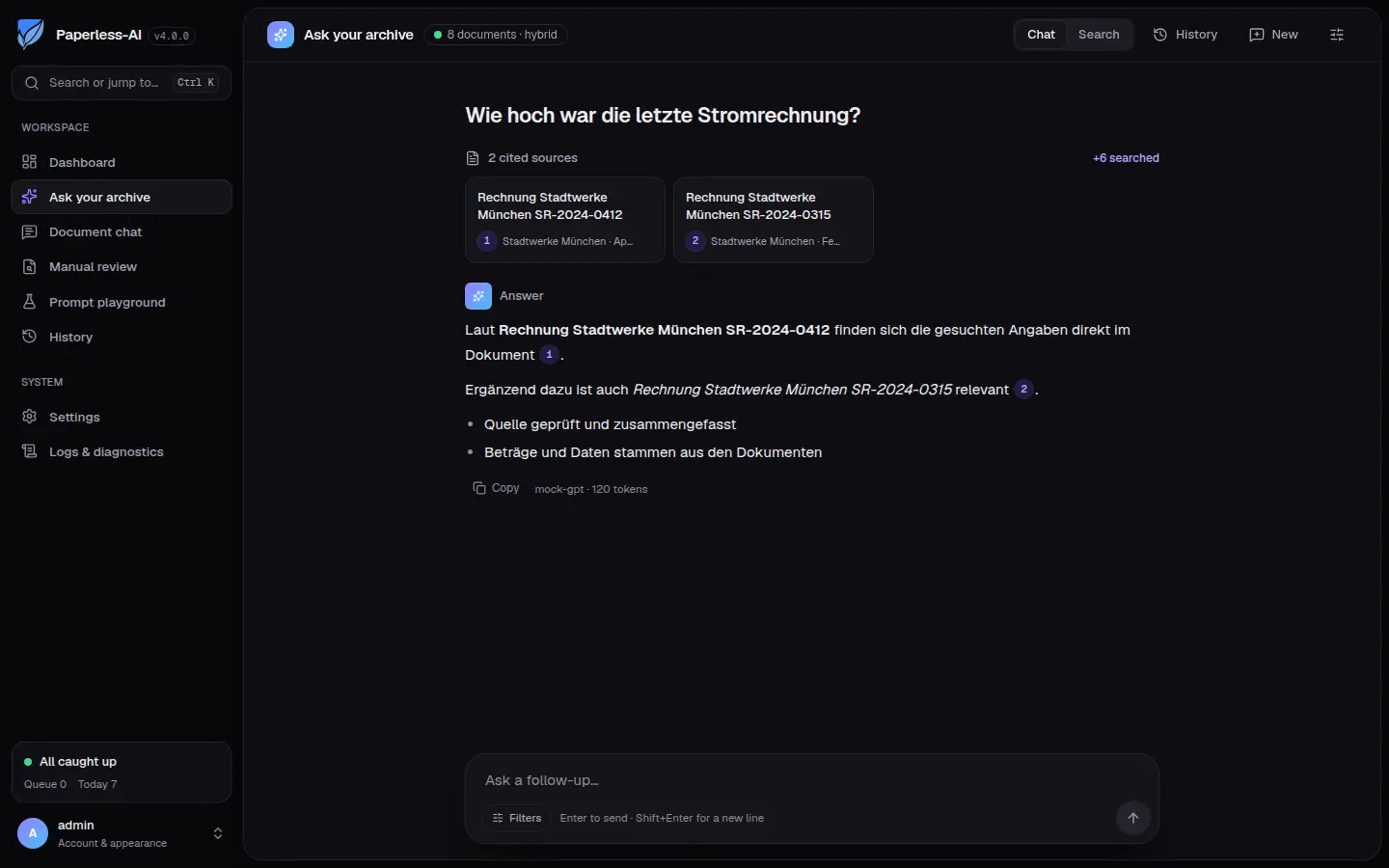
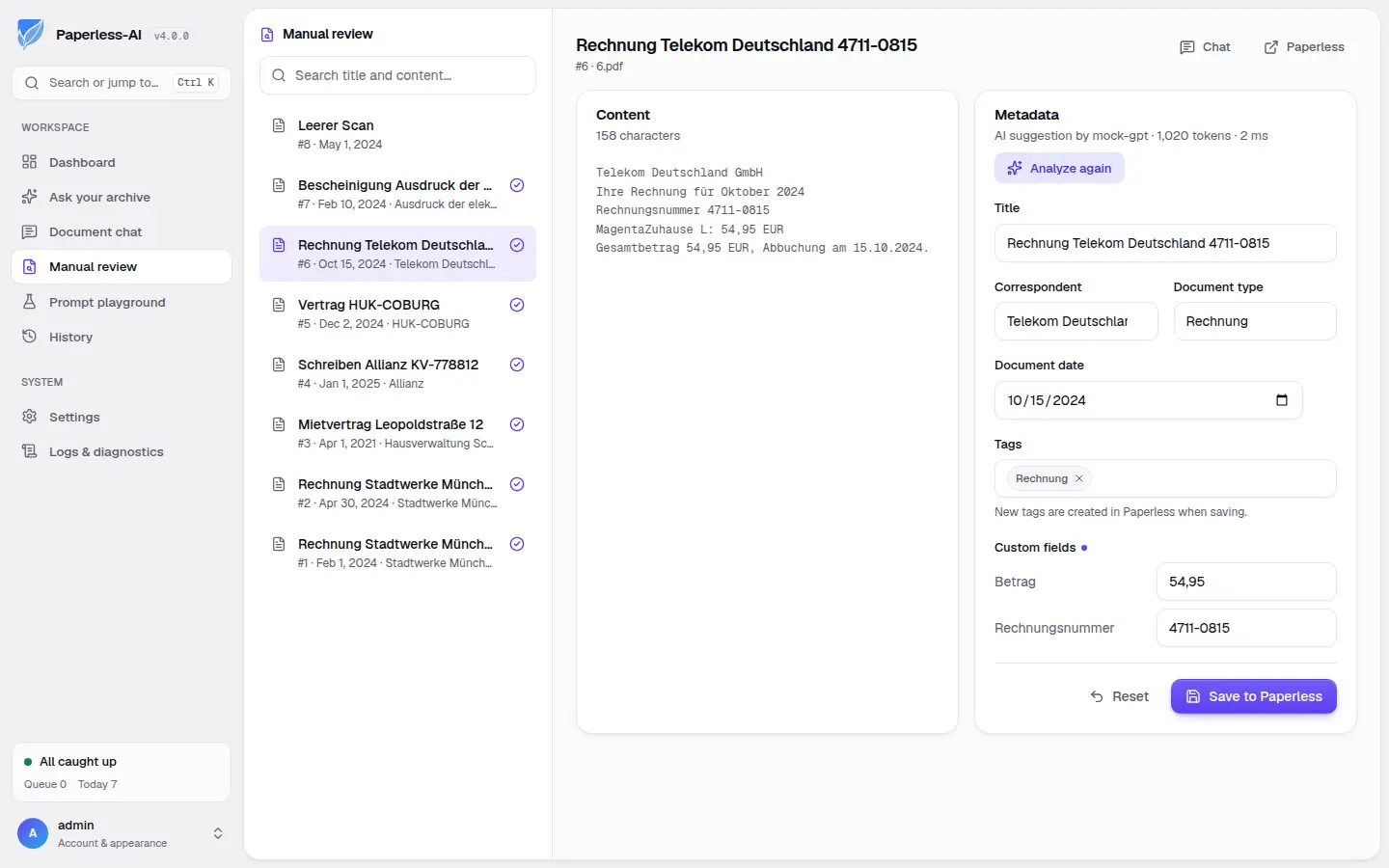
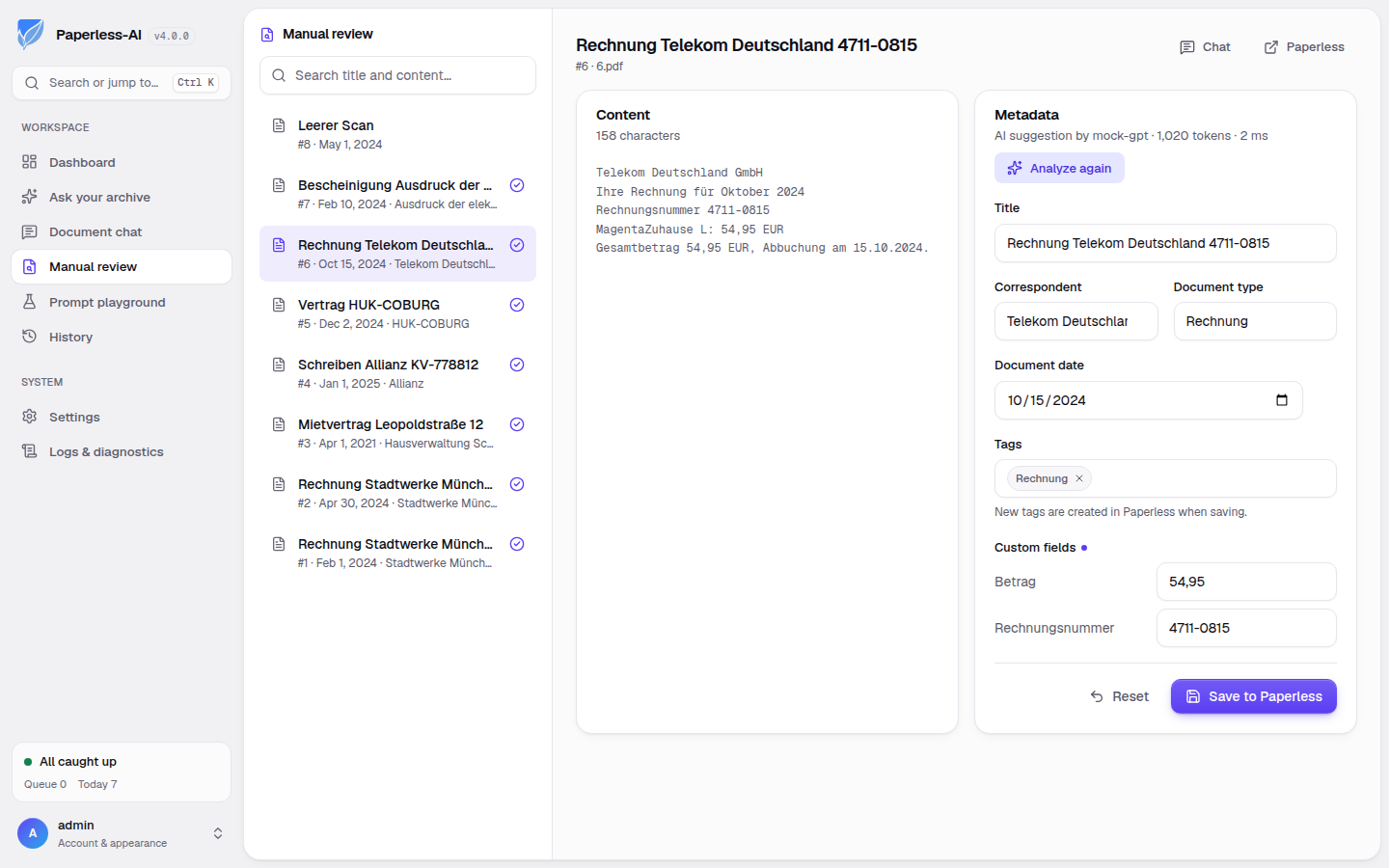
Each time a document arrives in Paperless-ngx, Paperless-AI reads its text and fills in the title, tags, sender, document type, date and any custom fields you use. You can review suggestions before they are saved and undo any change later. "Ask your archive" answers questions across all your documents and links to the ones it used. A small property management office, for example, could scan tenants' letters and contractor invoices into Paperless-ngx, have each one filed by property and supplier with its amount, and ask "which invoices did the roofer send this year?".
With a hosted AI provider, the text of each document is sent to that provider and billed by use. Cloudgate installs Paperless-AI on a server Cloudgate provides or one you connect and gives it a secure web address. Open it right away to create your account and connect it to Paperless-ngx.
What you can do with Paperless-AI
- File new documents automatically The AI reads each new document in Paperless-ngx and fills in its title, tags, sender, document type and date.
- Fill in your own fields It can also complete custom fields such as an amount, an invoice number or a due date.
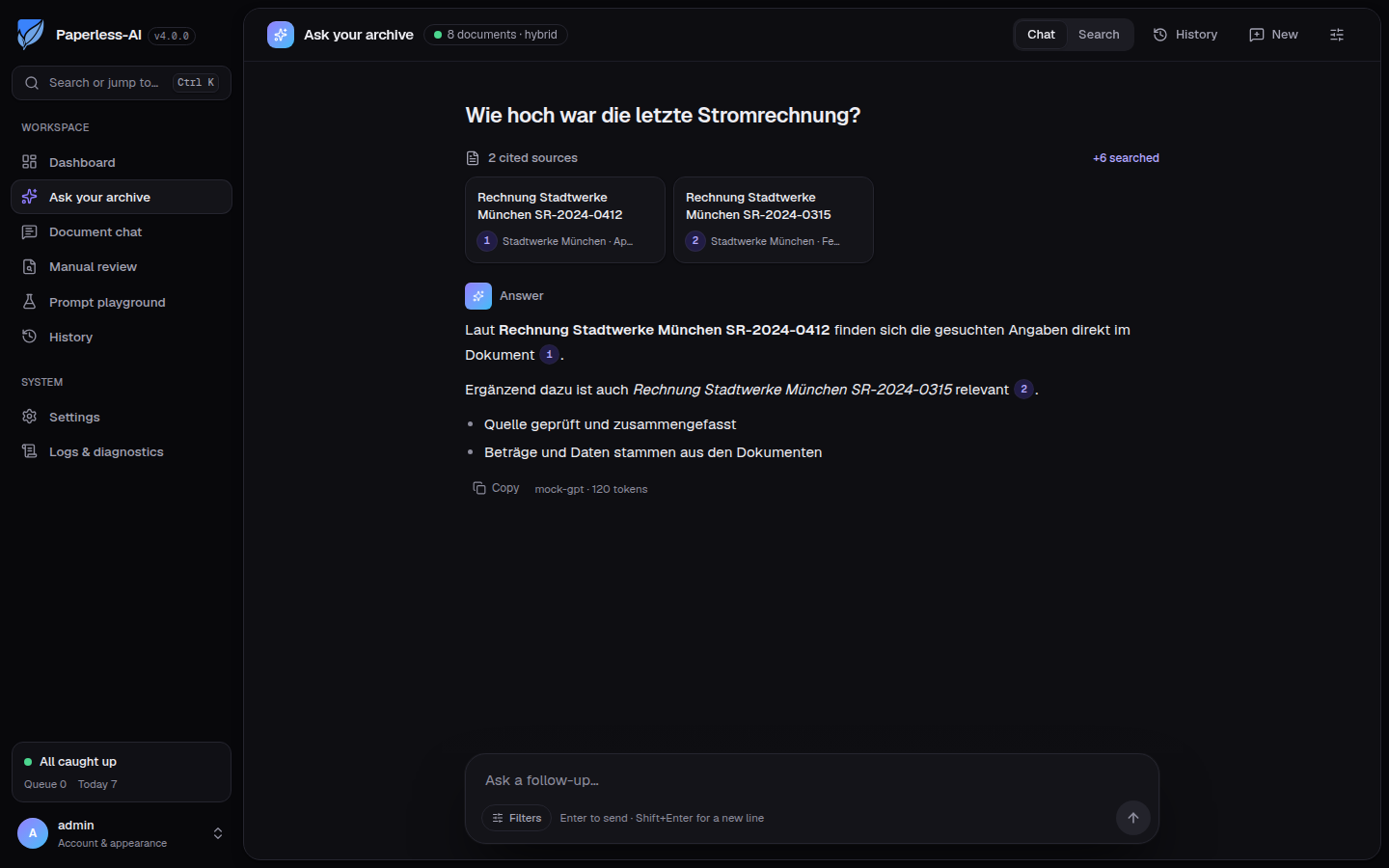
- Ask your whole archive Ask a question in plain words, such as "what was the last electricity bill?", and get an answer that cites and links the documents it used.
- Chat with one document Ask questions about a single long contract or letter without reading it end to end.
- Review before saving Let the AI suggest the details and decide yourself what gets saved to Paperless-ngx.
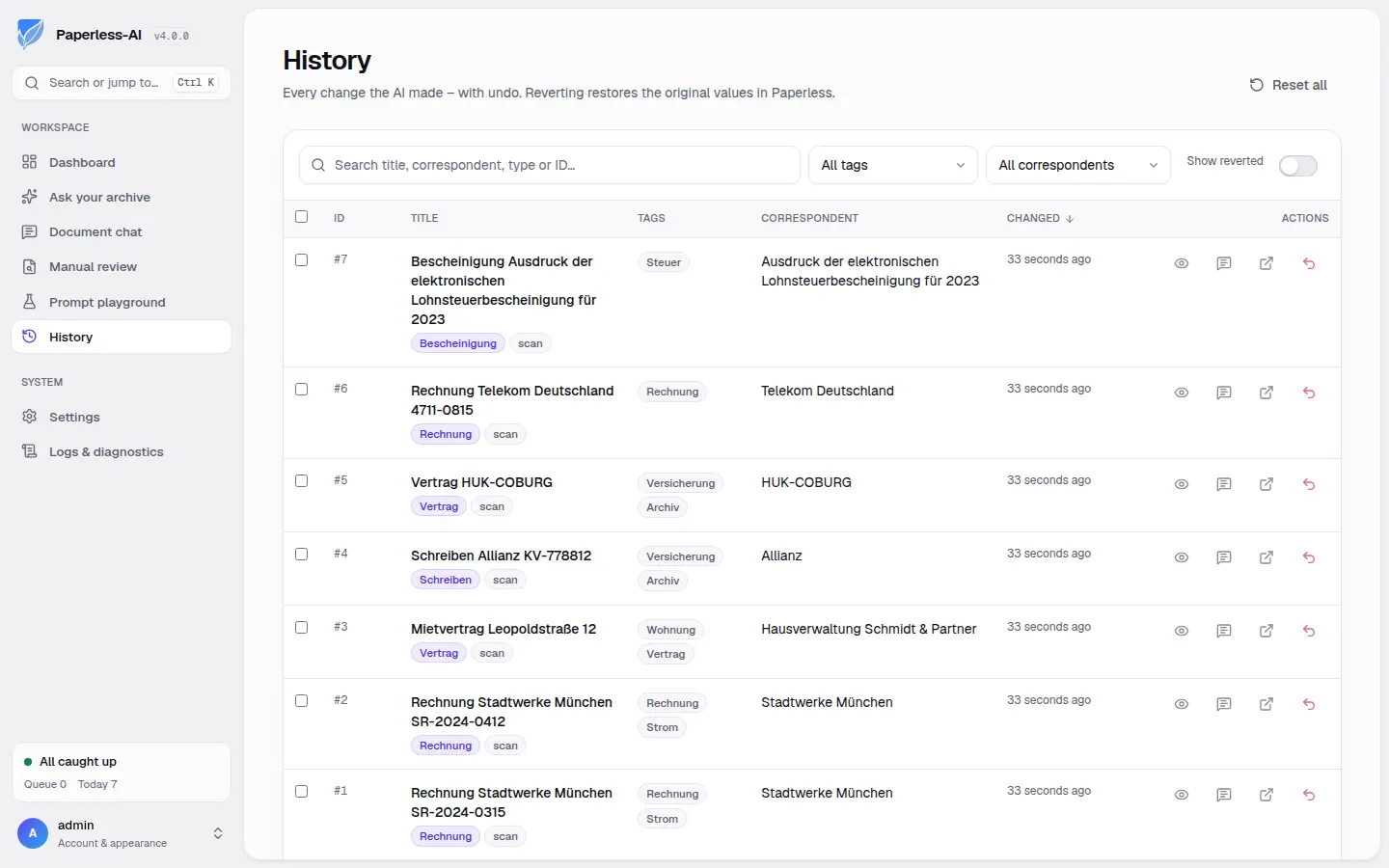
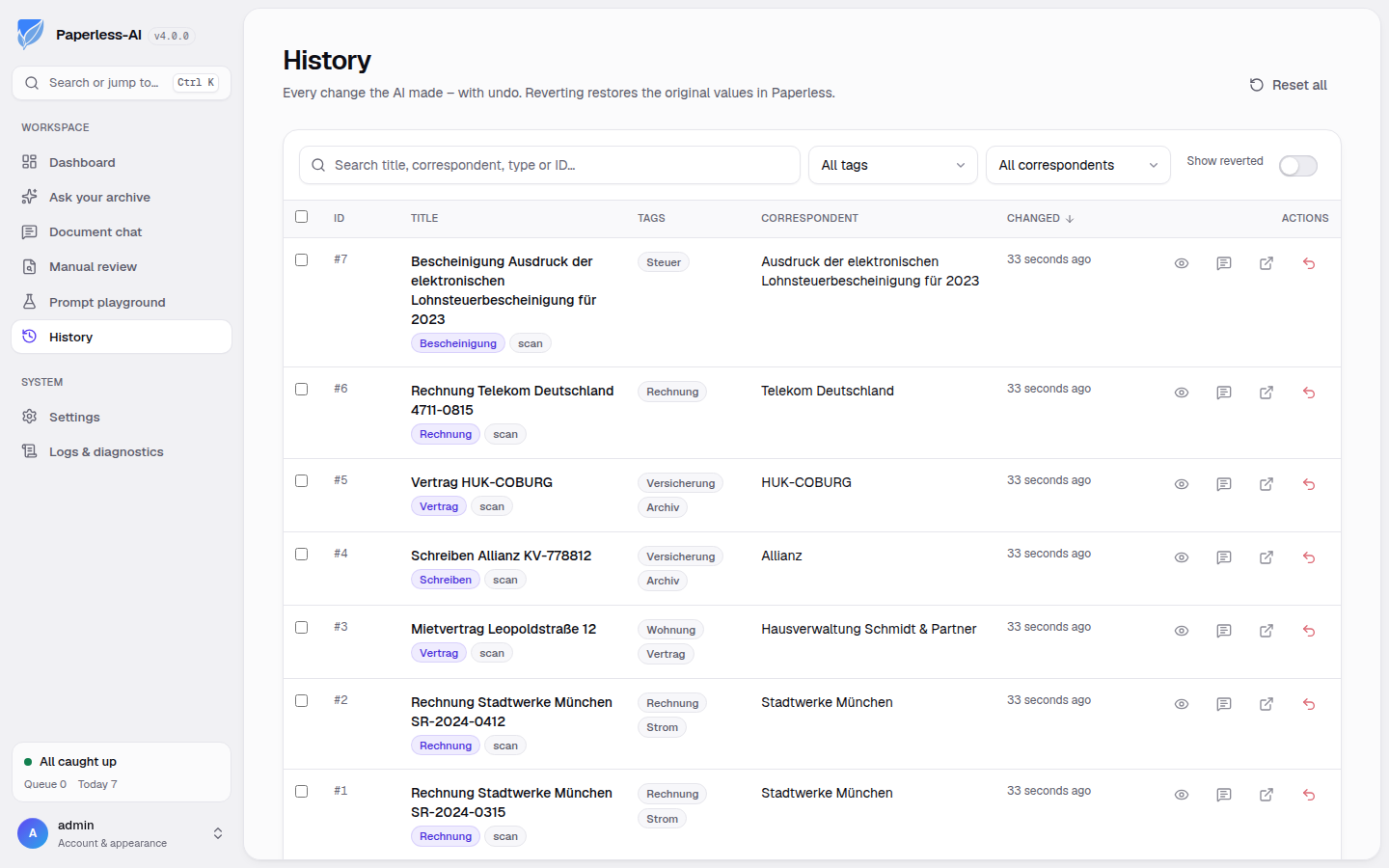
- Undo any change A history lists every change the AI made, and one click puts the original values back.
- Choose your AI Use OpenAI, Anthropic's Claude, Azure OpenAI, any OpenAI-compatible service, or your own Ollama server.
- Decide what it touches Process every document or only ones with a chosen tag, and limit it to the tags and senders you already use.
Compare Paperless-AI
What happens when you click Deploy?
You do not need a server or any technical knowledge. Four steps, and Paperless-AI is running at its own web address.
- Step 1 Click Deploy and create your account
Deploy takes you to Cloudgate. Create an account, or log in if you have one. Paperless-AI itself is free.
- Step 2 Choose a server
No server? Get one from Cloudgate: pick a size and a country, and Cloudgate gets it ready. Already have one? Connect it instead.
- Step 3 Cloudgate sets up Paperless-AI
It prepares the server, makes the passwords the app needs and starts it. There is nothing to install and nothing to write down.
- Step 4 Open your app and sign in
Your app gets a free web address to start, without https. Add your own domain, like app.yourshop.com, and Cloudgate secures it with https for you.
New to Cloudgate? See what Cloudgate is
Run Cloudgate yourself? Deploy from your own console
In your Cloudgate console, open Templates and choose Paperless-AI.
Questions
Is Paperless-AI free?
Yes. Paperless-AI is free and open source under the MIT licence, with no paid edition. You pay for your server and for the AI provider you connect, which usually charges per use; a local Ollama server has no usage fee.
Do I need Paperless-ngx to use Paperless-AI?
Yes. Paperless-AI is an add-on for Paperless-ngx 2.x or 3.x and does nothing on its own. It reads the text Paperless-ngx has already recognised and writes the titles, tags and other details back to it. You can install Paperless-ngx from the Cloudgate catalogue first.
Which AI does Paperless-AI use, and where do my documents go?
Paperless-AI uses the AI provider you choose; OpenAI, Anthropic's Claude, Azure OpenAI, any OpenAI-compatible service, or Ollama. With a hosted provider, the text of each document it processes is sent to that provider. To keep everything in-house, point it at an Ollama server on a machine of your own, usually a computer with a graphics card.
Doesn't Paperless-ngx already have AI features?
Yes, Paperless-ngx 3 has optional AI suggestions and a document chat, off by default. Paperless-AI files every new document automatically without anyone opening it, fills in custom fields, keeps a history with undo, and adds a review screen and a place to test prompts.
Is Paperless-AI a good alternative to Nanonets or Docparser?
Partly. Paperless-AI does the "AI reads the document and fills in the details" part for your own Paperless-ngx archive, with no subscription, though a hosted AI provider bills per use. It does not extract tables or line items, export to spreadsheets, or send data to accounting systems like those services do.
How do I sign in to Paperless-AI the first time?
The first visit opens a setup wizard where you create your account, enter your Paperless-ngx address and API token, and choose an AI provider. Until the account exists, anyone who reaches the address can run the wizard, so finish it right after setup. The project recommends a separate Paperless-ngx user for Paperless-AI, allowed to view and change documents, tags, correspondents, document types and custom fields.
What server size does Paperless-AI need?
A small one. Paperless-AI uses about 150 MB of memory when idle and around 0.5 GB while it builds the search index for "Ask your archive". The AI itself runs at your provider or on your own Ollama machine, so the server needs no graphics card.
Do I need technical skills to run Paperless-AI?
No. Click Deploy, create your Cloudgate account and choose a server, and Cloudgate sets up Paperless-AI and gives it a web address. You use it in your browser like any other online tool.
Do I need my own server for Paperless-AI?
No. When you deploy Paperless-AI, hosted Cloudgate can provide a server. If you already rent one, you can connect it instead.
Related apps
AI that titles and tags your Paperless-ngx documents.

Private AI chat over your own documents, for staff and your website.

A self-hosted AI chatbot for your website, answering from your docs.

A self-hosted AI second brain that answers from your own notes.