
Fireshare
Share your game clips and videos with a link, from your own server.
No server needed to start: Cloudgate can provide one. What happens when you click Deploy




What is Fireshare?
Fireshare is a self-hosted app for sharing game clips and videos by link, with Discord previews, games, tags and private clips.
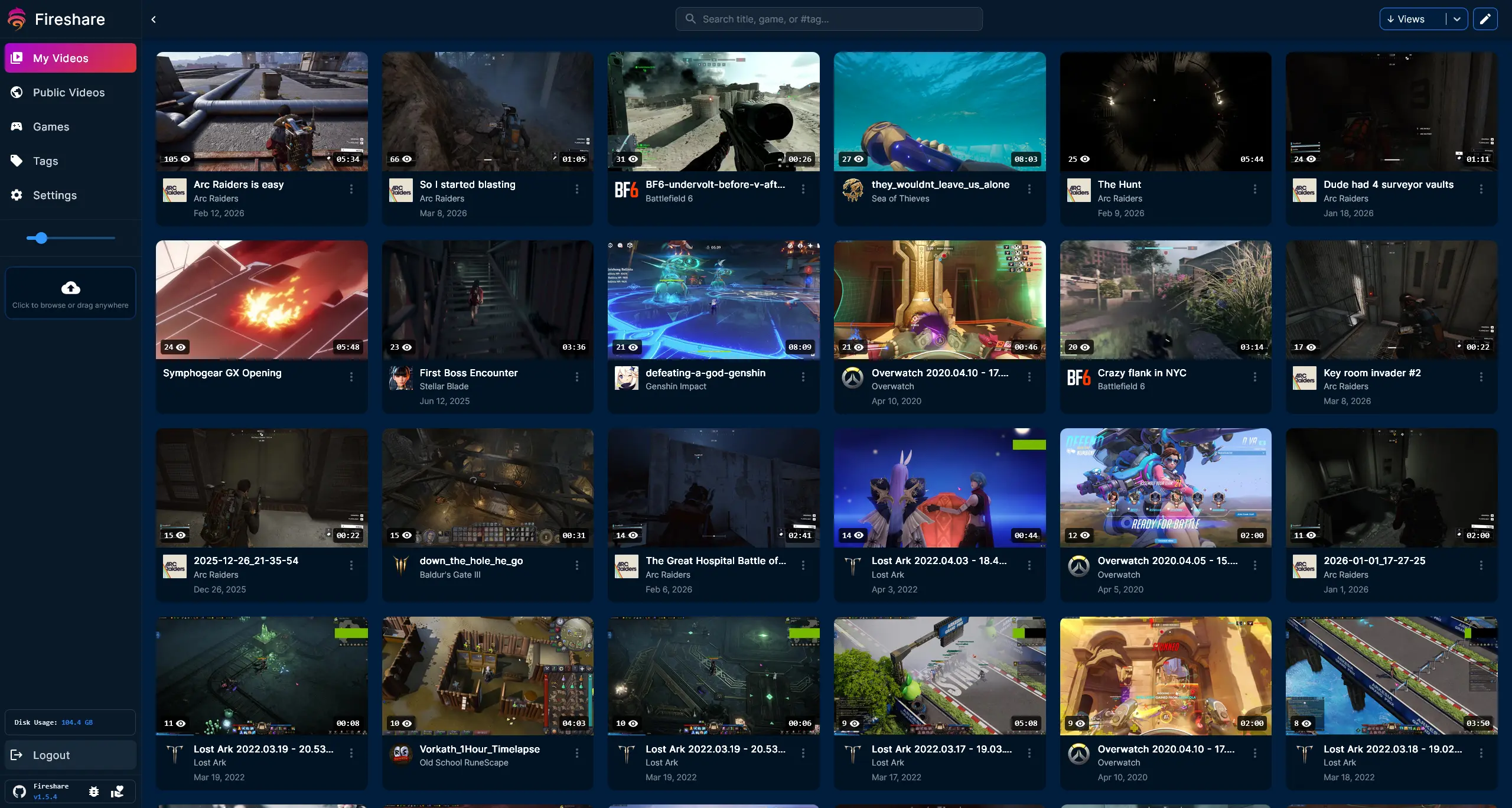
Fireshare is a self-hosted app for sharing game clips and other videos through unique links, a free alternative to Streamable. You upload a clip, and Fireshare gives it a watch page that anyone with the link can open in a browser, with a proper preview when the link is pasted into Discord.
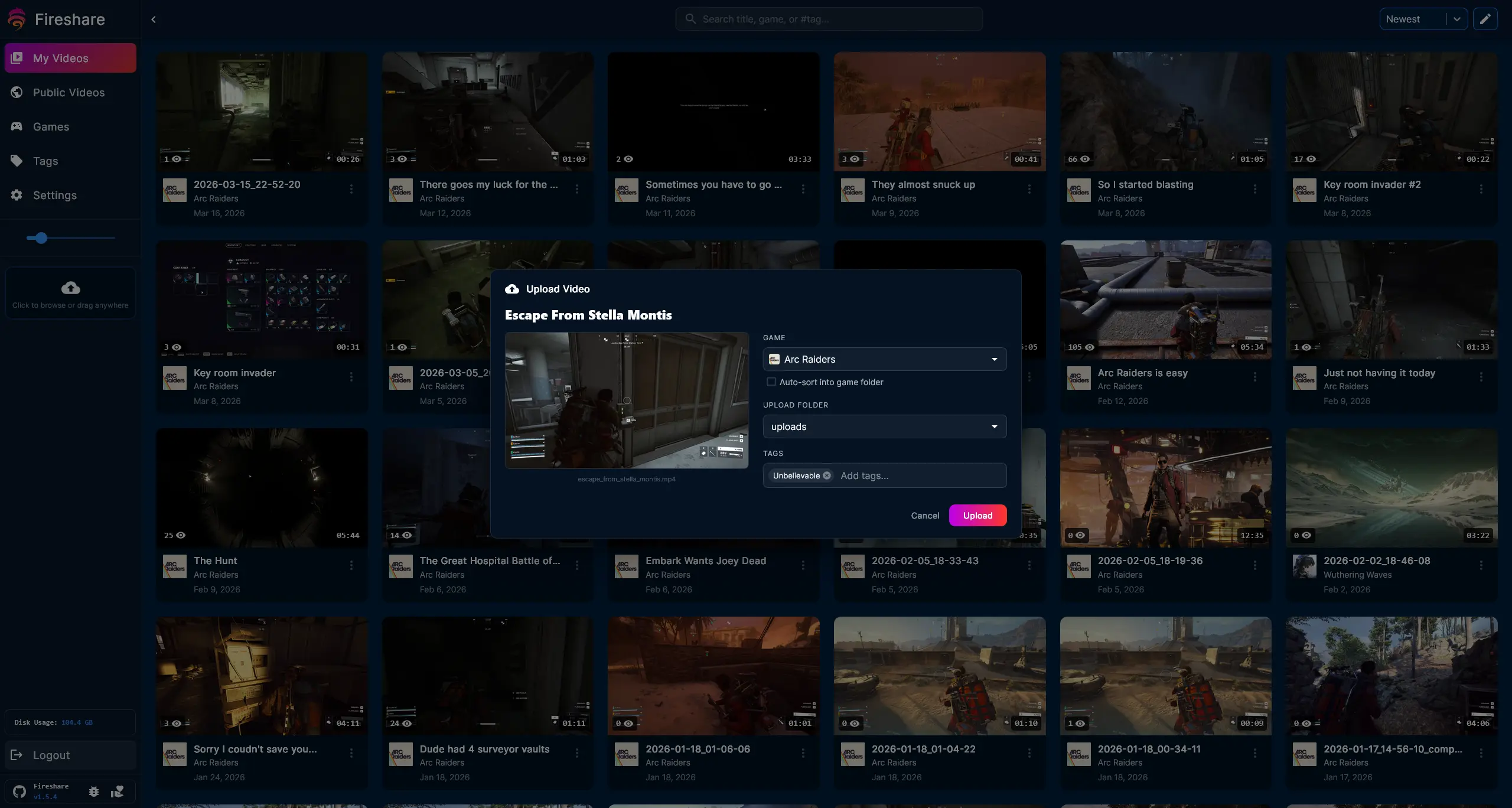
Clips are sorted by game, with cover art, tags and search, so a big library stays easy to browse. You decide what goes in the public feed and what stays private, trim a clip to the good part, and put a password on anything sensitive. A small streaming team, for example, could keep every highlight from its matches in one place and post the best ones to its Discord server as they come in.
Fireshare works in any browser, including on phones, and can send a message to Discord or publish an RSS feed when new clips arrive. You can add accounts for friends or teammates with their own permissions. It doesn't record clips, so keep using your usual capture tool.
Cloudgate installs Fireshare on your server, gives it a secure web address and sets that address for link previews. You sign in as admin with the password Cloudgate created.
What you can do with Fireshare
- Share any clip with a link Each video gets its own watch page, and friends open it in the browser without an account.
- Look good in Discord and social posts Shared links show the clip's title and preview picture when you paste them into Discord or a chat.
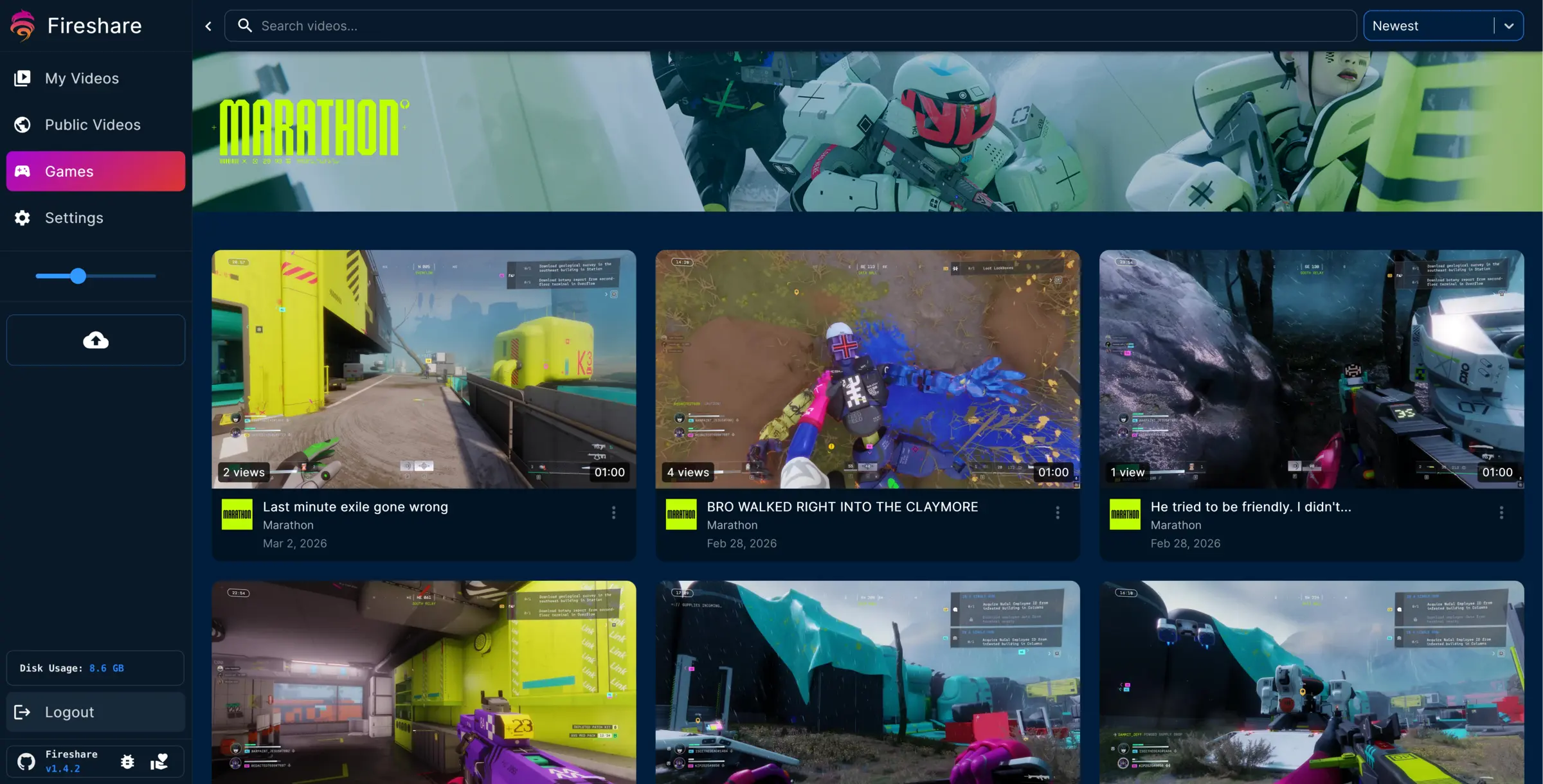
- Organise clips by game Sort clips into games with cover art, add tags, and search your library by title, game or tag.
- Choose what is public Keep a public feed of your best clips, leave the rest private and reachable only by link, or put a password on a video.
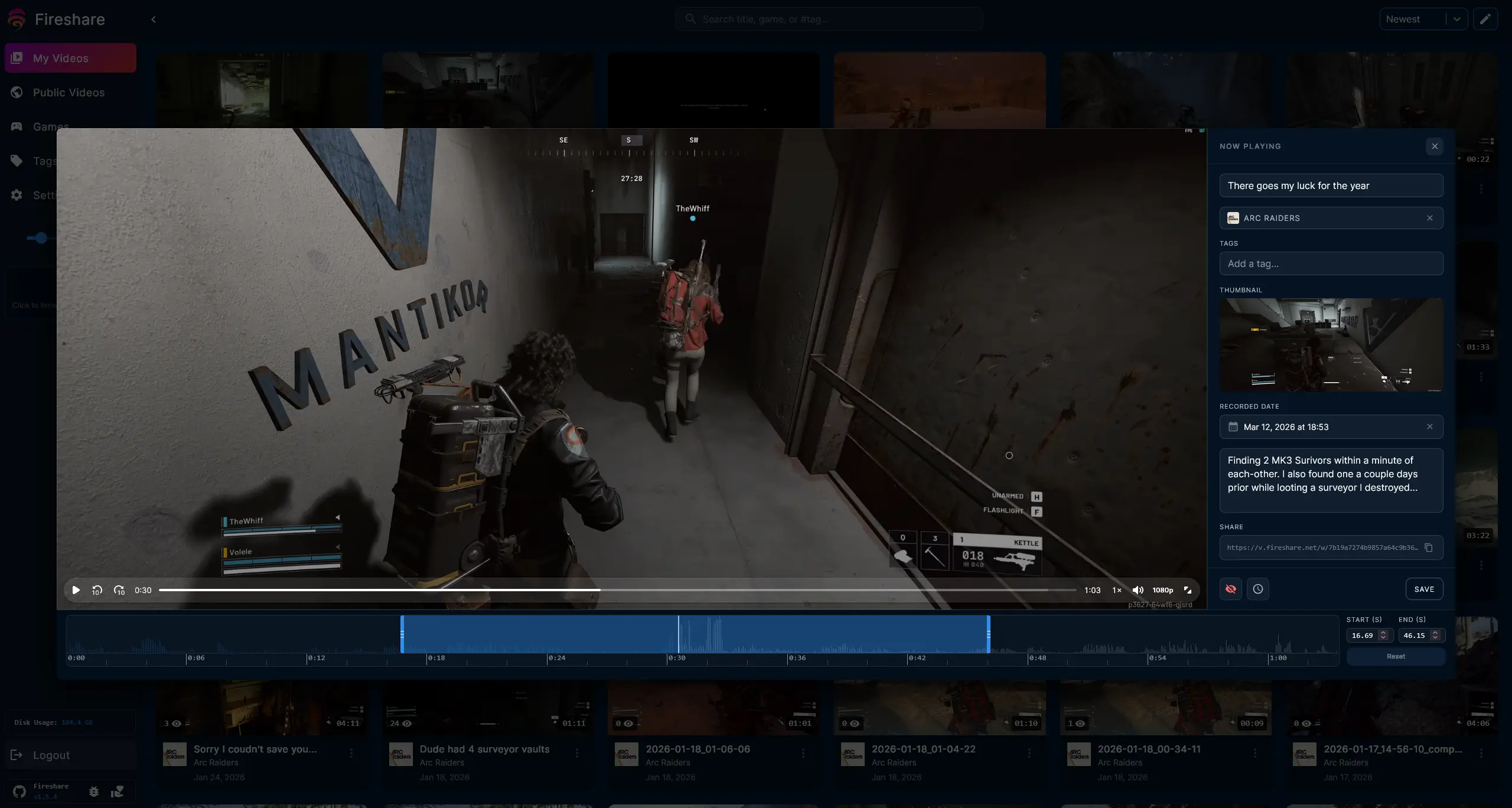
- Trim and tidy before you share Crop a clip to the moment that matters, and change its title, description and thumbnail.
- Let friends upload too Add accounts for friends or teammates with their own permissions, or open uploads to visitors if you want.
- Get told about new clips Send a message to Discord when a new video arrives, or let people follow your public clips by RSS.
Replaces Streamable
Fireshare does the same job as Streamable. Here is what changes when you switch.
- No upload limits or expiry dates other than your server's disk
- Your clips stay in their original quality on your own server
- No ads or a clip community around your videos
- Shared links still show a full preview in Discord
- Fireshare doesn't record clips; you capture them with your own tool and upload them
- There is no phone app, only the website, which works on phones
- Automatic game cover art needs a free SteamGridDB key
- Videos need to be MP4, MOV or WebM files to play
What happens when you click Deploy?
You do not need a server or any technical knowledge. Four steps, and Fireshare is running at its own web address.
- Step 1 Click Deploy and create your account
Deploy takes you to Cloudgate. Create an account, or log in if you have one. Fireshare itself is free.
- Step 2 Choose a server
No server? Get one from Cloudgate: pick a size and a country, and Cloudgate gets it ready. Already have one? Connect it instead.
- Step 3 Cloudgate sets up Fireshare
It prepares the server, makes the passwords the app needs and starts it. There is nothing to install and nothing to write down.
- Step 4 Open your app and sign in
Your app gets a free web address to start, without https. Add your own domain, like app.yourshop.com, and Cloudgate secures it with https for you.
New to Cloudgate? See what Cloudgate is
Run Cloudgate yourself? Deploy from your own console
In your Cloudgate console, open Templates and choose Fireshare.
Questions
Is Fireshare free?
Yes. Fireshare is free, open-source software under the GPL-3.0 licence, with no paid edition. You pay only for the server and its disk space.
Is Fireshare a good alternative to Streamable?
Yes, Fireshare works well for sharing clips by link. Like Streamable, each video gets its own watch page that friends open without an account, but the clips live on your own server with no upload limit or expiry other than your disk.
Can Fireshare record my game clips like Medal?
No. Fireshare hosts and shares clips but doesn't record them. Capture clips with the tool you already use, such as your graphics card's overlay or OBS, then upload them to Fireshare.
Do people need an account to watch my Fireshare clips?
No. Anyone with a Fireshare clip's link can watch it in the browser. Private clips are reachable only by their link, and you can also put a password on a video.
Will my links show a preview in Discord?
Yes. Fireshare adds preview details to every shared link, so Discord and social apps show the clip's title and picture. Cloudgate sets your app's web address so the previews work.
How do I sign in the first time?
Sign in with the username admin and the password Cloudgate created, shown on the app's variables page. Fireshare has no public sign-up; as admin you can add accounts for friends in Settings, under Users.
What video files does Fireshare play?
Fireshare plays MP4, M4V, MOV and WebM files in H.264, H.265, AV1 or VP9. It always serves the original file, so convert other formats before you upload.
Do I need technical skills to run Fireshare?
No. Click Deploy, create your Cloudgate account and choose a server, and Cloudgate sets up Fireshare and gives it a web address. You use it in your browser like any other online tool.
Do I need my own server for Fireshare?
No. When you deploy Fireshare, hosted Cloudgate can provide a server. If you already rent one, you can connect it instead.
Can I move my data from Streamable to Fireshare?
Most people export from Streamable and import into Fireshare. The official guides at github.com walk through it.
Related apps

Podcast hosting with your own feed, website and stats.

A self-hosted media server for your family's films and home videos.

Watch history and statistics for your Jellyfin media server.

Stream your own films, series and anime, with no renaming.