Y

Open-source alternatives to Yodeck

Xibo is a free, open-source Yodeck alternative for designing, scheduling and managing what plays on the screens in your business, with layouts, menu boards and proof of play reports. Yodeck is a cloud signage service priced per screen; with self-hosted Xibo the software that manages your screens has no per-screen fee, though screens other than Windows and Linux need a paid Xibo player licence.

2 alternatives Free apps Our pick: Xibo

At a glance

App Good for Code Ease of use
Xibo Shops, cafés, gyms and schools that schedule content on several TV screens Code Open source Some setup
Garlic-Hub Shops, schools and offices that want free players on Android or Raspberry Pi screens Code Open source Some setup

Why look for an alternative to Yodeck?

Yodeck is a cloud digital signage service: you design and schedule content in its website and play it on screens, usually through its Raspberry Pi-based player, with plans priced per screen.

Businesses look for an alternative when the number of screens grows and they want the software that manages them to have no per-screen fee, or want their media and schedules on their own server. A self-hosted Xibo manages any number of screens with detailed scheduling and play reports; in return, screens other than Windows and Linux need a paid Xibo player, and you run the server.

The alternatives, compared

Xibo

Our pick

Digital signage for the TV screens in your business.

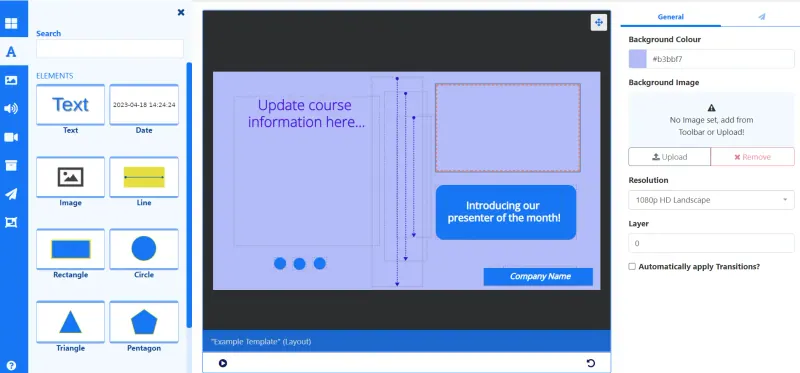
Designs, schedules and manages what plays on your screens from your own server: drag-and-drop layouts, live weather and news, menu boards, scheduling by date and time of day, and proof of play reports. Windows and Linux players are free, but Android, webOS, Tizen and ChromeOS screens each need a paid Xibo player licence, and it takes longer to learn than Yodeck.

What you gain
  • No monthly fee per screen for the software that manages your screens
  • Free player apps for Windows and Linux computers
  • Detailed scheduling with day parts, priorities, campaigns and map areas
What is different
  • Android, LG webOS, Samsung Tizen and ChromeOS screens each need a paid Xibo player licence
  • Changes reach your screens when they next check in, not instantly
  • More screens and settings to learn than simpler cloud signage tools
Some setup Open source

Self-hosted digital signage with free players for every screen.

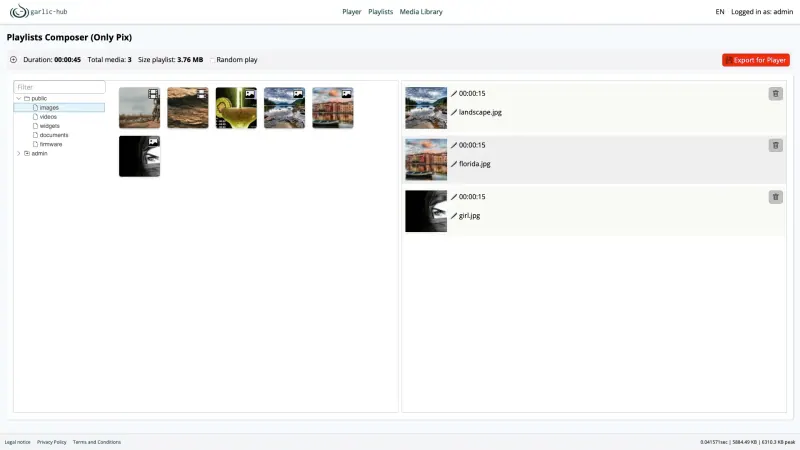
Like Yodeck, it plays on Raspberry Pi screens, but with no fee per screen: you run playlists, screen zones and schedules from your own server, and each screen uses the free garlic-player for Linux, Windows, macOS, Android and Raspberry Pi, or another SMIL player such as IAdea. It has far less than Yodeck: no layout designer, no live data widgets or menu boards, and no reports of what played.

What you gain
  • No fee per screen and no player licence, for any number of screens
  • A free player for Linux, Windows, macOS, Android and Raspberry Pi
  • Works with any player that reads the open SMIL standard, so you are not tied to one maker's hardware
What is different
  • Far fewer ready-made apps and templates, with no built-in weather, social feeds or menu boards
  • No reports of what played on which screen
  • Changes reach your screens when they next check in, not instantly
Some setup Open source

Moving from Yodeck

Nothing moves from Yodeck, so rebuild your content in Xibo: upload your images and videos, recreate each screen's layout, or start from a template, and set up playlists and schedules. Then install the Xibo player on each screen's device, enter your Xibo web address and key, and authorise the screen on the Displays page. Yodeck's players are set up for Yodeck, so plan a device Xibo supports for each screen: a Windows or Linux computer with the free player, or a device with a paid Xibo player.

With Garlic-Hub, upload your media and build playlists and screen zones. Then install garlic-player on each screen's device, such as a Raspberry Pi, and enter your Garlic-Hub address followed by /smil-index as its content address. The screen appears in the player list the first time it connects, ready for a playlist.

Questions

What is the best open-source alternative to Yodeck?

Start with Xibo. Both are free and open source.

Can I use my Yodeck player devices with Xibo?

Not as they are. Yodeck's players are set up for Yodeck, while Xibo's players run on Windows, Linux, Android, LG webOS, Samsung Tizen and ChromeOS, so each screen needs one of those devices.

Do changes in Xibo reach my screens straight away?

Not instantly. They arrive at each screen's next check-in, every 5 minutes by default. You can change the interval for each group of screens.

Is there a free player for Android or Raspberry Pi?

Yes, with Garlic-Hub. Its garlic-player is free on Linux, Windows, macOS, Android and Raspberry Pi, and Garlic-Hub also works with other SMIL players such as IAdea. Xibo's Android player needs a paid licence.

Are these Yodeck alternatives really free?

Yes, Xibo and Garlic-Hub are free. To run them you need Cloudgate and a server. Use hosted Cloudgate, which can also provide the server, or install Cloudgate on a server of your own for free. Cloudgate's plans and prices are at cloudgate.octabyte.io/pricing. One server can run several apps.

Do I need a developer to replace Yodeck?

No. Cloudgate installs the app you choose on your server and gives it a secure web address, and you use it in your browser instead of Yodeck.