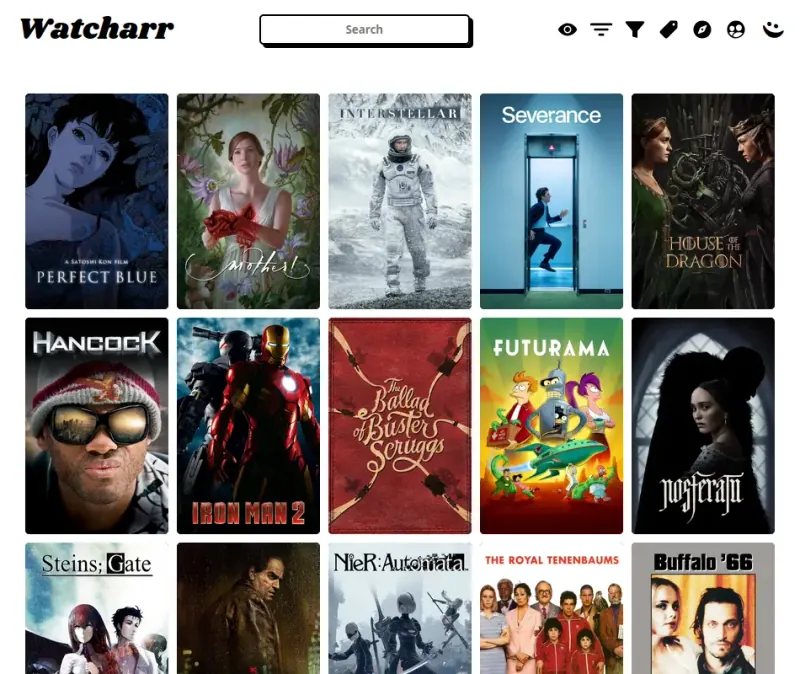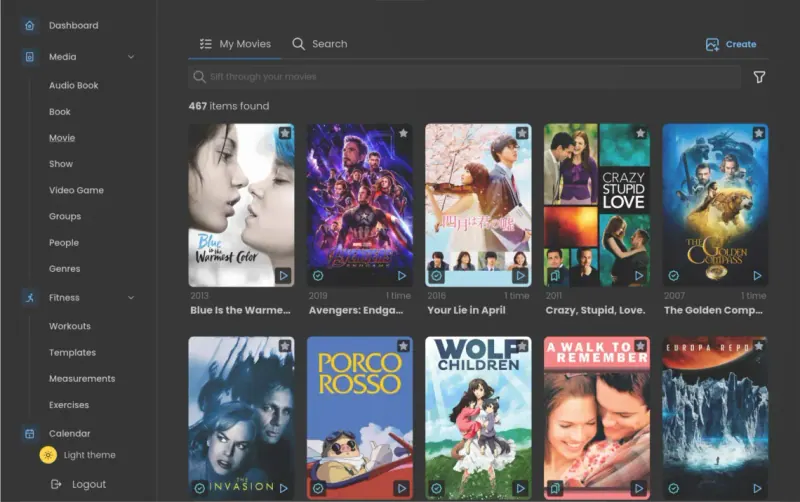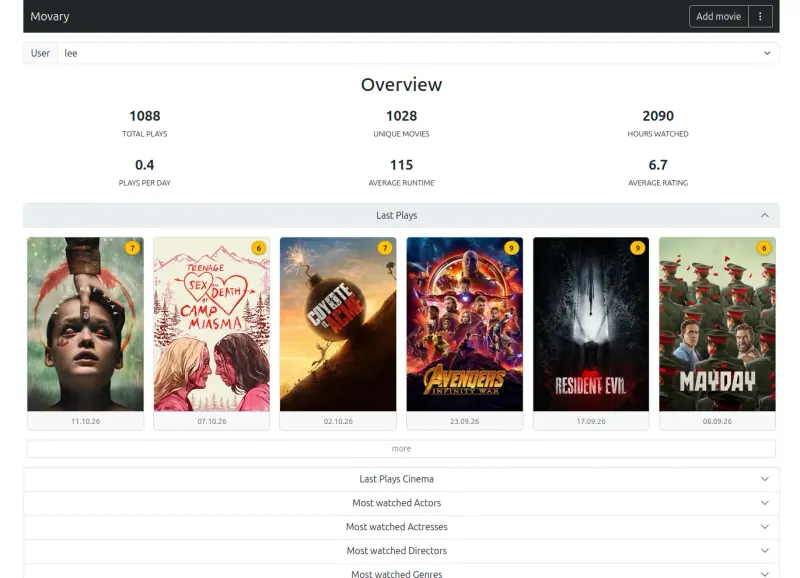



Keep track of every film and show you watch, on your own server.
Keeps your own record of films, shows and anime, with statuses down to single episodes, ratings, your thoughts on each title, stats and a discover page, and it imports your Trakt history. Each person in the household gets an account. It has no large community or phone apps, and syncs what you watch automatically only from Jellyfin and Plex, where Trakt connects to many apps and players.
What you gain
- Your watch history and ratings stay on your own server
- No paid tier; every feature is included
- One place for films, TV shows and anime, with episode tracking
What is different
- No phone app; you use it in the phone's web browser
- No big public community, reviews from strangers or social feed
- No Letterboxd import, and automatic tracking works only through Jellyfin and Plex