
C

Self-hosted alternative to Customer.io

Notifuse is a free-to-self-host Customer.io alternative for email: automated journeys triggered by what people do in your app, campaigns from a drag-and-drop editor, and an API for transactional email, on your own server. Customer.io is hosted and adds SMS, push and in-app messages; Notifuse is email only, source-available rather than open source, with single sign-on and more than three workspaces behind a paid key.

Free app Code: Source-available Import from Customer.io: Partly Some setup

Why look for an alternative to Customer.io?

Customer.io is a hosted messaging platform for software companies: your app sends it events about what each person does, and it sends emails, SMS, push and in-app messages in automated journeys, along with newsletters and transactional email.

Teams look for an alternative when they want every profile and event on their own server rather than on a hosted service. A self-hosted Notifuse runs the same kind of event-triggered email journeys on your own server, with no limit on contacts, though it covers email only.

How Notifuse compares

Newsletters, email automations and app emails together.

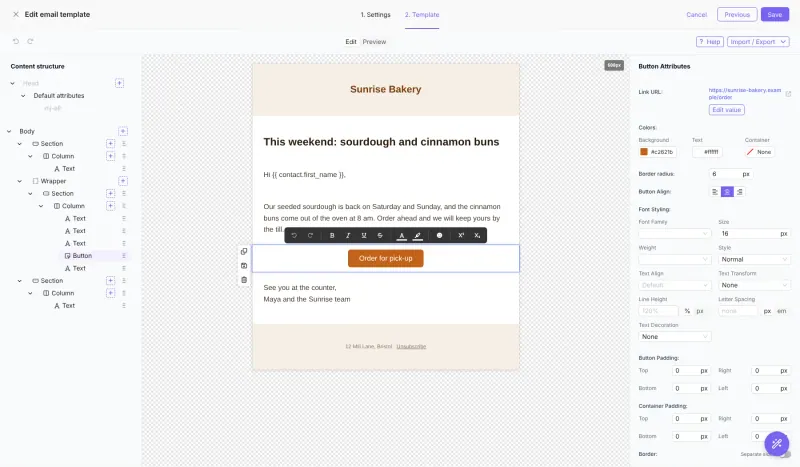
Covers Customer.io's email side: journeys on a visual canvas triggered by list sign-ups or custom events your app sends, with delays, branches, filters, A/B tests and webhook steps, plus campaigns, segments and an API for transactional email. It sends no SMS or push messages, and you connect your own sending service, such as Amazon SES, Postmark or SMTP.
Some setup Source-available

Moving from Customer.io

There is no Customer.io importer. Export your people from Customer.io as a CSV file and import it into Notifuse, matching each column to a contact field and choosing the lists to add them to; past events can be sent in batches through Notifuse's API. Connect a sending service and set up its sender records on your domain. Then change your app to send its events and transactional emails to Notifuse's API, rebuild each journey in the automation builder, and switch the Customer.io campaigns off once the new journeys run.

Questions

What is the best self-hosted alternative to Customer.io?

Notifuse is the free, self-hosted alternative to Customer.io for automated email from your app’s events in the catalogue today. Covers Customer.io's email side: journeys on a visual canvas triggered by list sign-ups or custom events your app sends, with delays, branches, filters, A/B tests and webhook steps, plus campaigns, segments and an API for transactional email. It sends no SMS or push messages, and you connect your own sending service, such as Amazon SES, Postmark or SMTP.

Can Notifuse send emails when something happens in my app?

Yes. Your app sends custom events to Notifuse's API, and an automation starts a journey when one arrives. Transactional emails such as receipts go through the same API.

Does Notifuse send SMS or push notifications?

No. Notifuse sends email only, so keep SMS and push notifications on another service.

Is Notifuse open source?

No. Notifuse 40 and later use the Business Source License, which lets you run it in production for free. More than three workspaces, single sign-on, granular permissions, multilingual templates and an audit log need a paid key, and each version becomes open source under the AGPL four years after release.

Is Notifuse really free compared with Customer.io?

Notifuse is free to self-host under the Business Source License, with no limit on contacts or emails sent. More than three workspaces, single sign-on, granular permissions, multilingual templates and an audit log need a paid licence key from its makers, and your email sending service charges for sending. To run it you need Cloudgate and a server: use hosted Cloudgate, which can also provide the server, or install Cloudgate on a server of your own for free. Cloudgate's plans and prices are at cloudgate.octabyte.io/pricing.

Do I need a developer to replace Customer.io?

No. Cloudgate installs Notifuse on your server and gives it a secure web address, and you use it in your browser instead of Customer.io.