Open Source Point of Sale
A free, self-hosted point of sale with stock, receipts and reports.
No server needed to start: Cloudgate can provide one. What happens when you click Deploy
What is Open Source Point of Sale?
Open Source Point of Sale is a free, self-hosted POS for shops and cafés: ring up sales, print receipts, track stock and customers, and run reports.
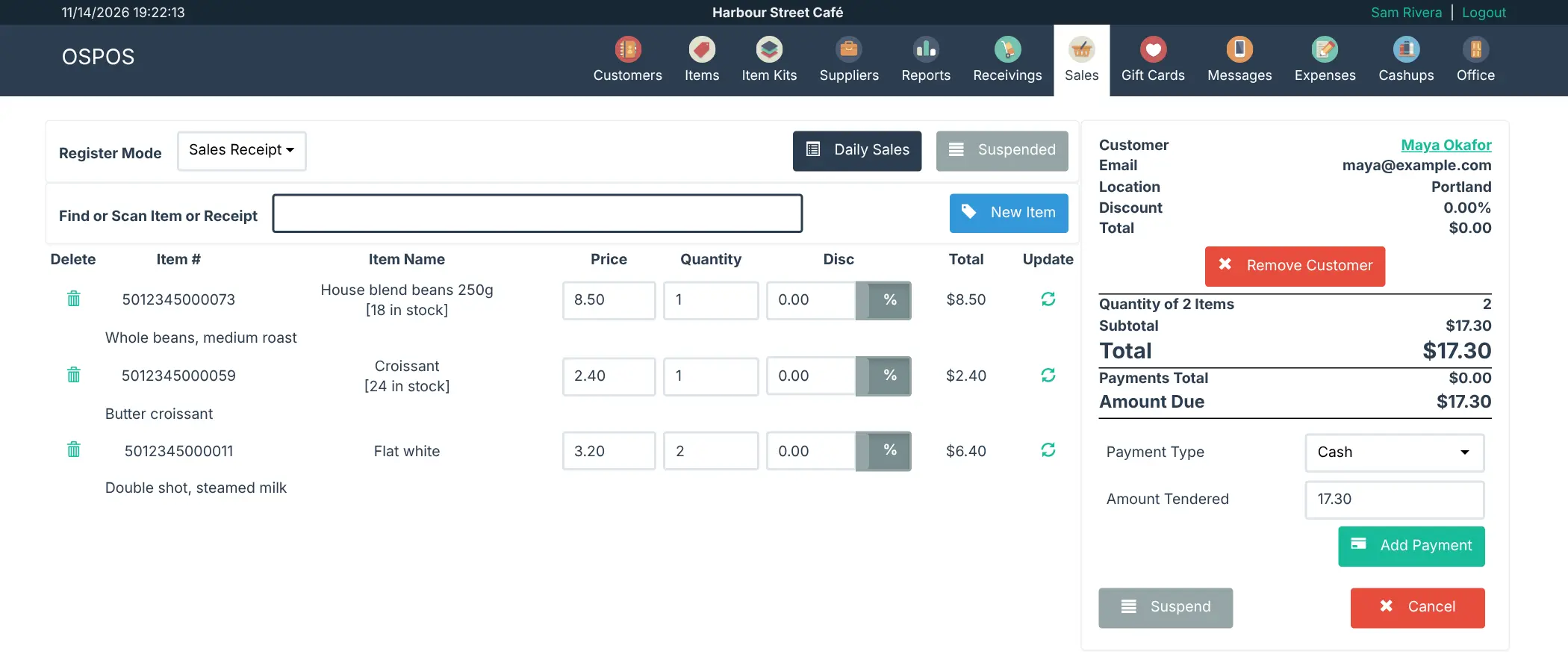
Open Source Point of Sale is a free, self-hosted point of sale system that runs in a web browser, an open-source alternative to tills like Square and Lightspeed. Staff ring up sales with a barcode scanner and receipt printer, and the owner manages items, stock, customers, suppliers, gift cards, expenses and the end-of-day cash count, with reports on sales and inventory.
It suits shops, cafés and restaurants: there are restaurant tables, loyalty points, quotations and invoices, and taxes such as VAT and GST. Each employee gets their own sign-in with only the parts they need. A bike repair shop, for example, could sell parts and accessories at the counter, see which inner tubes are running low, and invoice a club for a batch of servicing.
It does not process card payments itself; you keep your card terminal and record each sale's payment type. It works on a computer or a tablet's browser, with no phone app. The licence asks that the opensourcepos.org footer stays on every page.
Cloudgate installs Open Source Point of Sale and its database on a server Cloudgate provides or one you connect, gives it a secure web address, and sets a strong admin password, which it shows you, in place of the app's default one.
What you can do with Open Source Point of Sale
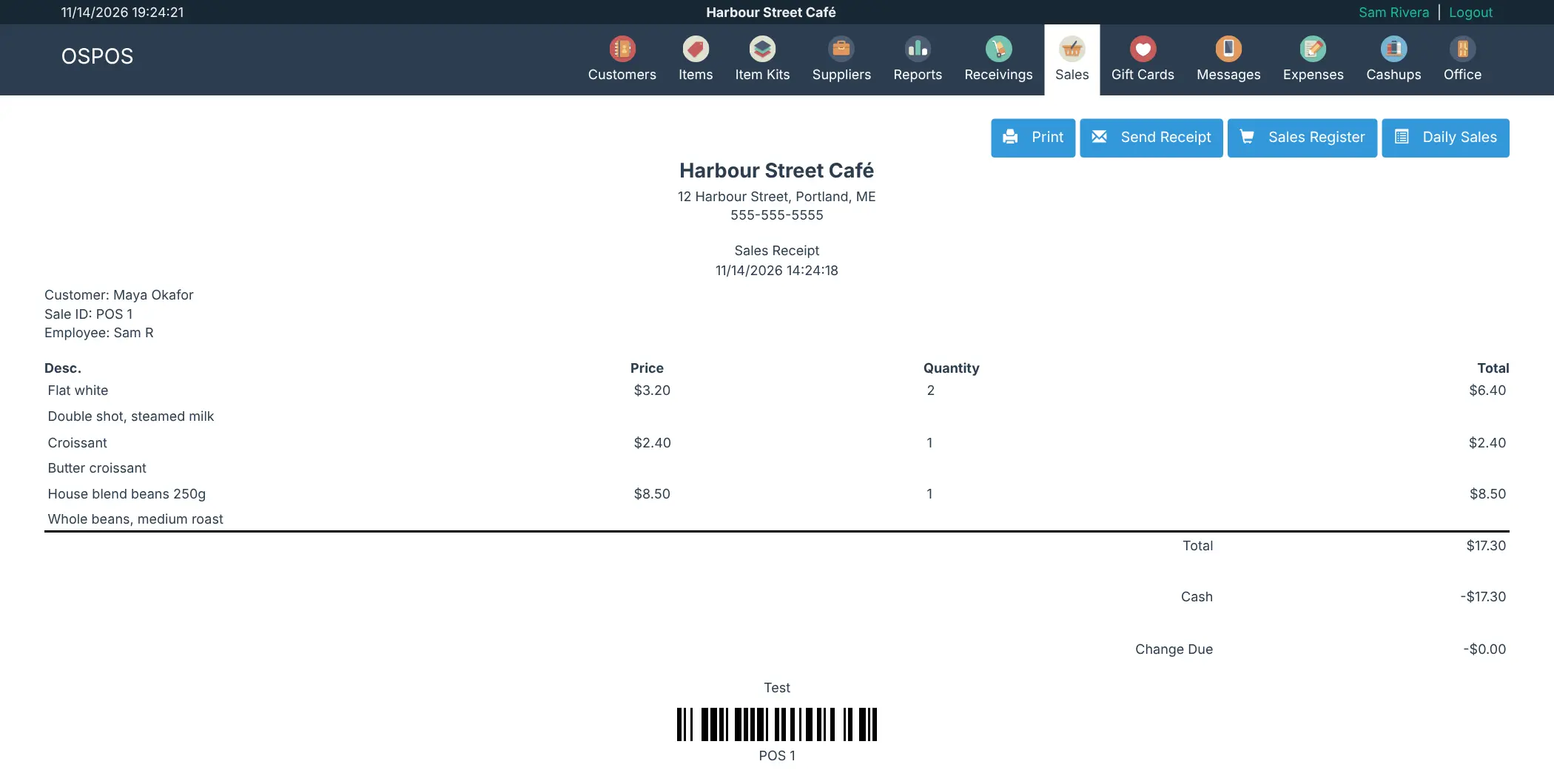
- Ring up sales in the browser Scan or search items, add a customer, take payment and print or email the receipt; suspend a sale and pick it up later.
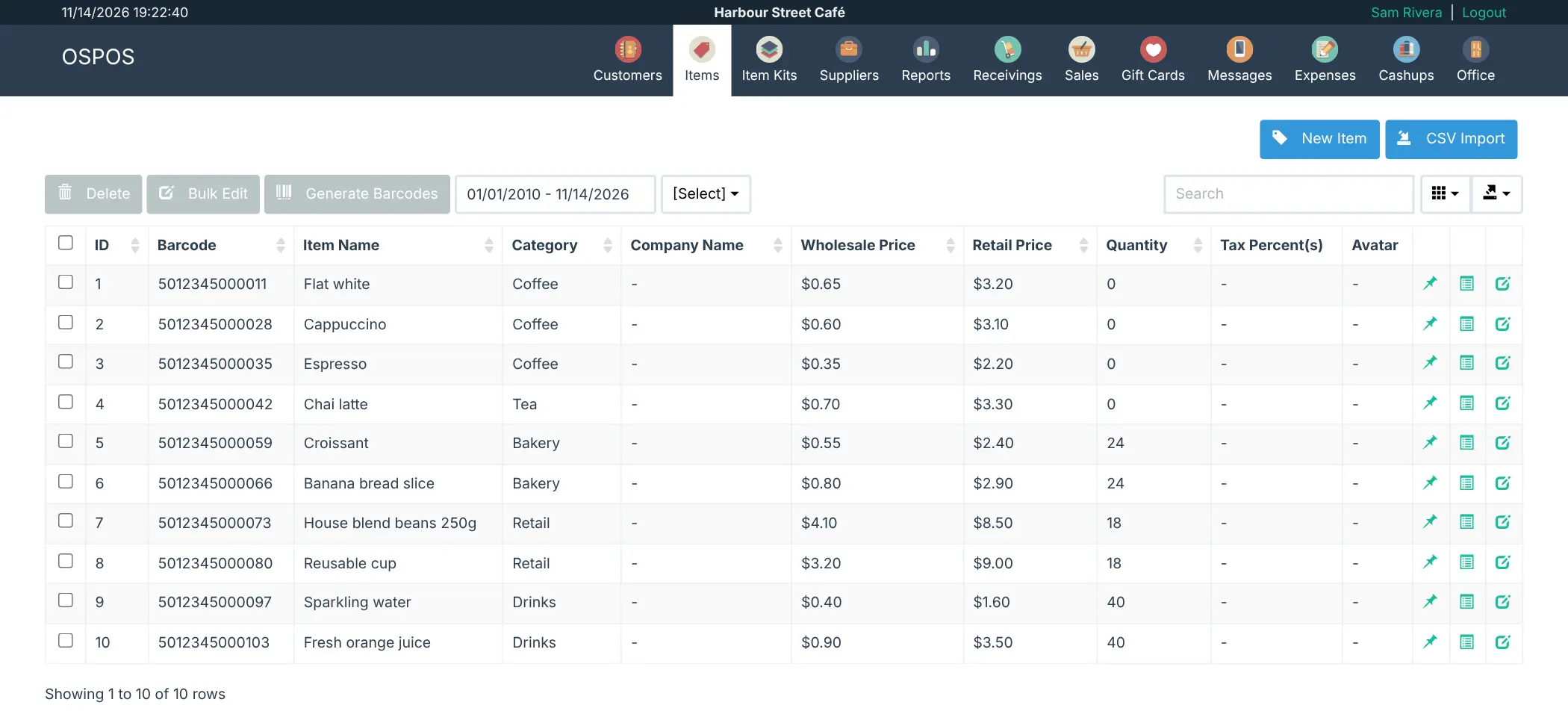
- Keep track of stock Manage items and item kits with stock levels, several stock locations, reorder levels and deliveries from suppliers.
- Handle your taxes Set up VAT, GST, customer-based or multi-tier taxes to match how you sell.
- Send quotes and invoices Make quotations and invoices and print them or email them as PDFs.
- Know your customers Keep a customer and supplier list, sell gift cards and reward regulars with loyalty points.
- Run tables and close the till Seat orders at restaurant tables, log expenses and count the cash at the end of the day.
- See how the shop is doing Reports on sales, orders, expenses and inventory, down to sales per item.
- Give staff the right access Add employees and choose which parts of the system each one can use.
Replaces Square and Lightspeed
Open Source Point of Sale does the same job as Square and Lightspeed. Here is what changes when you switch.
- No subscription or fee per register, device or location
- Your sales, stock and customer records stay on your own server
- Every feature is included, with no paid edition
- Works with ordinary barcode scanners and receipt printers
- No built-in card payments; you use a separate card terminal and record the payment type
- No online store and no native phone app (it works in a tablet's browser)
- An older, plainer look than Square or Lightspeed
- No direct import from Square; items come in from a spreadsheet (CSV) file
What happens when you click Deploy?
You do not need a server or any technical knowledge. Four steps, and Open Source Point of Sale is running at its own web address.
- Step 1 Click Deploy and create your account
Deploy takes you to Cloudgate. Create an account, or log in if you have one. Open Source Point of Sale itself is free.
- Step 2 Choose a server
No server? Get one from Cloudgate: pick a size and a country, and Cloudgate gets it ready. Already have one? Connect it instead.
- Step 3 Cloudgate sets up Open Source Point of Sale
It prepares the server, makes the passwords the app needs and starts it. There is nothing to install and nothing to write down.
- Step 4 Open your app and sign in
Your app gets a free web address to start, without https. Add your own domain, like app.yourshop.com, and Cloudgate secures it with https for you.
New to Cloudgate? See what Cloudgate is
Run Cloudgate yourself? Deploy from your own console
In your Cloudgate console, open Templates and choose Open Source Point of Sale.
Questions
Is Open Source Point of Sale free?
Yes, Open Source Point of Sale is free and open source under the MIT licence, with an added rule that the opensourcepos.org footer stays visible on every page. There is no paid edition and no fee per register; you pay only for your server.
Is Open Source Point of Sale a good alternative to Square?
Yes. Open Source Point of Sale is a good alternative to Square for a shop or café that wants a till with stock, receipts and reports and no monthly fee per device. Unlike Square, it does not process card payments, has no online store and has no phone app, so you keep a separate card terminal.
Does Open Source Point of Sale take card payments?
No. Open Source Point of Sale has no built-in card processing. You take the card on your own terminal and record the sale with its payment type, so your reports still show cash and card takings.
How do I sign in to Open Source Point of Sale the first time?
Sign in to Open Source Point of Sale with the username admin and the password Cloudgate shows you. The template replaces the app's well-known default password before the app first starts. To change the password later, do it in the app, then add an account for each member of staff.
Does Open Source Point of Sale work with a barcode scanner and receipt printer?
Yes. Open Source Point of Sale works with barcode scanners that type into the browser like a keyboard, and prints receipts on a receipt printer through the browser's print dialog. It can also generate and print barcodes for your items.
Can I import my products into Open Source Point of Sale from a spreadsheet?
Yes. Open Source Point of Sale imports items from a CSV file on the Items page. There is no importer made for Square or Lightspeed, so export your item list from your old system as a spreadsheet first.
Can I remove the Open Source Point of Sale footer?
No. The Open Source Point of Sale licence says the footer with the version and a link to opensourcepos.org must stay visible on every page. You can add your own store name, address and logo to receipts and invoices.
Do I need technical skills to run Open Source Point of Sale?
No. Click Deploy, create your Cloudgate account and choose a server, and Cloudgate sets up Open Source Point of Sale and gives it a web address. You use it in your browser like any other online tool.
Do I need my own server for Open Source Point of Sale?
No. When you deploy Open Source Point of Sale, hosted Cloudgate can provide a server. If you already rent one, you can connect it instead.