
MyBB
Free, self-hosted forum software for a classic message board.
No server needed to start: Cloudgate can provide one. What happens when you click Deploy
What is MyBB?
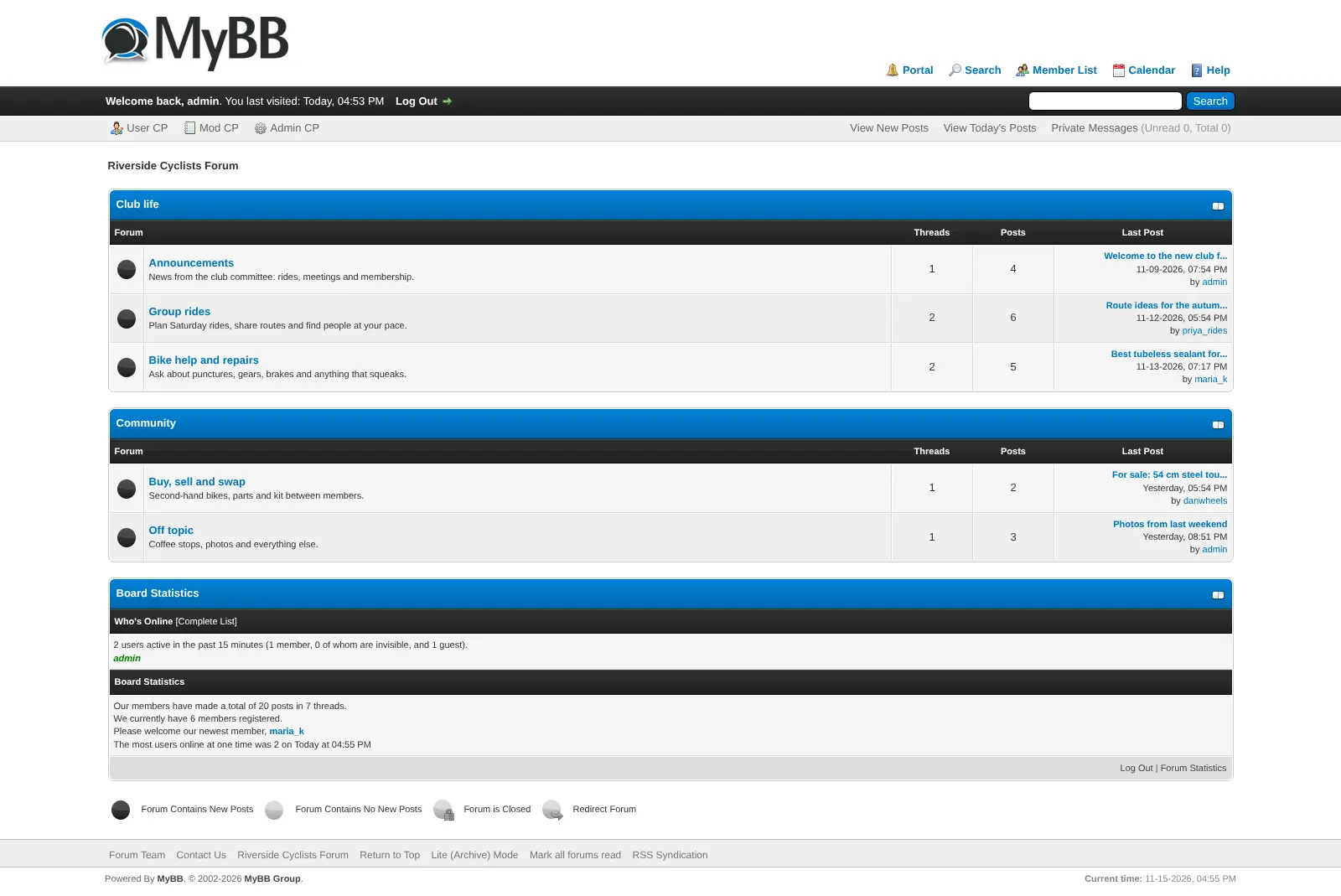
MyBB is free, self-hosted forum software: a classic message board with boards, threads, private messages, permissions and moderation tools.
MyBB is free, open-source forum software you can host yourself: a classic message board with boards, threads, private messages and moderation tools, and a free alternative to paid forum software such as XenForo, vBulletin and Invision Community. There is no licence to buy or renew.
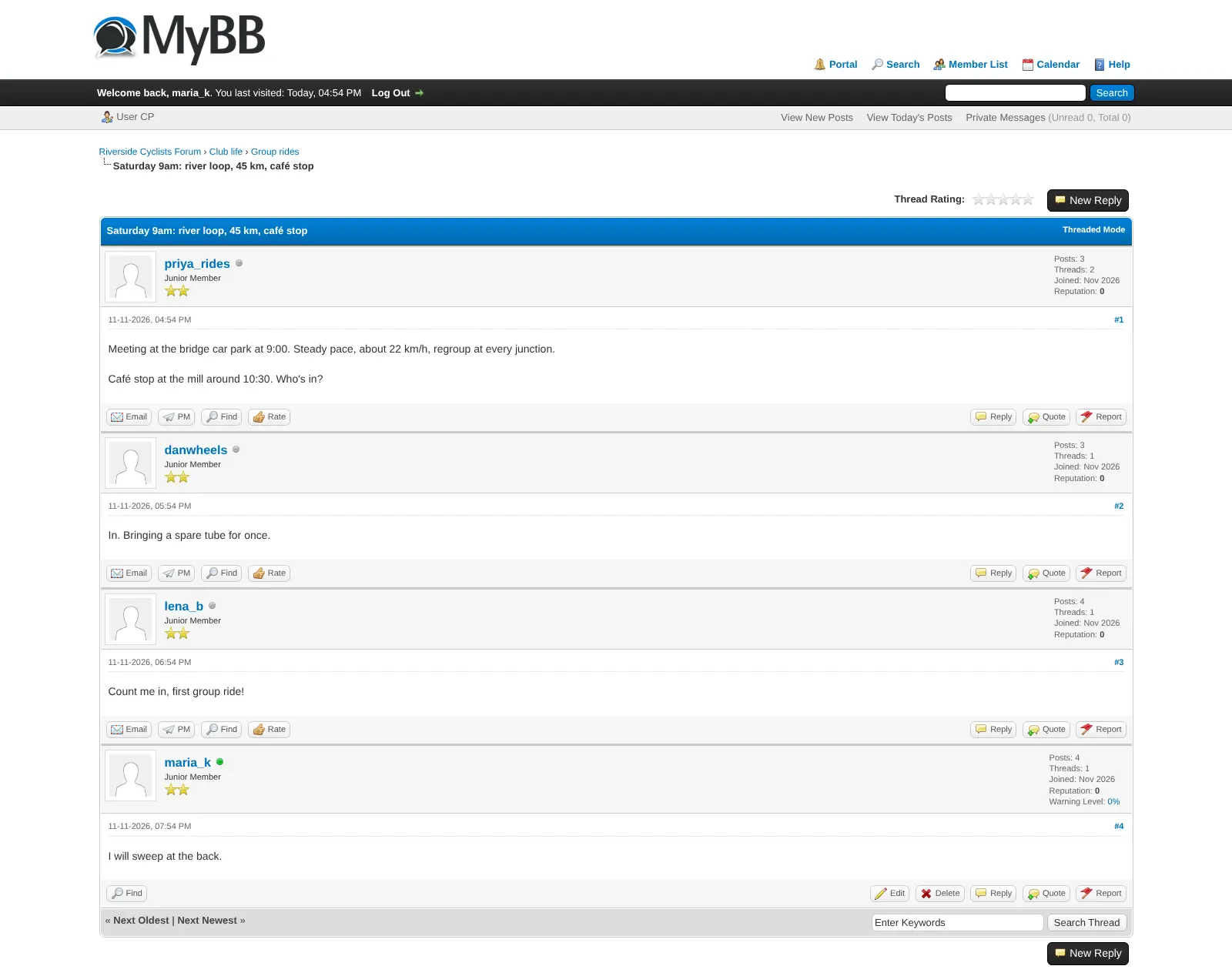
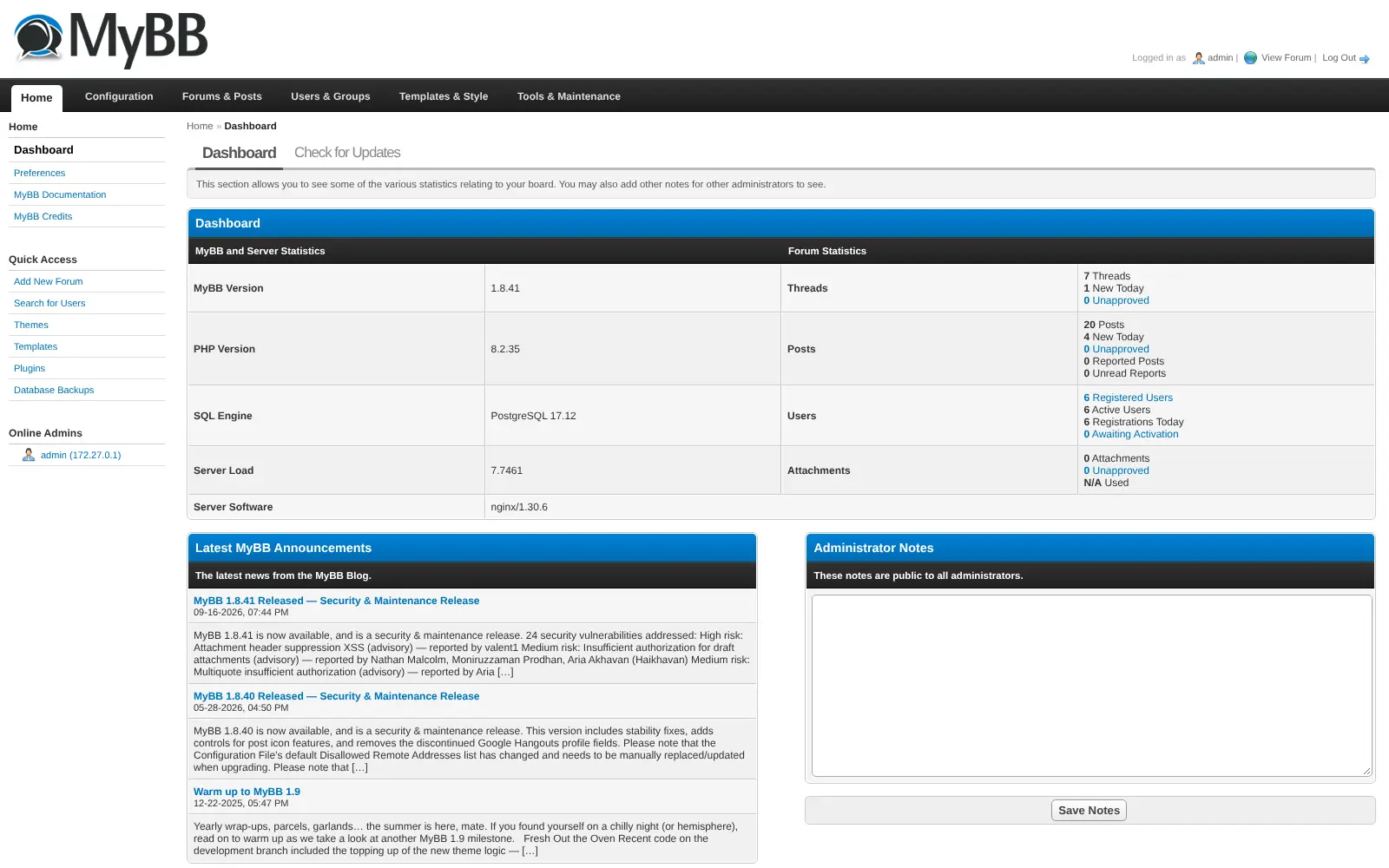
You arrange your forum into categories and boards, decide which member groups can read or post in each, and run everything from one Admin CP. Moderators can tidy up many threads at once, warn members and deal with reported posts. A cycling club, for example, could keep announcements, Saturday ride plans, repair questions and a buy-and-sell board in one place on its own web address, instead of in a crowded mailing list.
MyBB has been developed by volunteers since 2002. Hundreds of free community plugins and themes add features or change the look, and translations cover more than 30 languages. There are no phone apps; members use the forum in their browser. If you are moving from another forum, MyBB's free Merge System can import from XenForo, older vBulletin versions, Invision Power Board, phpBB and others.
Cloudgate installs MyBB on a server Cloudgate provides or one you connect, together with its database, and gives it a secure web address. Sign in as admin, add your email server and create your first boards.
What you can do with MyBB
- Run a classic message board Group boards into categories, with threads, replies, polls, multi-quote and thread prefixes such as "Solved".
- Message members privately Send private messages to one or several members, sort them into folders and see when they were read.
- Moderate with ease Close, move or delete many threads at once, give warnings, handle reports and schedule moderation for later.
- Decide who can do what Set permissions for each user group and board, such as staff-only or members-only areas.
- Keep members coming back Profiles, reputation, buddy lists, a calendar and email notifications for threads and boards they follow.
- Email your members Send a newsletter to chosen member groups by email or private message, now or at a set time.
- Make it your own Change the look in the theme and template editor, and add features from hundreds of free community plugins.
- Speak your members' language Community translations are available in more than 30 languages.
Replaces XenForo, vBulletin and Invision Community
MyBB does the same job as XenForo, vBulletin and Invision Community. Here is what changes when you switch.
- No licence fee or renewal; you pay only for your server
- Your members, posts and private messages stay on your own server and domain
- Every feature is included, with no paid edition
- A free tool can import boards from XenForo, vBulletin 3 and 4 and Invision Power Board
- It looks and feels older, and pages reload instead of updating live
- No phone apps; members use the forum in their browser
- Help comes from the volunteer community, not a paid support team
- Extras such as social sign-in come from community plugins of mixed quality
What happens when you click Deploy?
You do not need a server or any technical knowledge. Four steps, and MyBB is running at its own web address.
- Step 1 Click Deploy and create your account
Deploy takes you to Cloudgate. Create an account, or log in if you have one. MyBB itself is free.
- Step 2 Choose a server
No server? Get one from Cloudgate: pick a size and a country, and Cloudgate gets it ready. Already have one? Connect it instead.
- Step 3 Cloudgate sets up MyBB
It prepares the server, makes the passwords the app needs and starts it. There is nothing to install and nothing to write down.
- Step 4 Open your app and sign in
Your app gets a free web address to start, without https. Add your own domain, like app.yourshop.com, and Cloudgate secures it with https for you.
New to Cloudgate? See what Cloudgate is
Run Cloudgate yourself? Deploy from your own console
In your Cloudgate console, open Templates and choose MyBB.
Questions
Is MyBB free?
Yes, MyBB is free and open source under the LGPL-3.0 licence, and there is no paid edition or feature held back. You pay only for your server.
Is MyBB a good alternative to XenForo?
Yes, if you want a classic message board with no licence to buy. MyBB has boards, threads, private messages, permissions and moderation tools, but it looks older than XenForo and help comes from volunteers rather than a paid support team.
Can I move my forum from vBulletin, XenForo or Invision Community to MyBB?
Yes, partly. MyBB's free Merge System imports members, boards and posts from XenForo, vBulletin 3 and 4 and Invision Power Board 3 (version 4 in a pre-release), plus phpBB, SMF and others, but not from vBulletin 5 or 6. It is a separate tool, so plan the move with someone comfortable running it.
How do I sign in to MyBB the first time?
Sign in to MyBB with the username admin and the password Cloudgate shows you after setup, using the forum's Login link. The same account opens the Admin CP, where you add boards and set up your email server so members get their sign-up emails.
Is MyBB still maintained?
Yes, MyBB 1.8 gets regular security and maintenance releases, the latest being 1.8.41 in September 2026, and version 1.9 is in development. Install updates when they come out, as most of them fix security issues.
Is there a MyBB phone app?
No, MyBB has no official phone or desktop apps. Members read and post in their phone's browser.
What server size do I need for MyBB?
A small server is enough for most clubs and communities, because MyBB is a light app. Cloudgate sets it up with its database, and you can move to a bigger server if your forum grows.
Do I need technical skills to run MyBB?
No. Click Deploy, create your Cloudgate account and choose a server, and Cloudgate sets up MyBB and gives it a web address. You use it in your browser like any other online tool.
Do I need my own server for MyBB?
No. When you deploy MyBB, hosted Cloudgate can provide a server. If you already rent one, you can connect it instead.
Related apps
Classic self-hosted forum software for clubs and communities.

A self-hosted forum and community knowledge base in one place.

Your own self-hosted Q&A site, like Stack Overflow, for any team.

Reddit-style communities with voting and threaded comments.